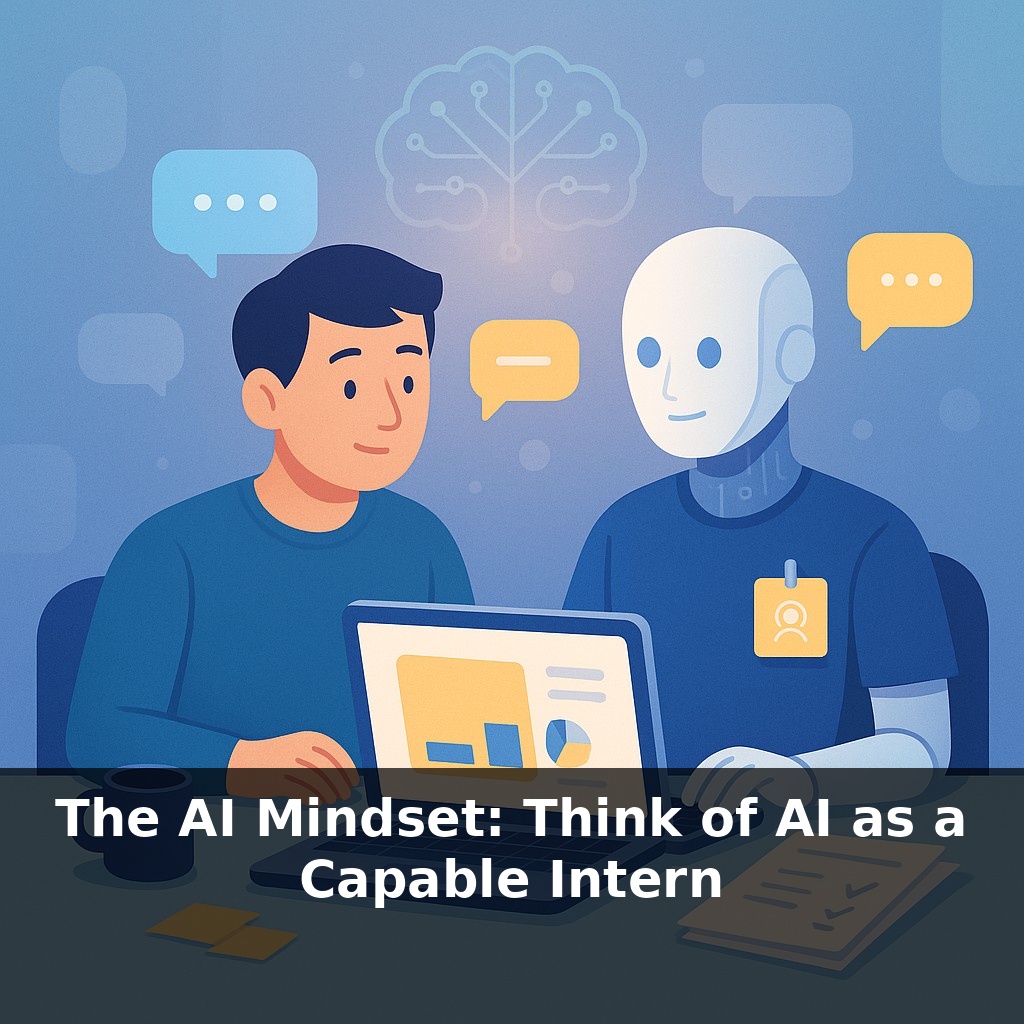
The AI Mindset: Think of AI as a Capable Intern
📝 Transcript
ChatGPT reached about a hundred million users in roughly two months—faster than almost any app in history. Yet most people still talk to it like a clumsy search box. In this episode, we’ll explore what changes when you treat AI less like Google, and more like a coworker.
Most people open an AI app, type one vague sentence, skim the answer, and decide “it’s mid.” That’s like handing someone a cryptic meeting note and blaming them when the slide deck sucks. Today, we’re shifting to a different mental model: AI as a capable intern who gets sharper the more precisely you direct it.
This mindset isn’t about being polite to a robot; it’s about performance. The same model that spits out generic fluff can, with the right guidance, draft negotiation emails in your tone, refactor messy code, or turn a rambling call transcript into a clean project plan. The difference isn’t the AI—it’s how you manage it.
We’ll dig into how to set goals, give constraints, and create feedback loops so your AI support stops feeling like a toy and starts operating more like a junior hire you’re actively leveling up.
Here’s the real unlock: your “intern” doesn’t walk into the office with a resume—you create the role every time you open a new chat. The way you frame that role shapes what you get back. Are you asking for a first draft, a critical review, a tutor, or a sparring partner? Those hats produce very different outputs. Power users don’t just type prompts; they establish a working relationship: “Here’s who you are, here’s what we’re doing, here’s how we’ll work.” That’s less like pressing a button and more like conducting a band: you set the tempo, and the system follows your lead.
Here’s where most people underuse AI: they stop at “Do X for me” and never spell out *how* they want X to be done. That’s like asking someone to “handle the numbers” and then being surprised when the model they build doesn’t match your assumptions.
To really benefit from that “capable intern” framing, start thinking in *process*, not just *tasks*. LLMs are especially strong when you break work into stages and let them operate step-by-step instead of demanding a single perfect answer.
Concretely, there are four levers you can pull:
1. **Process, not output.** Don’t only specify the final artifact (“a report” or “a summary”). Specify the workflow: research → structure → draft → refine. LLMs are good at following sequences. Ask it to outline before writing, or to generate test cases before code. You’re not just getting more text; you’re getting visibility into its reasoning so you can intervene early.
2. **Constraints that sharpen thinking.** Vague instructions produce vague results. Precision doesn’t mean more words; it means tighter boundaries: “3 options ranked by risk,” “explain at a high-school level,” “maximum 200 words,” “no buzzwords.” Constraints force the model to prioritize and structure, which is where it shines.
3. **Deliberate comparison.** Instead of asking for one answer, ask for *alternatives*. “Give me two strategies: one conservative, one aggressive.” Or, “Propose three subject lines optimized for opens, then critique them from a skeptical customer’s view.” Comparison prompts push the AI into analytical, not just generative, mode.
4. **Expose uncertainty on purpose.** People get burned when they assume certainty. Flip that: invite the model to show its doubts. Ask, “Where might this be wrong?” or “List assumptions you’re making.” You’re using the system to help *surface* risk, not hide it.
A useful way to think about this is like managing a simple workflow engine in software: you define stages, inputs, checks, and outputs. The “engine” doesn’t care about your business context, but it respects structure. The more you specify the pipeline, the more predictable the results.
And this is where your human edge matters. You bring context about politics, timing, and what “good enough” really means. The AI brings tireless pattern-matching and drafting speed. The leverage comes from letting it do more of the mechanical steps while you stay in charge of defining the path and the quality bar.
Think of a real project you’re working on: a sales page rewrite, a product spec, a messy data export, a fundraising email. Instead of tossing the whole thing at AI, isolate one “intern-friendly” slice and run a mini workflow.
Example 1: You’re a marketer polishing a launch email sequence. Have AI: 1) Extract the key value props from your draft, 2) Rewrite them as 5 sharp bullets in your brand voice, 3) Then generate 3 subject lines targeting different segments (new leads, reactivations, power users). You keep control of the strategy; it handles variation and phrasing.
Example 2: You’re a PM with a 10-page discovery doc. Ask AI to: 1) Tag every user quote with a theme, 2) Cluster those themes, 3) Propose 2–3 feature bets from each cluster, clearly labeled by complexity.
Your challenge this week: pick one live project and design a 2–3 step “AI workflow” like these. Don’t just get an answer—use AI to move the work forward in stages, then decide which stages you’ll automate next time.
Soon your “intern” won’t just write and summarize; it will watch dashboards, riff on whiteboard photos, even trigger workflows in your CRM or codebase. That shifts your job from doing every brushstroke to conducting an orchestra: choosing the score, cueing the sections, stopping the music when something sounds off. The real advantage won’t be who uses AI, but who designs reliable, auditable systems around it—and knows exactly when to say, “I’ll take it from here.”
Treat this as an ongoing rehearsal, not a one‑time stunt. Over time, you’ll notice patterns: which tasks AI nails, where it drifts, when you need to jump back in. Like tuning an investment portfolio, you’ll keep rebalancing—offloading more routine work while reserving the high‑stakes solos for yourself. The goal isn’t perfection; it’s compounding small gains.
Start with this tiny habit: When you catch yourself thinking “I’ll just do this myself, it’s faster,” pause and rewrite that task as a one-sentence prompt you’d give to a smart intern using AI. For example, change “I’ll respond to this client email” into “Draft a polite, confident reply to this client asking for X, in 3 short paragraphs.” Then actually paste that sentence into your AI tool, skim the result for 30 seconds, and either send it or tweak one line. Do this once per day with a low-stakes task (like an internal message or meeting summary) so your brain starts defaulting to “delegate to AI first, polish second.”
From this course

AI Tools Masterclass: 10x Your Productivity
7 episodesUnlock all episodes
Full access to 7 episodes and everything on OwlUp.
Subscribe — $1.99/monthLess than a coffee ☕ · Cancel anytime