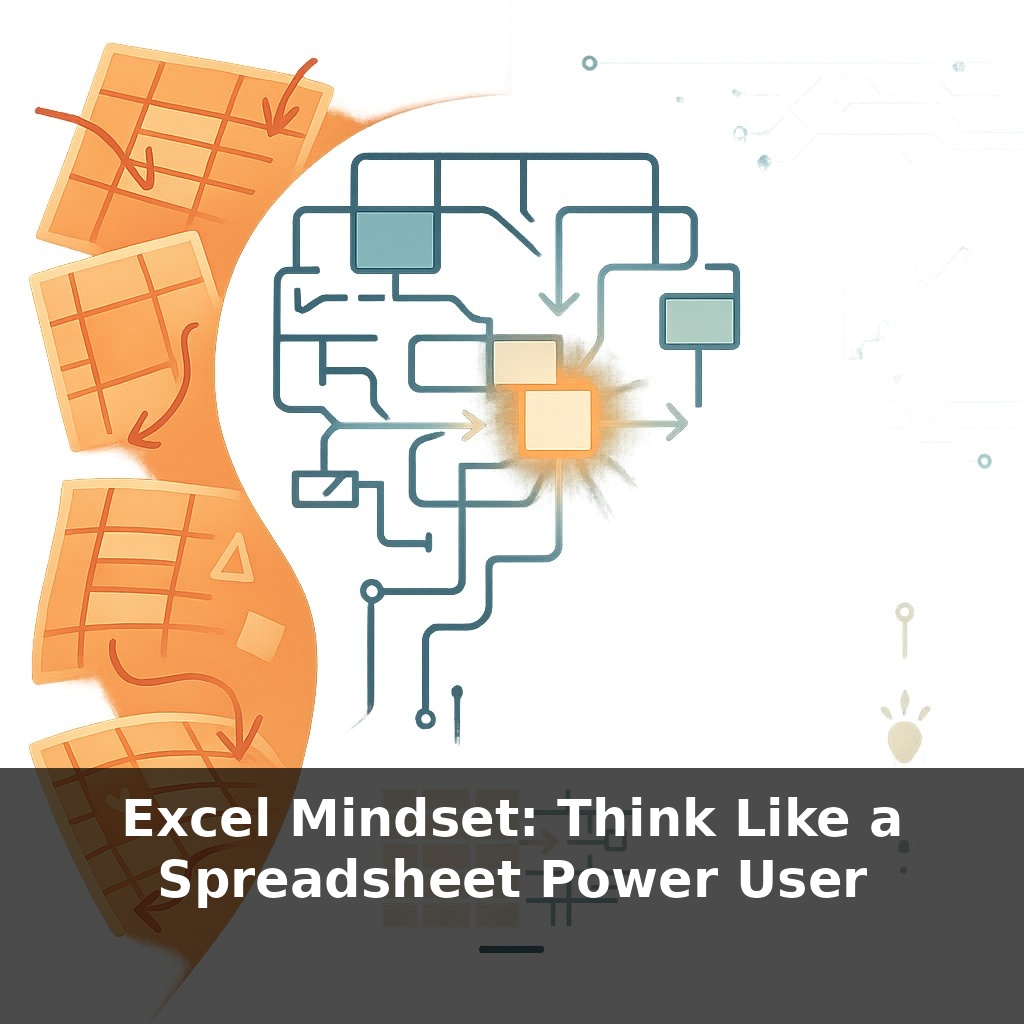
Excel Mindset: Think Like a Spreadsheet Power User
📝 Transcript
Excel can hold more rows than many small databases, yet most people still treat it like a smarter calculator. You’re in a meeting, someone nudges a cell, and the whole model shifts… and no one knows why. How is software this powerful still run by vibes and guesswork?
Excel has rules. Most users break them accidentally, then blame the file. Power users do something different: they design the rules first, then type a single number and watch everything update with unnerving reliability. Same software, same row limit, completely different mindset.
The shift starts when you stop asking, “Where do I type this?” and start asking, “Where should this live so it never needs typing twice?” Instead of nudging cells, they define inputs, build logic in layers, and let the grid do the mechanical work.
They think in tables instead of ranges, relationships instead of lookup patches, and repeatable steps instead of one‑off fixes. When something changes, they don’t fix 40 formulas; they improve one rule and let it cascade.
We’re going to unpack that mindset—how to see spreadsheets as systems you architect, not surfaces you edit.
Power users add one more layer on top of all this: they think in *models over time*. Not “this file for this meeting,” but “this structure I can trust six months from now when someone else changes a parameter.” They care about where numbers *come from* and where they *flow to*. A number hard‑typed in the middle of a formula feels as risky as an unexplained medicine dose. So they separate raw data, business logic, and outputs, then ask: if the source refreshes, does everything downstream still hold? If not, they refactor until updates feel routine instead of dangerous.
A typical power user opens a messy file and does something most people skip: they map the terrain before touching a single formula. Where’s the *source* data? Where does *logic* live? Which sheets are pure *output*? Then they enforce that map ruthlessly.
They’ll rename sheets to reflect roles: `01_Input_Data`, `02_Model_Logic`, `03_Report`. They’ll convert any recurring list into a proper table, then name it something that reads like a noun in a sentence: `SalesTransactions`, `ExchangeRates`, `ProductCatalog`. That naming is not cosmetic; it’s how they think. Instead of “that range on Sheet5,” they think “the Products table,” which makes every formula a tiny, readable statement about the business instead of a maze of coordinates.
You’ll also notice how rarely they click randomly. Navigation is deliberate: `Ctrl+Arrow` to jump, `Ctrl+[` to trace precedents, the Name Box to teleport to `Revenue_By_Region`. Every jump answers a question: *where did this come from? where does this go?* Over time, the workbook starts to feel less like a grid and more like a circuit board whose pathways you can see.
Then comes modular logic. Whenever they spot repeated reasoning—say, “net price after discount and tax”—they extract it into its own calculation block or helper column, give it a clear label, and reuse it everywhere else. Change the rule once, and every dependent sheet falls back into line. This is how one spilled formula can cleanly replace a thicket of fragile references: the logic becomes a single, testable component.
They also reserve special scrutiny for anything manual. A copy‑paste that happens weekly is a candidate for Power Query. A repetitive formatting tweak might become a macro or Office Script. It’s not automation for its own sake; it’s an allergy to invisible, unlogged keystrokes altering critical numbers.
Your challenge this week: on your next “important” file, don’t start by editing. Spend five minutes labeling sheets by role, turning key ranges into named tables, and tracing one important number backwards until you understand every step that feeds it. Only then decide where the *next* piece of logic really belongs.
Watch someone at a hospital intake desk for an hour and you’ll see the Excel mindset in human form: every question has a place, every answer flows to multiple downstream decisions, and nothing important depends on one person’s memory. That’s the shift inside the grid: treating each column as a question, each row as a case, and each formula as a documented rule, not a one‑off fix.
Concretely, that means separating “facts” from “judgment.” Facts: raw transaction dates, quantities, IDs. Judgment: “late?”, “high‑risk?”, “priority segment?”. When circumstances change—new SLA, new risk policy—you edit the judgment rules, not the facts. The spreadsheet becomes a history you can reinterpret, instead of a scratchpad you overwrite.
Look at teams that survive audits calmly: marketing attribution sheets with explicit “assumption” areas, FP&A models with versioned scenarios, ops trackers where status flags are calculated, not typed. Their secret isn’t prettier formulas; it’s that they’ve decided where truth lives, and they protect it.
Soon, that mindset won’t stay “just Excel.” Python cells, AI helpers, and BI-style versioning are turning the grid into a front-end for serious analytics. The advantage shifts from memorizing functions to framing questions clearly, so tools can assemble the steps for you. Think of it like weather forecasting: the models grow more complex, but the real skill is knowing which signals matter, when to trust the output, and when to override it with human judgment.
When you start treating each workbook like a system, odd side effects become clues, not crises. A broken total hints at a missing link, not a cursed file. Over time, you’ll notice your role shifting: less firefighter, more architect. The grid stops feeling crowded and starts feeling like a well‑stocked kitchen where every ingredient has a clear job.
Before next week, ask yourself: “Where in my current spreadsheets am I still ‘doing things by hand’ (like copy‑pasting, dragging formulas, or manually filtering) that could realistically be turned into a single formula, Table, or PivotTable today?” Then ask: “If I treated one of my recurring spreadsheets like a reusable ‘template system’ instead of a one‑off file, what would I change right now—naming ranges, standardizing column headers, or restructuring the data into a proper table?” Finally, ask: “What’s one specific task I do at least weekly (e.g., cleaning imports, reconciling a report, or summarizing sales) that I could experiment on today with a more ‘power‑user’ approach—like trying Power Query, a dynamic array formula, or a PivotTable instead of my usual manual steps?”
From this course
Excel Mastery: From Confused to Confident
7 episodesUnlock all episodes
Full access to 7 episodes and everything on OwlUp.
Subscribe — $1.99/monthLess than a coffee ☕ · Cancel anytime

