Your manager might know less about your work than you think. Microsoft found that more than half of managers feel in the dark. Now picture two people in the same project: one quietly doing great work, the other quietly documenting it. Only one of them reliably gets credit.
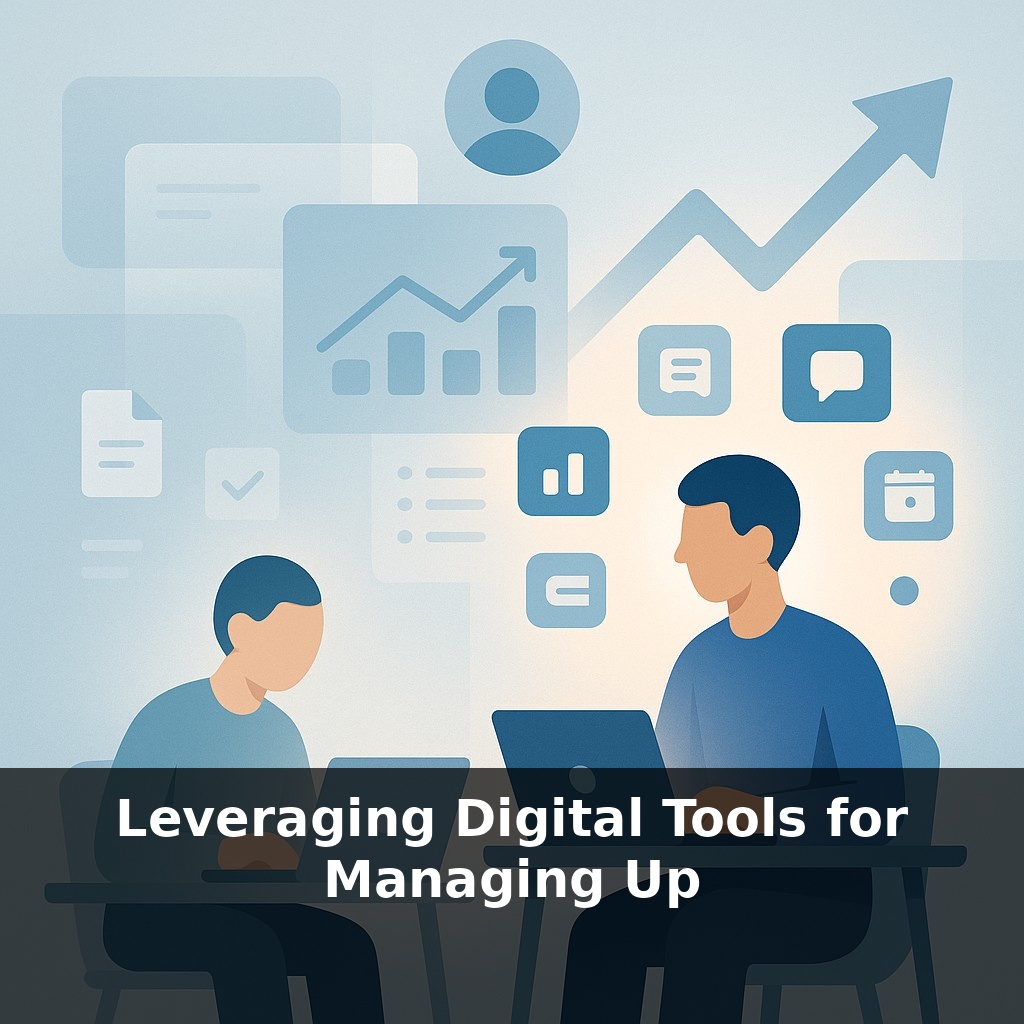
A lot of people think “managing up” means more meetings, longer emails, and constant check‑ins. Yet most of your workday is already swallowed by coordination, not creation. That’s where digital tools become less about surveillance and more about leverage. When you use chat threads, shared docs, and lightweight dashboards intentionally, they become quiet amplifiers of your judgment: what you’re focusing on, why it matters, and where you need help.
Instead of relying on hurried verbal updates, your work leaves a trail your manager can revisit on their schedule. A clarified comment in a doc, a tidy project board, a concise message summarizing trade‑offs—these are small, almost invisible moves that steadily shift how you’re perceived. You’re not asking for more attention; you’re making your work easier to see, understand, and support—without adding yet another status meeting to everyone’s calendar.
Digital tools only help if they reflect how work *actually* happens, not how it looks on a slide. That means capturing nuance: shifting priorities, partial progress, and the messy middle where decisions get made. A comment clarifying why you *didn’t* do something can be as valuable as a polished deliverable. Think of your activity stream less as a log and more as margin notes in a shared textbook—short, timely hints that make it easier for your manager to follow the logic. The goal isn’t to broadcast every move, but to leave just enough context that your choices are legible without a meeting.
Numbers and charts alone don’t make you visible; *how* you use them does. A status dashboard that just lists tasks might satisfy a tool requirement, but it doesn’t help your manager make decisions about you or your work. The leverage comes when your digital footprint answers three questions at a glance: “Where are we now? What changed? What do you recommend next?”
Start by separating *signal* from *noise*. In most tools, there are at least three layers you can shape:
- **The headline layer**: titles, labels, and summary fields. Treat these like subject lines on a crucial email. “Bug #482” is opaque; “Bug: Checkout fails for 12% of EU users” instantly tells your manager why it matters. - **The context layer**: short notes where decisions happen. When you close a task or move something to “blocked,” add one sentence on cause and one on impact. You’re not narrating effort; you’re making consequences legible. - **The pattern layer**: recurring views or reports that show trends, not fragments. A simple saved filter like “My top 3 priorities this week” gives your manager a stable window into what you’ve decided to focus on.
Use different tools for different *speeds* of information. Real‑time chat is for urgent course correction; shared documents are for thinking and alignment over days; structured trackers are for commitments and progress over weeks. When you route updates through the right channel, you reduce follow‑up questions before they happen.
You can also “design for skimming.” Assume your manager has 90 seconds between meetings. Can they open your project view and understand status using only:
- clear section names - one‑line updates dated this week - simple tags like “Needs decision” or “Risk: medium”?
Over time, this consistency builds trust: your manager learns that if they check your spaces, they’ll find crisp, current information—without needing to ping you. That’s the real power of these tools: not more data, but faster, calmer decisions about your work.
Your challenge this week: For one important project, pick the main tool your manager actually looks at. For 5 workdays, do three specific things:
1) Rewrite or adjust *just* the titles and section names so they reflect impact, not tasks. 2) Add a one‑sentence note to anything you start, finish, or block that day, focusing on “why it matters” instead of “what I did.” 3) At the end of each day, create or update a single saved view or filter labeled “This week: [Project Name] – [Your Name].”
At the end of the week, ask your manager a pointed question: “When you look at this view, what’s still unclear about where we are or what I’m doing?” Use their answer to fine‑tune what you highlight next week.
Think of your tool use less like filling forms and more like composing a small exhibit. In a museum, the best curators don’t show *everything* they have; they choose a few pieces, add short labels, and arrange them so a rushed visitor still gets the story. You can do the same with your visible work. For example, instead of scattering decisions across comments, create a short “Decisions log – Q2 launch” doc and link to it from key items; your manager can scan one place to see how calls evolved. Or turn recurring questions (“What’s at risk this week?”) into a saved view or simple chart and post it at the same time every Monday. In tools like Asana, Jira, or Notion, you might create a compact “Risks & bets” section that only contains three entries at any time. This forces you to prioritize what they see, and it teaches your manager where to look when stakes are high. Over time, you’re not just tracking work; you’re quietly teaching how to read it.
AI will soon sit between you and your manager, quietly shaping how your work is seen: summarizing long weeks into three bullets, flagging timing risks, even suggesting which details to highlight for a 15‑minute check‑in. That can be a gift or a trap. The gift: less grind, more focus on judgment and strategy. The trap: opaque scoring systems and “productivity” metrics you can’t contest. Treat today’s tools as practice for that world—where curating your digital trace is part of your core craft.
When you curate that trace with care, you’re not just avoiding confusion—you’re shaping a narrative your manager can trust. Think of it like tending a small garden: a few well‑placed markers, regular pruning, and seasonal check‑ins. Over time, patterns emerge, and those patterns quietly argue your case for bigger bets, bolder scope, and more autonomy.
Before next week, ask yourself: 1) “If I looked at my last two weeks of emails, Slack messages, and calendar events, what clear patterns emerge about how my manager likes to receive updates—and how could I tweak my tools (filters, tags, or channels) today to match that preference more closely?” 2) “Looking at my project management board or task app, where is my manager currently ‘flying blind,’ and how could I use comments, status labels, or short async Loom updates to make my work more visible without another meeting?” 3) “What recurring friction do we have—missed expectations, surprise deadlines, vague priorities—and which single digital ritual could I set up right now (a weekly summary email, shared dashboard, or priority doc) to reduce that friction over the next week?”