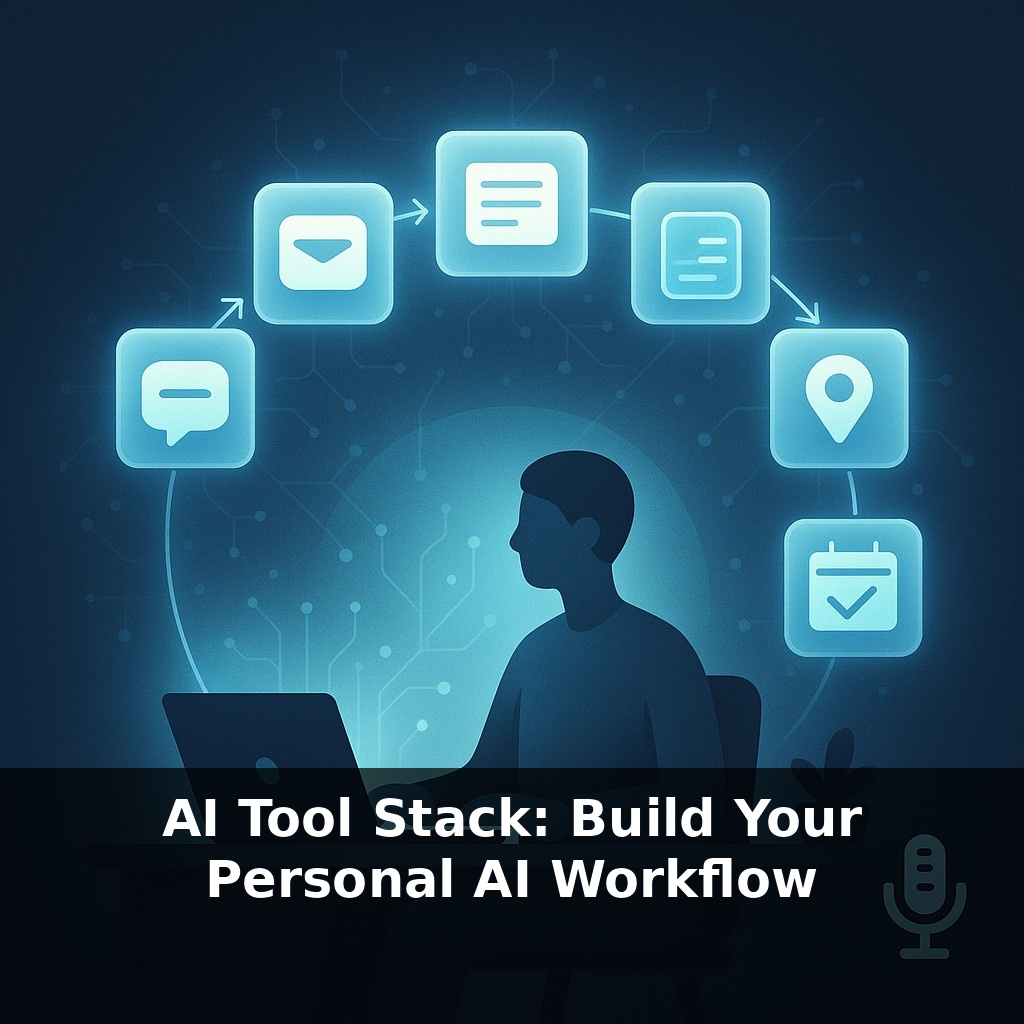
You already use dozens of tiny AIs every day—your inbox filter, your maps app, your photo search. Yet most of them work in isolation. In this episode, we’ll step into a normal workday and quietly rewire it with a personal AI stack that runs in the background.
Most people add AI tools one by one—ChatGPT here, a transcription app there—and wonder why nothing really changes. The leverage comes when you line them up so they pass work to each other without you in the loop.
In this episode, we’ll turn your scattered tools into a simple three-layer workflow: capture, thinking, and action. You’ll see how a calendar note spoken into your phone becomes an auto-drafted email, or how a meeting recording turns into tasks pushed straight into your project manager—no copy‑paste.
We’ll use concrete building blocks: a voice capture app, an LLM with function-calling, and a no‑code automation tool. Together, they can realistically offload 30–60 % of your repetitive digital chores. By the end, you’ll have a blueprint for a minimal, robust stack you can assemble in a weekend and upgrade over time.
To make this real, we’ll zoom into specific building blocks and numbers. Instead of “AI for everything,” you’ll design for 2–3 bottlenecks: inbox triage, meeting follow‑ups, and research summarisation. For each, we’ll pick best‑in‑class tools: a recorder with >95 % transcription accuracy, an LLM that supports JSON function calls, and an automation layer that can touch at least 10 of your existing apps. You’ll see concrete flows like: record → summary in 60 seconds → 3 draft replies in your email → tasks created with due dates—all without touching copy‑paste.
Let’s turn the abstract stack into something you can actually wire up in a weekend, with numbers tight enough to measure.
Start by scoping where you bleed time. Open your calendar and email analytics for the last 2 weeks. If you spend 8 hours/day at the computer, you’ll typically find something like:
- 1.5–2 hours in meetings - 45–90 minutes on email replies - 30–60 minutes on “where did I put that link / note?” searching
We’ll target three flows that can realistically reclaim 3–5 of those hours per week.
Flow 1: meeting → tasks + follow‑ups 1) Auto-record every meeting with a tool that hits at least 95 % transcription accuracy for your language and accent. 2) After each call, send a 3–5 minute chunk of transcript (roughly 1,500–2,000 words) to an LLM with a system prompt like: - “Return JSON with: decisions[], action_items[], owners, due_dates, email_followups[]. No prose.” 3) Use function-calling so the model outputs clean JSON, not paragraphs. 4) Your automation layer reads that JSON and: - Creates tasks in your PM tool with owners + due dates - Drafts 1–3 follow‑up emails and saves them as drafts
Benchmark: if you run 10 meetings/week, saving 5 minutes of admin per meeting gives you ~50 minutes back.
Flow 2: research → summary vault 1) When you open a long article (say 2,000–5,000 words), send the URL into your automation tool via a browser extension or shortcut. 2) The automation fetches the content, slices it into 2–4 chunks (to fit context limits), and calls the LLM with a prompt like: - “Summarise in 300 words. Extract 5 bullet insights, 3 risks, 3 opportunities. Return JSON.” 3) Results land in your notes app with tags and a citation link.
If you read 10 such pieces a week and cut your reading time by 30 % per piece, that’s easily 2–3 hours saved.
Flow 3: decision logs → searchable memory 1) Create a single capture channel (Slack DM to yourself, Telegram bot, or a special email address). 2) Every time you make a non-trivial decision (budget, hiring, strategy), drop a 1–2 sentence note there. Aim for 5–10 per day. 3) Nightly, run a job that groups those notes, asks the LLM to infer themes, trade‑offs, and open questions, and writes a dated “decision digest” into your knowledge base.
Within 2–3 weeks, you’ll have 50–150 structured entries you can query with natural language instead of trawling your brain or inbox.
Behind all of this, keep a simple metric: track weekly “AI‑assisted minutes.” If you’re under 120 minutes saved per week after 14 days, you’re probably under‑automating one of these three flows or not pushing enough volume through them.
A freelance consultant might start small: connect a call recording tool to an LLM that tags each client by industry, deal size, and urgency, then push those tags into a CRM. After 20 calls, patterns appear—maybe SaaS leads close 30 % faster than others—so she prioritises them automatically. A researcher could route PDFs from a “To Read” folder into a pipeline that extracts methods, sample sizes, and key findings; once 50 papers are processed, a single query like “studies with N>500 on remote work burnout” surfaces exactly what’s needed. A sales team might wire form fills into a workflow that scores leads 0–100 based on firmographics and recent activity, auto‑assigning anything over 70 and drafting the first outreach. Like layering tracks in a music production session—drums, bass, vocals—each small, specialised workflow stacks into a compound effect that can shave 5–10 hours off a busy week without a big bang rewrite of your tools.
Most people underestimate how fast this compounds. Once your first three workflows are stable, add a simple “governor”: cap new automations to 1 per week, and require each to save at least 15 minutes/day. That’s ~90 minutes/week per workflow; four solid automations can reclaim ~6 hours. Instrument them: log success/failure rates, latency, and manual overrides. When a flow hits >95 % success for 30 days, lock it in and shift your effort to the next highest-friction process.
Your next step is ruthless pruning. Your challenge this week: audit every tool you touch. Keep only those that either (1) save ≥10 minutes/day or (2) plug directly into an existing flow. If a tool can’t hit that within 14 days, cut it. Most people end up with 6–10 core apps, but gain 3–7 extra focused hours weekly from tighter integration.