About nine out of ten people say they worry about how much data companies collect—yet most of us still tap “agree” in seconds. You’re rushing to order food, unlock a ride, or get a playlist…and quietly trading little slices of your privacy each time.
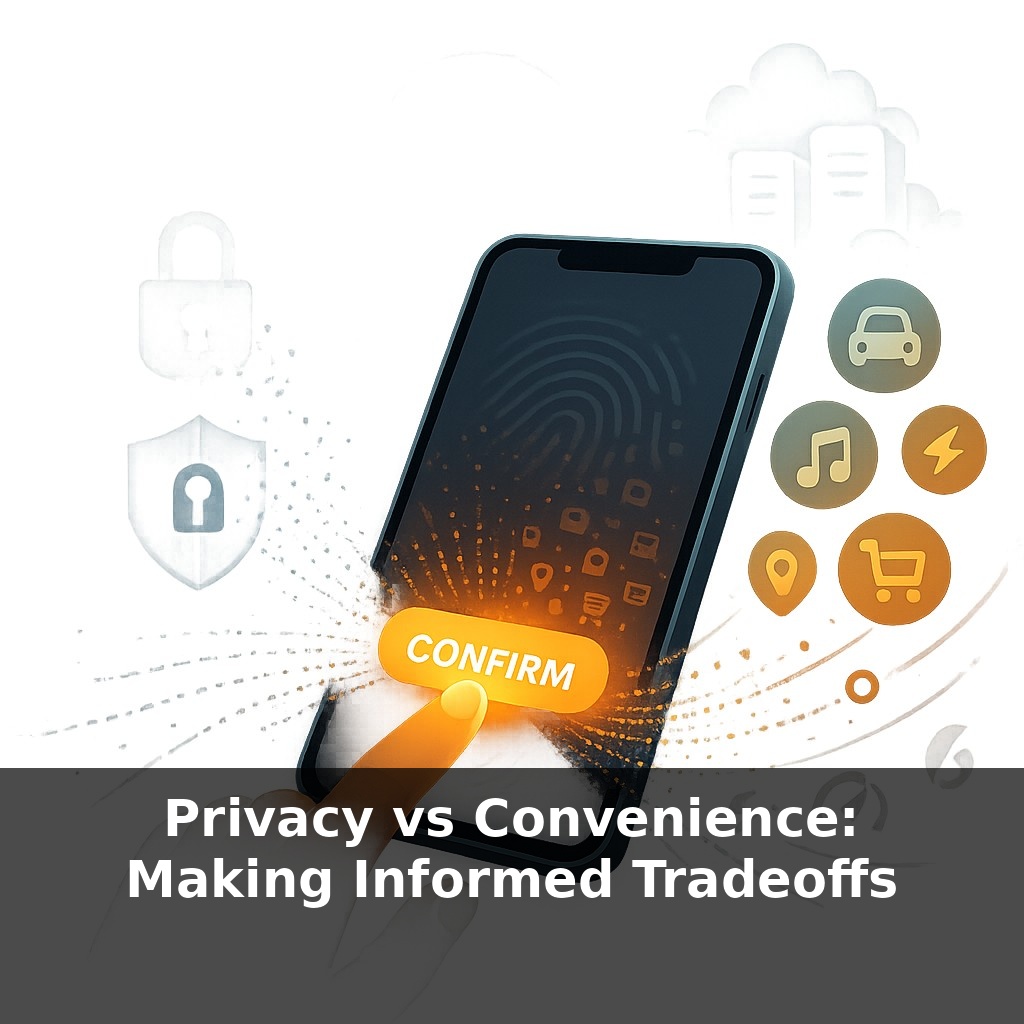
That concern–convenience gap is where most of the real action happens. On one side, the apps and platforms you use every day are designed to reduce tiny bits of friction: one-tap logins, auto-filled forms, eerily spot-on recommendations. On the other, those same shortcuts quietly depend on expanding what’s known about you, how long it’s stored, and how many partners get to plug into it.
A clue that this isn’t just “paranoid” thinking: when Apple made tracking more visible and optional, it didn’t just annoy advertisers—it erased billions from one company’s revenue. That’s how valuable your “frictionless” clicks really are.
So instead of asking, “Do I care about privacy or not?” a sharper question is: “For this service, right now, how much convenience is this specific piece of data actually buying me—and is it worth the risk if things go wrong later?”
Some tradeoffs are obvious: you share your address so food can arrive at your door. Others hide in the background, bundled into “personalization” or “improving our services,” where it’s harder to see what you’re really giving up. That’s where the sliding scale gets tricky: the more data points stitched together—location, contacts, browsing habits—the more detailed the picture of your life becomes. Like salt in cooking, a pinch of extra data might sharpen the flavor of a service, but a heavy hand can quietly overwhelm everything else on the plate. The challenge is learning to notice where that line is for you.
Here’s where the tradeoff becomes less abstract and more about specific levers you can adjust.
First lever: *what* you share. Apps often present choices as “all or nothing,” but the reality is closer to “how much?” Turning on location for maps while driving is different from allowing “always on” location for a game or coupon app. Granting access to your photo library for a one-time upload is different from “full library, forever.” Many platforms now offer “only while using the app,” “this time only,” or “selected photos” precisely because users started pushing back.
Second lever: *where* data is processed. Some services genuinely need to send information to their servers. Others can handle sensitive tasks directly on your device. A fitness app that counts steps locally, then uploads only summaries, exposes less than one that continuously streams raw sensor data. When you see phrases like “processed on-device” or “end-to-end encrypted,” that’s a signal the service is at least trying to keep more of your data closer to you.
Third lever: *who else* gets to see the exhaust of your activity. That can include advertisers, analytics providers, “strategic partners,” or in some cases data brokers you’ve never heard of. This is where those long settings menus matter more than the glossy sign-up screen. Choices like “do not sell or share my data,” “limit ad tracking,” or toggling off “partners” in consent banners don’t stop a service from working; they narrow the audience peeking over its shoulder.
Fourth lever: *how long* your trail sticks around. Auto-delete features for search history, locations, or voice recordings shrink the window in which that data can be misused or breached. A three-month log paints a very different picture than a permanent archive.
Viewed this way, privacy isn’t a single “on/off” switch. It’s closer to adjusting the burner on a stove: you can turn the flame up briefly when you really need something fast, then dial it down once you’ve gotten what you came for.
Think about a few concrete choices you might already be making. Google Maps can log every trip you take, or just give you directions in the moment and then forget; one feels like a lifelog, the other like a disposable note. A grocery app can store every item you’ve ever bought, or just your regular list. A messaging app can back up chats in the cloud forever, or keep them only on your devices.
The practical question becomes less “Is this dangerous?” and more “What’s the smallest version of this data that still gets the job done?” A ride-hailing app needs your pickup point now; it rarely needs a permanent map of everywhere you’ve gone for five years. A weather app needs your rough area; it usually doesn’t need your exact apartment.
Your challenge this week: when a service asks for something extra—contacts, full photo access, “always” location—pause once and ask, “What is the ‘smallest version’ of this they truly need?” Then choose the lowest setting that still lets you do what you opened the app for.
Future implications
As devices quietly learn on the edge—your phone, watch, even car—choices shift from “share everything” toward “share summaries.” That sounds safer, but AR glasses, emotion-aware ads, and health‑grade wearables will watch far more than clicks. Laws may cap what’s legal, yet norms will decide what’s acceptable. Expect “privacy modes” to feel more like choosing cooking heat: quick sear, slow simmer, or keeping data off the burner entirely.
Instead of chasing a perfect setting, think in moods: “err on the private side unless there’s a clear upside I actually feel.” Some days you’ll turn more knobs up, others down. Over time, those small choices stack, like seasoning a dish—you learn your taste. The goal isn’t zero risk; it’s knowing, calmly, what you’re spending to save yourself a few taps.
Try this experiment: For the next 48 hours, any time an app or website asks for extra data or permissions (location, contacts, camera, microphone, tracking), tap “Don’t Allow” or choose the most private option and see what actually breaks or becomes less convenient. Keep using those same services—maps, food delivery, ride-share, social media—and notice which ones still work fine, which ones become mildly annoying, and which ones you decide aren’t worth the data they demand. At the end of the two days, choose one app where convenience really suffered and one where it didn’t, and adjust your default privacy settings based on what you learned.