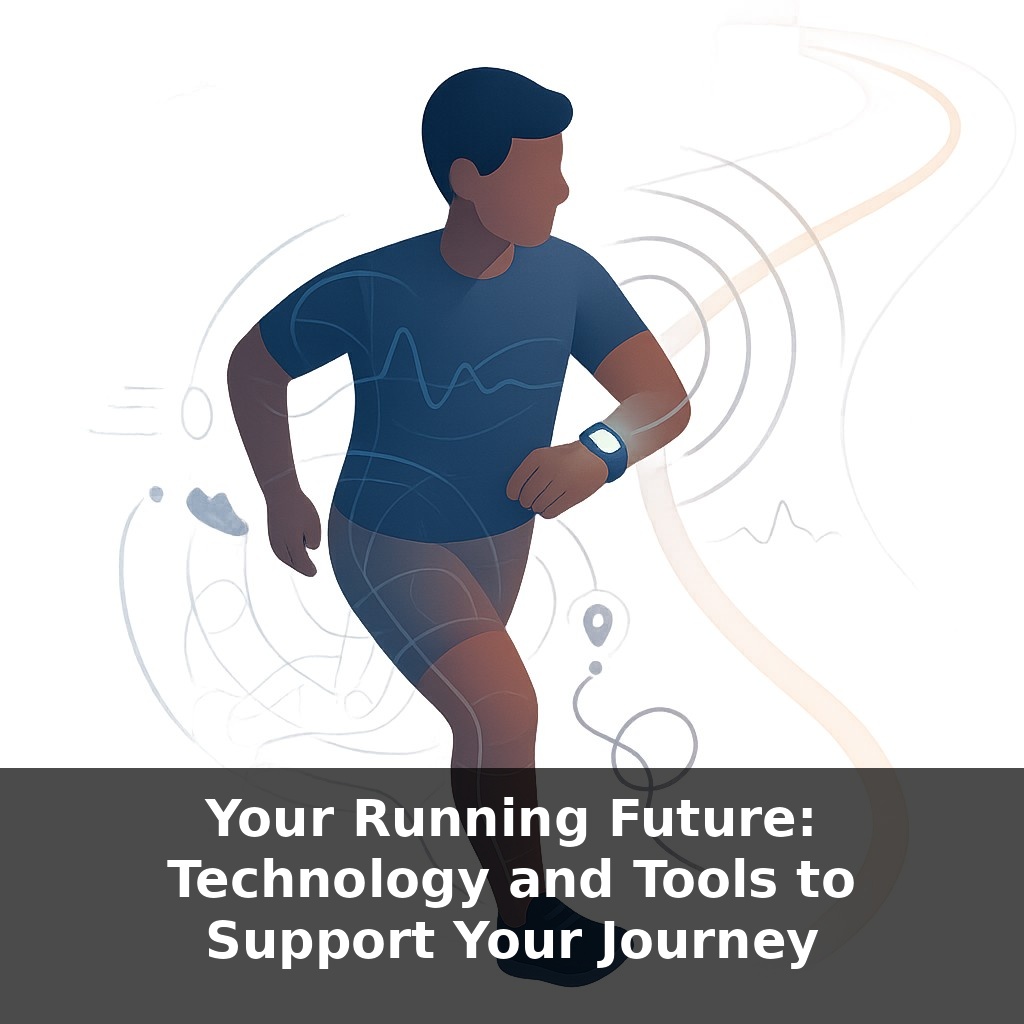
One fitness app study found runners boosted their weekly distance by about a fifth—without changing shoes, routes, or coaches. You’re jogging through your neighborhood, but your watch is quietly learning your habits, flagging fatigue, and nudging you just enough to keep going.
That quiet nudge from your wrist or phone is just the surface. Beneath it is a whole ecosystem of tools that can shape your 5K journey long before race day and long after you cross the finish line. The question isn’t “Should I use tech?” so much as “Which tools earn a place on my run—and which just add noise?”
Some runners log everything: steps, sleep, stress, even the angle of their footstrike. Others stick to a simple stopwatch. Both can succeed, but the sweet spot lies between obsession and guesswork. Use enough data to guide your choices, not so much that you feel judged by your devices.
In this episode, we’ll sort through what actually helps: GPS watches that keep you honest on easy days, safety features that watch your back, and power or heart-rate tools that can turn a 5K plan into something that fits your body, not someone else’s.
Some tools quietly sit in the background, like a good stage crew; others demand attention every few seconds. The trick is deciding which role you want tech to play on any given run. On a solo evening jog, you might care more about live location sharing and an accurate route than splits or charts. During a key workout, detailed laps and post-run graphs suddenly matter. And for recovery days, turning most alerts off can protect your easy pace. As you move toward your first 5K, you’re not just collecting data—you’re designing how your runs feel.
Some numbers help you choose that role. GPS, for example, is brilliant but not magic. In open parks it’s usually close enough for pacing, but downtown among tall buildings it can wander by 20 meters or more. That’s why a “perfectly even” pace graph on your phone might not match how the run actually felt. If you’re judging yourself on every tiny pace fluctuation, you’re arguing with satellite geometry, not your effort.
So instead of chasing every metric your device offers, decide which questions you want tech to answer right now. Early in your 5K build, useful questions are simple: “Did I run slowly enough on easy days?” “Am I gradually increasing my weekly distance?” “Am I staying healthy?” A basic app with time, distance, and a notes field can answer those as well as a premium watch bursting with charts.
Later, you might add layers. Social platforms like Strava or club features in other apps can make consistency easier: that 2021 study found people nudged by community tools naturally ran more. But social data cuts both ways. It’s easy to copy a faster friend’s workout pattern and quietly abandon the plan that fits your life. Treat leaderboards as a highlight reel, not a training manual.
Wearable incident detection and live tracking are another layer. They don’t change fitness, but they change how confidently you head out the door—especially in the dark, on new routes, or if you run alone. Those millions of automatic alerts sent each year represent people whose devices noticed a hard stop before anyone else did.
And then there are biomechanical tools—foot pods, stride sensors, even insoles—that claim tight accuracy on “running power” or form. Independent tests suggest they’re helpful for trends (“I push harder on hills than I thought”) but not absolute truth. Treat them like a coach’s eye: informative, occasionally wrong, best over weeks rather than obsessing over a single spike.
One useful rule: if a metric doesn’t change what you do tomorrow, it’s trivia. Keep the few numbers that consistently lead to smarter choices, and let the rest fade into the background.
A simple way to think about your tech stack is in “lanes.” One lane is pacing tools: maybe your watch shows only current pace and lap time during a tempo run, while everything else stays hidden. Another lane is health: you glance at resting heart rate trends, sleep, or soreness notes—not to chase “perfect” scores, but to catch the mornings when all signs say, “Dial it back.” A third lane is community: you might post a run to Strava only when it represents a small personal win—a first nonstop 20‑minute jog, or your longest run yet—so your feed becomes a highlight reel of meaningful steps, not every shuffle. Think of running tech as the pit crew for a race car in endurance sports: one person fuels, one checks tires, one watches lap times. No single tool is in charge; each has a specific job supporting your next start line, not stealing the spotlight from the run itself.
Data is about to get faster than your footsteps. As devices quietly learn your patterns, they’ll start whispering suggestions mid‑run: nudge your cadence here, ease off there, try this route when you’re stressed. Think less “numbers after the fact” and more like a trail guide jogging beside you, pointing out safer paths or smarter efforts. Your role shifts too—from passive tracker to curious collaborator, asking, “What can this tool notice that I’m missing today?”
Treat each tool like a teammate you audition, not a boss you obey. Today it might just log distance; next season it could flag early niggles, like a smoke alarm that chirps before there’s a fire. As features evolve—smarter cues, richer trends—the real experiment is noticing which ones help you feel more curious, confident, and free every time you lace up.
Before next week, ask yourself: 1) “If my GPS watch and app data from this week vanished, what *sensations* (breathing, foot strike, fatigue level, mood after the run) would I rely on to judge whether today’s run was ‘good’ for my body?” 2) “Looking at my recent pace, heart-rate, and sleep data, where is the technology clearly telling me to back off or adjust my training, and what *specific* change will I test in my next two runs (e.g., slowing easy runs by 30 seconds/km, adding a recovery day, or going tech-free for one run)?” 3) “Which single tech tool (watch feature, app metric, or recovery gadget) actually makes me feel more confident and consistent, and how will I deliberately use *only that* to guide one key session this week?”