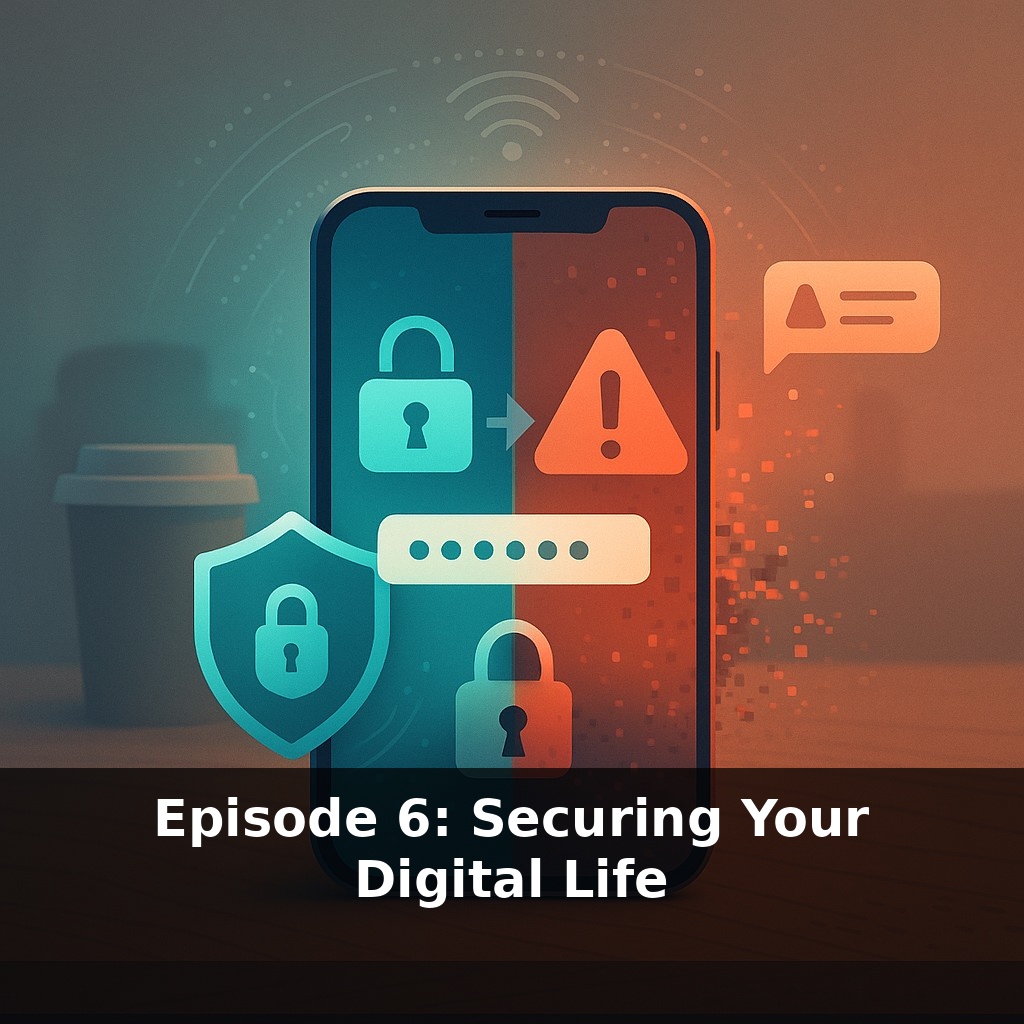
The most popular password in the world is still “123456.” Now, jump to your own life: you’re at a coffee shop, hopping on Wi‑Fi, checking your bank, your email, your socials. Everything works… until one tiny click turns that same routine into a full‑blown digital break‑in.
That “one tiny click” usually doesn’t look dangerous at all. It might be a fake delivery text when you’re expecting a package, a “we noticed a new login” email that feels urgent, or a shared Google Doc that appears to come from your boss or classmate. Most attacks don’t feel like movie‑style hacking; they feel like regular life with slightly worse graphic design. And the numbers back it up: phishing and social engineering are behind the vast majority of successful attacks, not some elite coder breaking math. The uncomfortable truth is your habits matter more than your hardware. In this episode, we’ll treat your online accounts, devices, and daily clicks the way you might treat your monthly budget: a few small, consistent rules that quietly prevent disasters—and still let you live a normal, convenient digital life.
So instead of hunting for every possible threat, we’ll zoom in on the few habits that shrink your risk the most. Think of this like cleaning out a cluttered closet: you don’t start by labeling every sock; you pull out the obvious junk first, then create simple spots for the things you actually use. In security terms, that means deciding which accounts are “crown jewels” (banking, primary email, cloud storage), which devices you’d be crushed to lose access to, and which behaviors expose you the most—like reusing logins, sharing accounts, or installing random apps because a friend said, “Just download this, it’s fine.”
Let’s start with the unglamorous truth: most of your risk disappears if you do a few boring things unusually well. Think of it less like “becoming a security expert” and more like setting up automatic transfers in your finances—do the setup once, benefit every day.
First move: lock down that primary email. That inbox can reset almost every other login you have, so it’s effectively a master key. Step through its security settings and turn on multi‑factor authentication (MFA) using an app (like Authy, 1Password, or Google Authenticator) instead of SMS if possible. While you’re there, scan “active sessions,” “connected apps,” and “forwarding rules.” If you don’t recognize something, revoke it. Quiet parasites love old integrations you forgot you ever allowed.
Next, deal with password chaos by outsourcing your memory. A password manager isn’t about being “paranoid”; it’s about not using your brain as a filing cabinet. Install one, create a strong master password you can actually remember, and then let it generate random, unique logins for anything tied to money, identity, or long‑term access (banks, investment accounts, email, cloud storage, password resets, government portals). Over time, you can convert the rest as you log in naturally—no need for a painful one‑day overhaul.
Now, turn your devices from “hope it’s fine” into “quietly maintained.” On your phone and laptop, enable automatic updates for the operating system, browsers, and apps you actually use. Then do a quick sweep: uninstall anything you don’t recognize or haven’t opened in the last year, especially browser extensions and “free utility” tools. Less software means fewer holes to patch and fewer chances something shady piggybacked in.
For everyday clicking, set up tiny friction bumps instead of relying on willpower. Turn on link previews when available, train yourself to type sensitive sites’ addresses manually instead of clicking email links, and keep a separate browser profile (or even a different browser) for banking and tax stuff only. It’s like having a separate checking account for rent—you reduce the blast radius if something goes wrong elsewhere.
Finally, assume your data will eventually be in someone’s leak and plan around that. Search for your email on a breach‑alert service like Have I Been Pwned, subscribe to notifications, and treat any “found in breach” result as a prompt to rotate that password and verify MFA is on. You’re not eliminating risk; you’re making yourself too annoying and expensive to bother with.
Think about the way good restaurants handle food safety. The chef isn’t just cooking; there are quiet, boring systems in the background: separate cutting boards, labeled containers, time-stamped leftovers, fridge logs. None of that is glamorous, but together it makes food poisoning very unlikely. Your tech can work the same way.
For instance, you could treat your download folder like a fridge that needs a weekly clean-out: once a week, toss installers you don’t need, screenshots with sensitive info, and mystery files you don’t remember grabbing. That one habit shrinks what an attacker could use if they ever got access.
Or look at sharing: before you send a document or photo, ask, “If this got forwarded three times, would I care?” If the answer is yes, move it to a more controlled space (encrypted notes, locked cloud folder) instead of blasting it into group chats. You’re not trying to be unbreakable—you’re just quietly reducing the odds that one bad moment turns into a full-scale mess.
Within a few years, logging in might feel less like “typing secrets” and more like tapping a keycard: passkeys tied to your phone or laptop could quietly replace most passwords. Behind the scenes, banks and governments are racing to swap out today’s encryption for post‑quantum versions before powerful new machines make old locks easier to pick. At the same time, AI‑written scams will sound more human, pushing you to rely less on gut feelings and more on slow, verifiable checks—like calling a company back on a number you looked up yourself.
Security isn’t a one‑time reset; it’s more like tending a small garden. Some weeks you just pull a few weeds, other times you add a new fence post. As more of your identity, money, and memories move online, the habits you build now become compound interest for your future self—quiet protection that grows in value, even when you’re not thinking about it.
Before next week, ask yourself: Where are my most important accounts (email, banking, cloud storage, social media) still using weak or reused passwords, and what’s stopping me from turning on a password manager and updating them today? Which two critical accounts will I secure with multi-factor authentication before I go to bed tonight, and how will I store my backup codes so I’m not locked out later? If my laptop or phone disappeared this afternoon, how confident am I that my data is encrypted, backed up, and not easily accessible—and what’s one concrete setting I can toggle right now (like enabling device encryption or auto-lock) to change that confidence level?