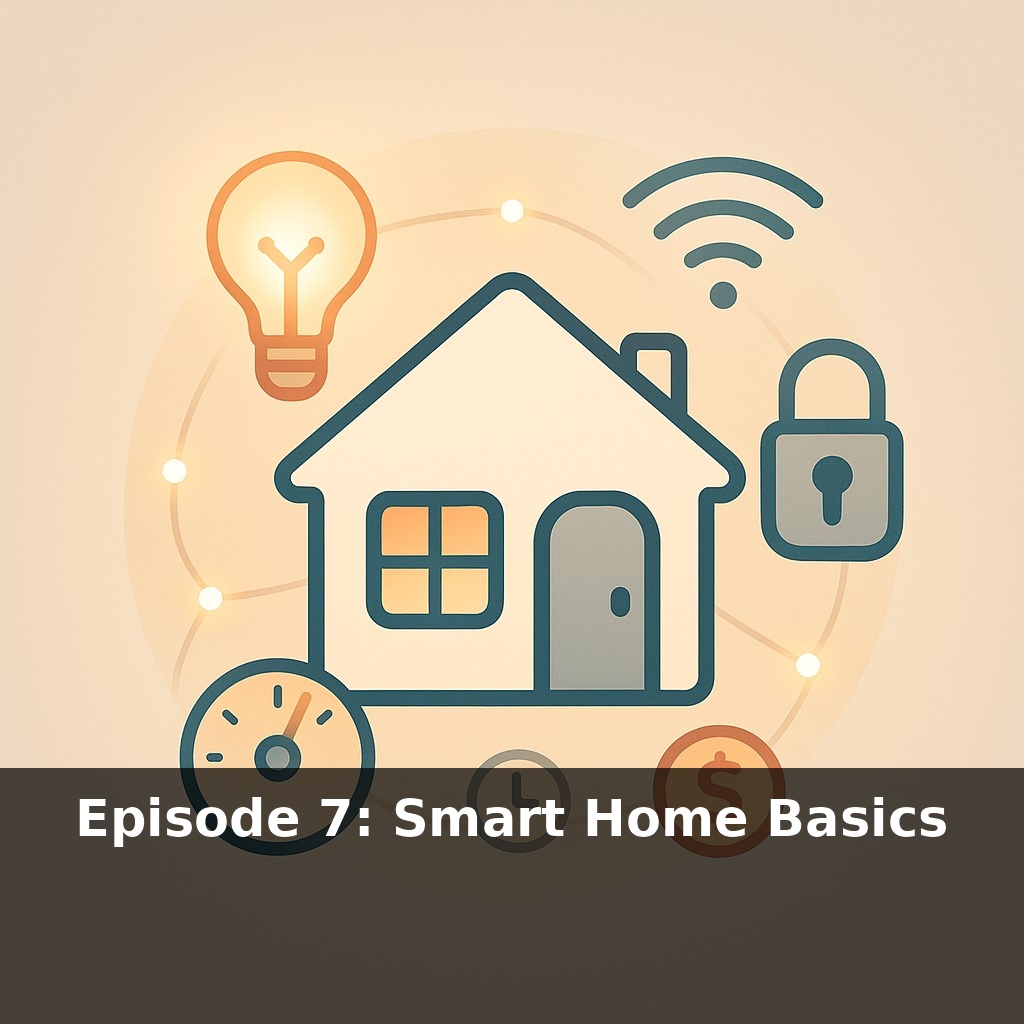
Your lights, thermostat, and front door might already be “smart,” but here’s the twist: they’re probably not talking to each other. In this episode, we’ll explore how connecting a few everyday devices can quietly save you money, time, and stress—without turning your home into a gadget lab.
By now, you’ve seen how individual gadgets can pull their weight; in this episode, we’ll zoom out and treat your whole place as a system you can quietly tune. Think less “tech makeover,” more “small settings that add up,” the way trimming a few subscriptions suddenly changes your monthly budget. We’ll look at how standards like Matter are finally getting rival brands to cooperate, so you’re not locked into one company’s ecosystem every time you buy a bulb. We’ll also dig into how routines—like lights that shift with sunset, or a thermostat that respects both your comfort and your power bill—can run in the background while you live your life. And if you’re renting, sharing a space, or worried about privacy, we’ll walk through ways to start simple, keep control, and avoid overcomplicating your home.
One more layer up from routines is thinking in “zones” instead of gadgets: a cozy corner for reading, a focused nook for work, a safe, well‑lit path from the door to your bed when you get home late. Smart homes shine when you define these lived‑in moments and let the tech quietly support them. That might mean grouping lights and plugs by room or activity, not by brand; using motion sensors in a hallway but schedules in a bedroom; or letting your phone’s location tweak settings when you’re out. The goal is a home that reacts to you, not a dashboard you constantly babysit.
Let’s move from “this would be cool” to “this actually works in my real, messy life.” Start with one everyday moment and design around it, instead of buying a pile of gadgets and hoping they cooperate.
Pick a scene: coming home with your hands full, winding down for bed, or leaving for work half-awake. Then ask three questions:
1. **What do I already do by hand every single time?** 2. **What could be dangerous or costly if I forget?** (think: space heaters, doors, lights) 3. **What would make this moment feel smoother or safer?**
From there, you can layer in simple building blocks:
- **Triggers** – what starts the action? A schedule, your phone arriving/leaving, a button by the door, motion in a hallway. - **Conditions** – “only if it’s dark,” “only on weekdays,” “only when I’m not home.” - **Actions** – turn things on/off, dim, lock, adjust, notify.
A basic “leaving home” scene might be: phone leaves your Wi‑Fi (trigger), it’s between 8am–6pm (condition), then lights turn off, the thermostat shifts, and you get a nudge if a door is still unlocked (actions).
Think of it like meal‑prepping your home: you do a bit of thinking on Sunday so Wednesday‑you doesn’t have to start from zero. You’re not chasing every new recipe; you’re creating a few reliable defaults.
As you add devices, watch out for three friction points:
- **Too many apps.** Whenever possible, fold new gear into a control surface you already use—your main voice assistant app, or a single dashboard—so roommates or partners aren’t hunting for “the right app” just to turn on a lamp. - **Notification overload.** Default to “only tell me if something’s wrong or expensive.” A door left open, water detected under the sink, abnormal energy use—yes. Every time someone walks past the hallway camera—no. - **Shared control.** Decide who can change what. Kids might control bedroom lights but not front‑door locks; a roommate can run scenes but not see your location.
Finally, keep a “manual override” mindset. Make sure every critical thing still works with a plain switch, key, or knob. Tech should be a shortcut, not a single point of failure when Wi‑Fi glitches or guests visit.
Start by treating one corner of your home like a test kitchen. Instead of upgrading everything, pick a single “recipe” to refine: maybe “movie night,” “early morning,” or “post‑gym.” For movie night, you could have the TV turning on trigger lights to drop to 30%, blinds to close, and your phone to switch to Do Not Disturb. For early mornings, a gradual lamp fade‑in paired with a smart plug on your coffee maker can nudge you awake without an air‑raid alarm.
If you’re sharing the space, think about “house rules” baked into scenes. A “quiet hours” setup could automatically lower speaker volumes and dim shared‑area lights after 10 p.m., so you don’t become the human volume knob. Small safety layers can ride along: a smart plug that always cuts power to a curling iron at 9 a.m., or a bedroom lamp that turns red if a window sensor is open when rain is forecast.
Over time, you’re less “controlling gadgets” and more editing how your home behaves.
Homes are slowly becoming collaborators instead of backdrops. As sensors and local AI get better, your place could start making tiny, quiet decisions—like delaying laundry to when the grid is cleaner, or shifting airflow before a room feels stuffy. Short‑term, expect “good defaults” bundled with devices, the way new cars ship with safety modes. Longer‑term, the big choice may be less “which gadget?” and more “how much autonomy do I hand over to the walls around me?”
Treat this as an ongoing experiment, not a renovation. Start small, then notice which changes actually earn their place—maybe a lock that texts you at night, or lights that match your focus. Your challenge this week: pick one annoying daily moment and redesign it with a single smart tweak. If it feels like less mental load, you’re on the right track.