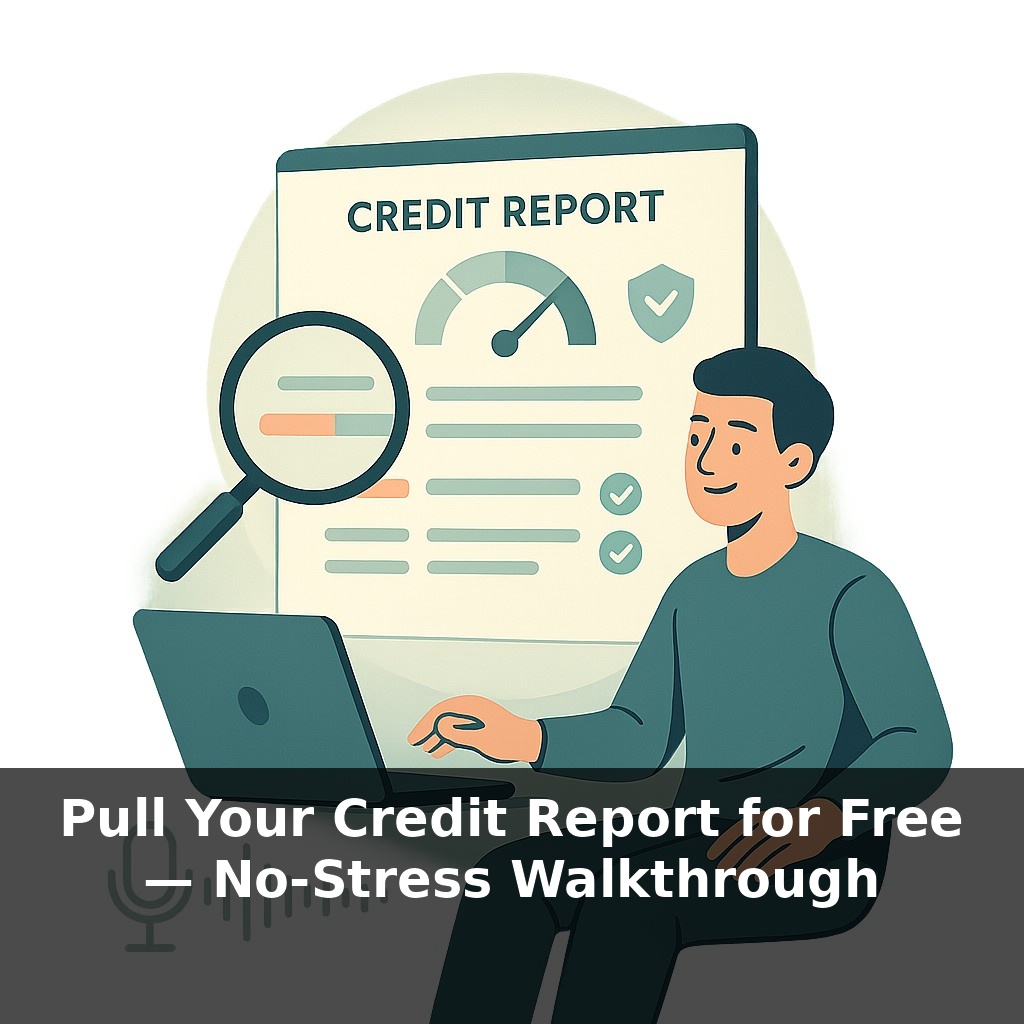
Right now, there’s a detailed financial file about you that strangers can read, but you probably haven’t seen. Banks use it to say “yes” or “no,” scammers try to tamper with it, and the law says you can peek at it for free. The twist? Most people never do. Let’s change that today.
Roughly a third of people who actually check their credit reports find at least one mistake. Not a missing comma—a wrong balance, a mystery account, even someone else’s debt stapled to your name. And yet, most of us go years without looking at the one document nearly every major financial decision quietly depends on. In Episode 1, we talked about why your score matters; now we’re going straight to the source: the report behind that number.
Think of this as reading your own chart before a specialist walks in and starts prescribing things. In the next few minutes, we’ll walk through how to legally grab all three of your reports online, for free, without signing up for trials or paying a subscription later. You’ll see exactly what lenders see, learn where hidden errors like to lurk, and set yourself up to spot fraud early—before it turns into an expensive surprise.
Here’s where this gets interesting: you don’t actually have *one* record, you have three. Equifax, Experian, and TransUnion each maintain their own version of your history, and they don’t always agree. A late payment might show up in one place, look fine in another, and be missing entirely in the third. That mismatch can mean the difference between an approval and a denial, or a decent rate and an expensive one. Like three weather apps predicting the same storm a little differently, you need to check all of them to see the full forecast for your next big money move.
Let’s turn this from an abstract “I should do that someday” into a 10‑minute, no‑stress task you can literally finish on a coffee break.
Start by going to **AnnualCreditReport.com**—type it in yourself instead of clicking ads, because copycat sites love to sit on top of search results. You’ll see the option to request reports **online, by phone, or by mail**; we’ll stick with online because it’s fastest.
You’ll first enter basic info: name, current address, possibly prior address, birth date, and the last four digits of your SSN. This is normal; they’re matching you to the right file. Next comes the security quiz. Expect oddly specific questions: a past street you lived on, a payment range on an old auto loan, or which bank you’ve never had a card with. Some questions might be about accounts you barely remember—that’s intentional. Answer carefully, and if something truly doesn’t apply, “None of the above” is often right.
You’ll then choose which company’s report you want: **Equifax, Experian, TransUnion**, or all three. You can pull them all at once for a full snapshot, or stagger them through the year for ongoing check‑ins. Either way, once you confirm, you’ll be bounced to each bureau’s site in turn to view and download your file.
This part can feel clunky, so slow down and **download or print** each report before closing any tab. Look for “Save as PDF,” “Print,” or a small download icon—don’t assume you can easily get back in later without repeating the process. File them somewhere you’ll remember; they’re going to be your baseline for future changes.
Inside each report, you’ll see sections for personal information, active and closed accounts, inquiries, and any negative marks. At this stage, you’re not fixing anything; you’re just observing. Notice differences between the three, circle or highlight anything that looks off—an address you never lived at, an account you don’t recognize, a balance that seems wrong—and keep a simple list. That list becomes your roadmap for disputes in the next step of this series.
Your challenge this week: block off 20 minutes, pull at least **one** bureau’s report through AnnualCreditReport.com, and save the PDF somewhere obvious with today’s date in the file name. If you’re feeling ambitious, do all three and label them clearly. By the end of the week, you won’t just be wondering what’s in your file—you’ll have it in your hands.
Treat this first pull like scouting a trail you’ll hike again. You’re not memorizing every tree; you’re noticing landmarks so next time, changes pop out fast. As you scan those PDFs, look for three kinds of “landmarks”: patterns, outliers, and timelines. Patterns are things that repeat—same lender names, similar limits, consistent payment histories. Outliers are the oddballs—one account with a strangely low limit, a date that doesn’t line up, an old card still marked “open” even though you closed it years ago. Timelines show whether your story flows cleanly: did that old apartment line up with when you opened the store card you used to furnish it?
One practical example: say you’re planning a mortgage in six months. Noticing that one bureau lists a higher utilization because an old card still shows a big balance tells you exactly where a small payment—or a quick update from the lender—could clean things up before a lender pulls it. Over time, reviewing these reports yearly turns into a quiet ritual: a quick check that the story being told about you still matches the one you’re actually living.
Weekly accBuilding on the importance of regularly reviewing your credit, access to your reports is starting to feel less like a perk and more like a basic utility. As more data flows in—from rent, utilities, maybe even subscriptions—your file becomes a living timeline instead of a static snapshot. Think of it as checking the weather before a trip: you’re not changing the forecast, but you *are* choosing whether to pack an umbrella, delay a big purchase, or call ahead to clear up any storm clouds on your record.
When you finally open those PDFs, treat them less like a verdict and more like an early draft. You might spot old limits holding you back, outdated names or jobs, or dates that don’t match your memory. Each small correction is like tuning an instrument: tiny twists, big difference in how future opportunities sound when they show up.
To go deeper, here are 3 next steps: 1) Grab your free reports today from AnnualCreditReport.com (the official site mentioned in the episode) and download all three files from Equifax, Experian, and TransUnion as PDFs so you can save and review them later. 2) Use a free tool like Credit Karma or Experian’s free account to cross-check the accounts and balances you see on your reports, flagging anything that doesn’t match as “possible error” in a simple spreadsheet or note app. 3) If you spot something wrong, download the sample dispute letters from the CFPB (consumerfinance.gov/ask-cfpb) and customize one for each bureau, then submit them online through each bureau’s dispute portal before the end of the day.