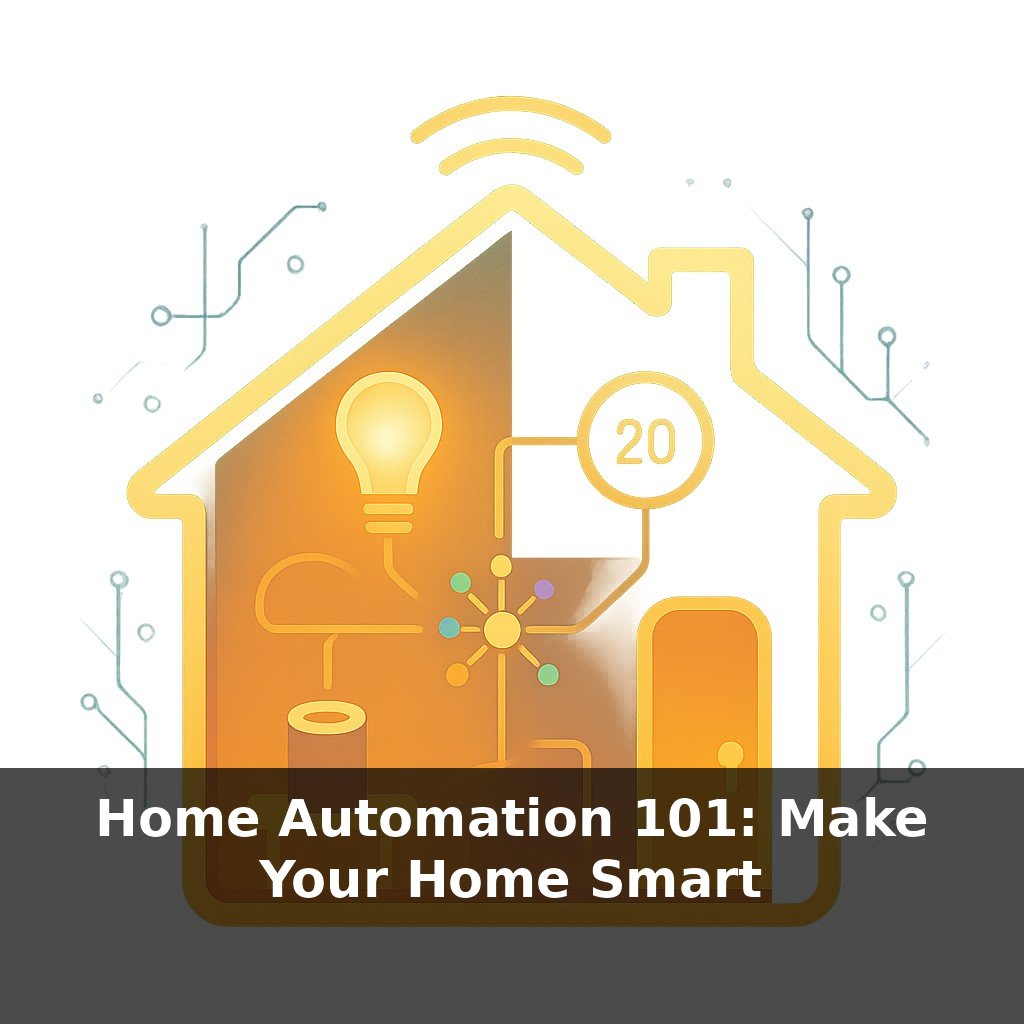
Right now, more homes control lamps with phone apps than with old-school dimmer dials—yet most living rooms still run their lights like it’s the ’90s. In this episode, we’ll step into that gap and explore how “smart” a single light needs to be to actually feel better.
A single smart bulb can cut your lighting electricity by more than 80%, yet most people use theirs only to turn “on” and “off” from the couch. In this episode, we’ll move past the novelty and start laying out a practical foundation: what to buy first, how to connect it, and how to avoid painting yourself into a corner with the wrong ecosystem.
We’ll look at the trade-offs between Wi‑Fi bulbs you can control instantly from your phone and mesh-based systems like Zigbee that quietly scale to dozens of rooms. We’ll talk about why Matter and QR-code setup are starting to simplify that messy “which app do I need?” question. And we’ll map out where simple bulbs are enough—and where switches, sensors, and automations make more sense—so your first step into smart lighting feels like a plan, not a gadget impulse buy.
So where do you actually start—one room, one bulb, or the whole house at once? The sweet spot is usually a small “test zone”: a room you use every day but that’s forgiving enough to experiment in, like a living room or bedroom instead of the kitchen you rely on at 6 a.m. You’ll also want to think in layers, not just gadgets: basic control (on/off, dim), comfort (color temperature that shifts through the day), and automation (lights that react to time, motion, or sunset). By picking one space and one goal per layer, the shopping list and setup choices become much clearer.
The first fork in the road is simple: do you start by upgrading *bulbs* or *switches* in your test zone? Bulbs are the easiest way to experiment room-by-room. You unscrew the old lamp bulb, drop in a smart one, and instantly gain dimming, scenes, and schedules without touching wiring. Switches, on the other hand, change how the *whole circuit* behaves. One smart switch can modernize a ceiling light with multiple dumb bulbs, keep wall controls familiar for guests, and avoid the “someone flipped the switch so the smart bulb is offline” problem.
A practical rule: if most of the light in the room comes from table or floor lamps, start with bulbs. If it’s mainly ceiling cans or a central fixture, put a smart switch high on your list. In many homes, you eventually end up with both: switches for main lighting, bulbs for accent lamps and color.
Next, decide how you want to *talk* to your lights day to day. Apps are fine for setup and occasional tweaks, but you’ll quickly get tired of unlocking your phone just to dim something. Voice is great for hands-busy moments—cooking, carrying laundry—while physical controls still win for quick, thoughtless taps. That’s where wireless remotes, “scene buttons,” and motion or ambient-light sensors come in: you can stick them near the bed, at the hallway entrance, or by the sofa and give each a clear job (night mode, movie time, all off).
Latency starts to matter here. Local control that responds in under a quarter of a second *feels* like a real switch; slower cloud-dependent paths often feel mushy. When you’re choosing products, look for options that advertise local integration with your preferred hub or platform so that sunrise routines, motion triggers, and dimming scenes still work smoothly if the internet drops.
Finally, think about how this room might grow. A couple of bulbs today might turn into layered scenes, sensors, and smart blinds tomorrow. Picking devices that already play well with your broader ecosystem saves you from maintaining three different apps—and from explaining to guests why the lamp only listens to *that* assistant, not the other one on the counter.
Start with a single, very specific use-case in your test room and let that drive your choices. For example, say your main goal is “no more blinding light when I get up at 2 a.m.” In a bedroom, that might mean one tunable lamp by the bed plus a quiet motion sensor in the hallway. You’d set a late‑night scene at 10% brightness and a warmer tone, then tell your system to use it only between midnight and 5 a.m.
In a living room, a “movie rail” of lights along the wall can be your experiment: two or three lamps on smart hardware, grouped into one scene that drops to 20% and cooler tones for sports, then another that goes ultra‑dim and warm for films. Add a cheap wireless button near the sofa and give each press a clear role: once for “on,” twice for “movie,” long‑press for “all off.”
Think of the mesh of devices as a relay team: you care less about the individual runner and more about the smooth handoff that gets your command to the farthest corner without you ever breaking stride.
Within a few years, your lights may quietly negotiate with wearables, EV chargers, and even your utility. Instead of fixed “on/off” habits, brightness and color could ebb and flow like a personalized soundtrack: energizing before a workout, softening as your heart rate calms at night. Neighborhoods might coordinate thousands of fixtures, trimming peaks without anyone feeling “in the dark,” while paper‑thin panels turn ceilings and walls into responsive canvases rather than static hardware.
Treat this first setup as a sketch, not a finished painting: start small, notice what actually makes evenings smoother, and then layer in new devices where friction remains. As you expand past one room, patterns will emerge—like cooler light that keeps you alert in a home office, or subtle hallway glows that guide kids back to bed without fully waking them.
To go deeper, here are 3 next steps: 1) Open the Philips Hue, Kasa Smart, or Govee Home app store pages and compare starter kits (bulbs + hub/bridge if needed), then actually add one “test room” (like your bedroom lamp) to your cart with at least one color bulb and one white bulb to experiment with scenes. 2) Watch a 10–15 minute YouTube walkthrough for your chosen ecosystem (search “Philips Hue beginner setup 2024” or “Kasa smart lighting setup 2024”) and follow along in real time to set up your first automated routine, like lights turning on 30 minutes before sunset. 3) Download a home automation app (Apple Home, Google Home, or Alexa) and connect your new lights, then try one integration beyond basics—such as linking to a motion sensor, a smart button, or a sleep app like Sleep Cycle—to create a “wind-down” scene you can trigger tonight.