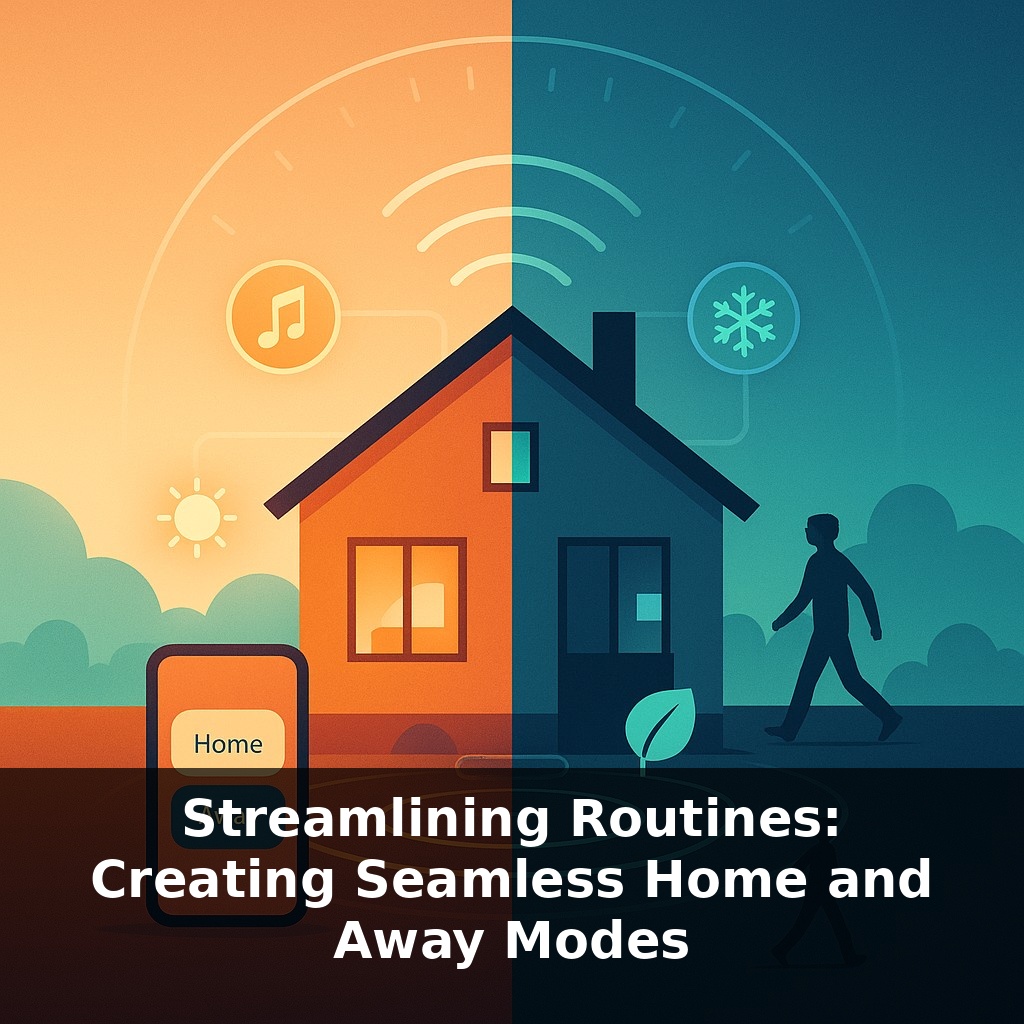
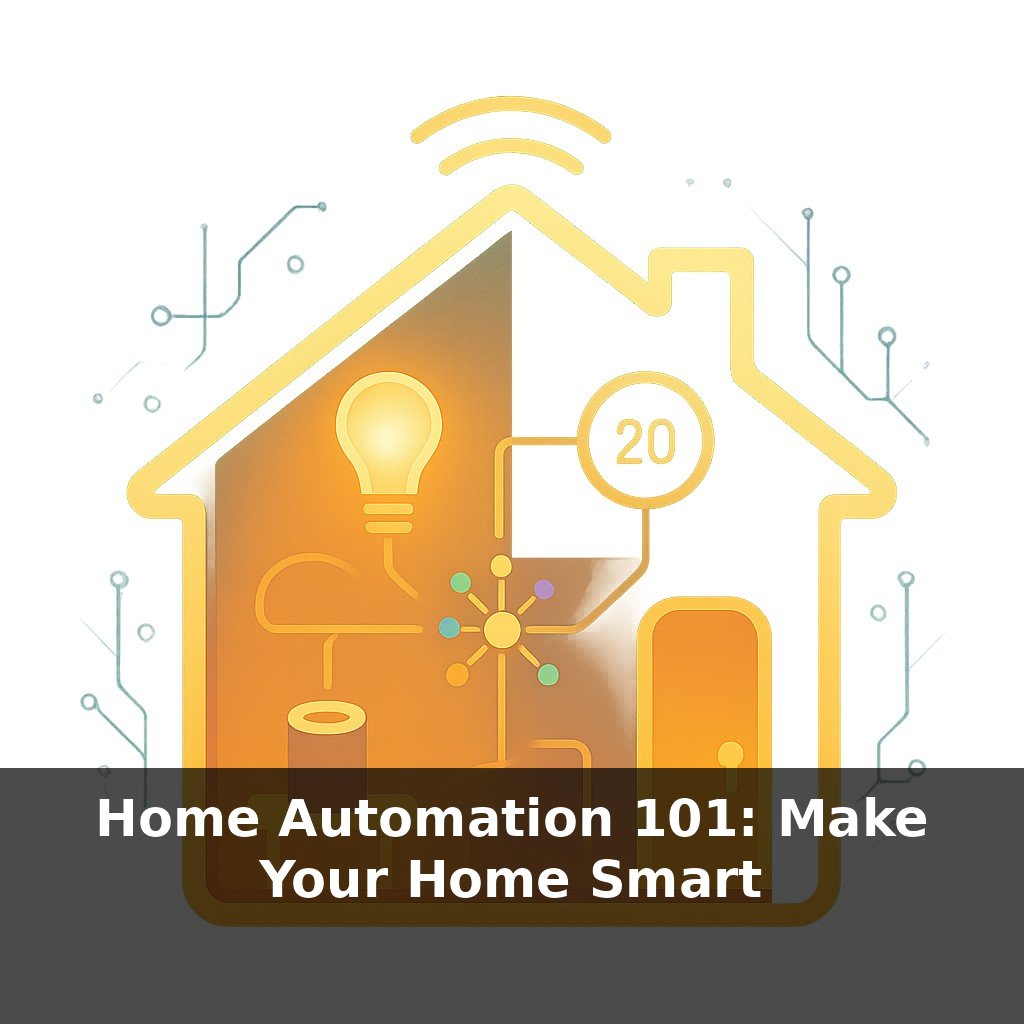
Racing down the street, the thought strikes—your lights are still blazing, music’s playing, and your house is stuck in time, oblivious to your absence. Lights on, thermostat humming, maybe even music playing to no one. Here’s the twist—your home could quietly notice you’ve left and shift itself into “away” mode, no taps or voice commands needed.
Most homes already have a rough “routine”: mornings are rushed, afternoons are empty, evenings fill back up. The problem is your devices don’t know that cadence—so they stay wasteful, noisy, or vulnerable when no one’s paying attention. This is where home and away modes become less about gadgets and more about choreography. Instead of reacting to dozens of tiny tasks—dimming a light here, turning down heat there—you set expectations: “When we’re gone, prioritize security and savings. When we’re back, prioritize comfort and convenience.” Sensors, phones, and schedules each see a small part of your day; stitched together, they can infer enough to make confident decisions. The goal isn’t hyper-automation for its own sake, but a house that quietly defaults to the right state so you can focus on everything happening beyond your front door.
The tricky part is that “home” or “away” isn’t just about your location; it’s about intent. You might be on the couch but want distraction-free focus, or technically out of the house while a dog walker comes and goes. That’s why modern setups blend presence signals with context: who’s around, what time it is, and even patterns in your past behavior. Think of routines as drafting a few “playbooks” for common situations—weekdays, weekends, vacations—then letting your devices choose the right one. As standards like Matter spread, those playbooks can span more rooms, brands, and edge cases without constant tinkering.
The fastest way to make “home” and “away” feel seamless is to stop thinking in terms of individual gadgets and start thinking in terms of *events*. Not “turn off living room lamp,” but “front door just locked and everyone’s phone left the neighborhood.” That’s a very different level of confidence than a single motion sensor going quiet.
Three event types do most of the heavy lifting:
1. **State changes** Doors opening or closing, locks arming, garage doors cycling, even TV power status—these are strong hints about transitions. A closed, locked front door plus no motion inside for 10–15 minutes is a far better “away” signal than GPS alone. Likewise, the first interior motion of the morning, or the garage opening after work, are clean cues to bring the home back to life.
2. **Location clusters** Instead of watching every small move, group locations into zones: “home,” “nearby,” and “far.” Your system can treat everyone as “still home” while phones hover around the block, then shift into away only when the last person crosses a farther boundary *and* no one else (like a cleaner) is expected. This avoids the classic mistake of dimming lights while someone is taking a walk around the yard.
3. **Time-based guardrails** Clocks catch what sensors miss. If it’s after 10 p.m. on a weekday and there’s been no activity in shared spaces for an hour, you can safely ease lights down and nudge the thermostat without declaring the house “empty.” Likewise, a late-night “vacation check” can sweep for stray devices you forgot—irons, space heaters, extra TVs—and shut them off even if presence is hard to read.
The magic comes from layering these: no single event is trusted on its own. A good rule of thumb is to require at least two different signals—say, location *plus* a door lock change, or quiet rooms *plus* the usual bedtime hour—before a large change like setting an alarm or cutting big energy loads.
Your challenge this week: pick *one* daily transition—leaving for work, returning from school runs, or going to bed—and turn it into a mini “scene.” Define what should happen consistently, then see how few taps or voice commands you can get it down to using these layered triggers.
Start with two contrasting “home” modes: one for noisy evenings, one for deep focus. In a **Focus Home** scene, notifications mute on shared speakers, hallway lights shift cooler, and TV apps pause recommendations so autoplay doesn’t drag you back. In a **Social Home** scene, doorbell alerts land on a smart display, playlist volume nudges up, and outdoor lights go welcoming instead of defensive.
For away, split **Quick Errand** from **All-Day Out**. A short step out might only pull shades to a neutral height and park the thermostat in a narrow band. A longer absence can drop HVAC into full savings, back up security camera clips to the cloud, and send you a digest if a window is cracked open or a water sensor trips.
Think of your routine library like a well-curated wardrobe: instead of one “home” outfit and one “away” outfit, you keep a few dependable combinations—workday, lazy Sunday, red-eye flight—that you can grab in seconds, confident they’ll fit the situation without fuss.
As these routines grow smarter, they’ll stretch beyond four walls. Calendar entries, transit delays, even local weather can subtly bend settings in your favor—like a jazz trio riffing on a familiar tune instead of replaying the same song. Your space may pre-cool before a surge in prices, dim nonessential loads when clouds cut solar output, or keep a guest’s preferences local for privacy. Expect leases and energy plans that *include* automation, not treat it as an add‑on.
Over time, you might add layers: guest profiles that soften alarms, pet-friendly paths that keep a few lights low, or “storm mode” that favors backup power over perfect comfort. Treat tweaks like seasoning—small, frequent adjustments reveal what actually fits your life. The aim isn’t a finished system, but a home that keeps learning alongside you.
Start with this tiny habit: When you pick up your keys to leave the house, tap one “Away” button on your phone (or smart speaker) that just turns off a single light near the door. Do that for a week, then add one more thing to that same button—like locking your smart lock or turning off the TV. When you come home and set your keys down, hit a “Home” button that only turns on one cozy lamp. After that feels automatic, slowly add in things like adjusting the thermostat or turning on your favorite background music.