Freelancers in the U.S. leave over a thousand dollars in tax deductions on the table every year. You’re racing to finish a client project, swiping your card for “just a few” expenses—software, coffee, rides—without logging any of it. Later, your tax refund quietly shrinks.
Here’s the quiet shift that changes everything: the moment you stop “checking your bank balance” and start running your freelance life like a tiny company. That starts with one habit—tracking every business expense on purpose, not by memory.
Think in dollars and minutes. That $29 design app, $14 stock photo, $62 client lunch, and $110 monthly software stack add up to $2,000+ over a quarter. Without a system, some of that simply disappears from your records. Miss $1,200 in legitimate write-offs and you might pay roughly $180–$300 more in tax, depending on your bracket.
Manual spreadsheets and end‑of‑year scrambles are where most people leak money and time. Modern tools can pull in bank feeds automatically, snap receipts in 2 seconds, and categorize hundreds of transactions in under 10 minutes a week—if you set them up correctly. That’s what we’ll start building now.
Now zoom in on what “doing this right” actually looks like. The IRS doesn’t care that you *know* you spent money; they care that you can *prove* it. For any expense of $75 or more, you need a receipt or clear digital record that shows who you paid, when, how much, and why it was business‑related. Miss that on just 3–4 larger purchases a month—say a $120 software license, a $95 equipment repair, a $160 course—and you’ve lost documentation for over $4,000 in a year. That’s why you’ll design your setup around two pillars: clean separation and automatic evidence.
Step one is structural: set up “pipes” that keep business money flowing in clean, traceable channels. Start with a dedicated checking account and one credit or debit card used only for work. If you run $3,000 a month through that pair—software, contractors, travel—that’s 36,000 of clearly identifiable business spend a year. Your bookkeeping tool can then pull in just those feeds, so you’re not sorting through groceries and rent to find deductible items.
Next, make automation do 80% of the categorizing. Most tools let you build rules like: “If merchant contains ‘Adobe’, categorize as Software”; “If description includes ‘Uber’ and time is 7 a.m.–7 p.m. on weekdays, categorize as Travel.” Ten solid rules can correctly classify hundreds of transactions. Suppose you average 120 business charges a month; if rules handle 90 of them and you manually review 30, you’ve cut your decision load by 75% and probably saved an hour or more every week.
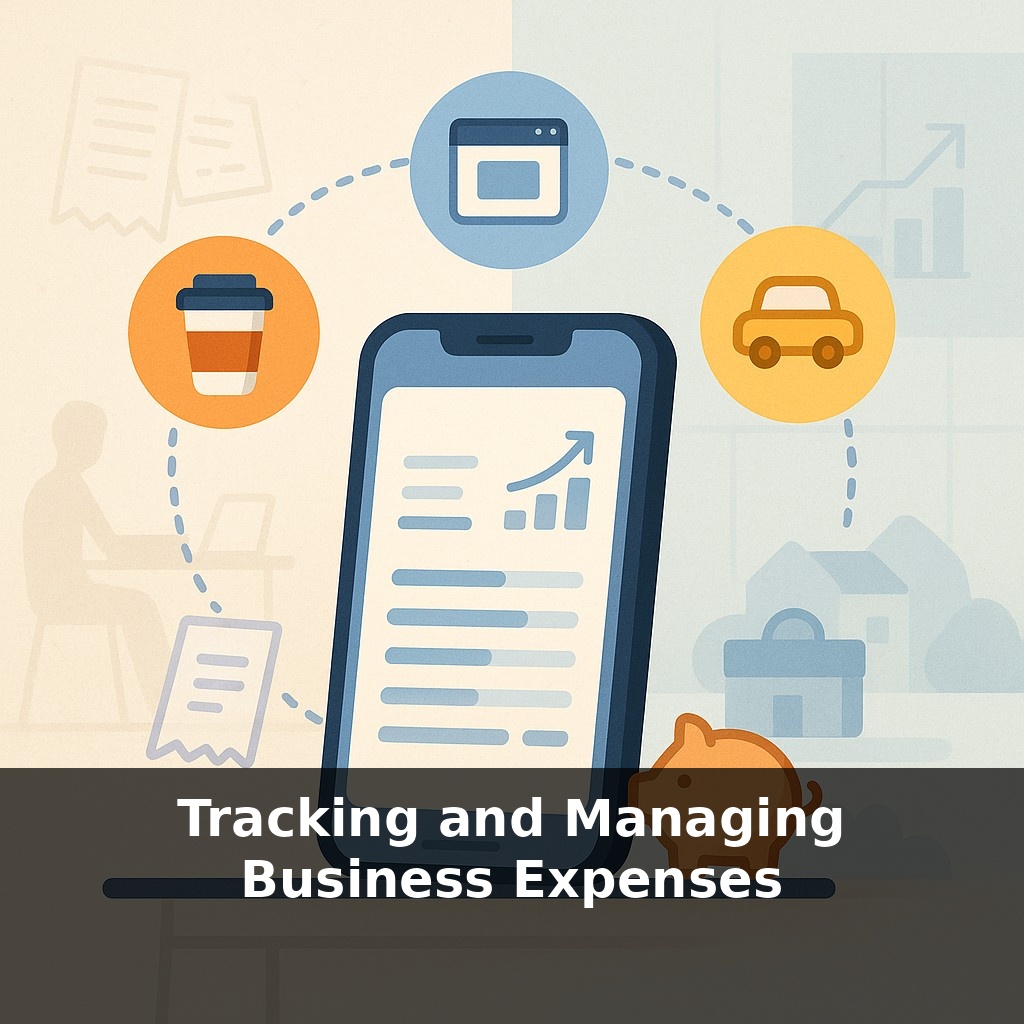
Then, bolt on receipt capture as a reflex. Choose one method and standardize it: snap a photo in your app within 60 seconds of paying, or forward email receipts to a special address (e.g., receipts@yourtool.com). If you make 5–6 purchases on a busy day, this is a 2–3 minute investment. Over a 250‑work‑day year, that’s roughly 10 hours spent preserving proof for tens of thousands of dollars in spend.
To tighten your records, add context while it’s fresh. When you log a $68 client lunch, tag it with the client’s name and “prospecting” or “project X.” For a $240 online course, add “skills: video editing.” Those extra 5–10 words help you justify the expense under audit and later analyze what’s actually driving revenue.
Finally, schedule a recurring 15‑minute “expense review” block—same day and time each week. In that slot, you’ll: clear uncategorized transactions; attach any missing receipts; and flag weird charges. If you typically run 25–40 new transactions a week, that quarter‑hour is enough to stay fully current. Skip this for a month, and you’re suddenly staring at 120 decisions, which is when people throw everything into “Miscellaneous” and lose insight.
Treat this workflow as a weekly mini‑ritual: open your account, scan, tidy, close.
A simple way to see this in action is to map expenses directly to decisions. Suppose you’re a web designer and your tool shows $450 last month on “software + apps,” spread across 11 subscriptions. In your weekly review, you sort them by renewal date and revenue impact. You might find three tools totaling $110 that you haven’t used in 60 days. Cancel them and you’ve freed up $1,320 a year—enough to cover a new laptop or two online courses that actually support billable work.
Or take a copywriter who travels occasionally. By labeling each trip with a client and project, they realize 70% of their $1,150 in quarterly travel costs are tied to a single low‑margin client. That insight supports a concrete choice: raise that client’s rate by 15%, switch future meetings to virtual, or stop offering on‑site visits.
Your challenge this week: pick one active client and tie every related charge to them. Next week, review the total and ask, “Would I still take this work at this true cost?”
Within a few years, expect your expense data to flow automatically into tools that forecast your next 3–6 months. For example, a design studio with $12,000 in monthly outflows might see, on Monday, a model projecting they’ll hit a cash crunch in 47 days unless they trim $480 in “nice‑to‑have” tools and chase $6,300 in late invoices. Your edge will shift from entering numbers to deciding: cut, renegotiate, or raise prices—before problems hit your bank balance.
Use your numbers, don’t just store them. Once your records are clean, export a 90‑day expense report and sort by category. Decide one cut and one upgrade: maybe kill a $37/month app you barely touch and redirect that $444/year to ads that brought in $3,200 last quarter. Repeat this review each quarter to keep profit moving up, not sideways.
Here’s your challenge this week: Pick ONE business bank or credit card account and categorize every single transaction from the last 30 days into clear buckets like software, marketing, client delivery, and owner pay using a simple spreadsheet or your bookkeeping app. Then set up one concrete system you’ll keep using—either turning on automatic bank feeds in your accounting tool or scheduling a 20‑minute “Money Monday” on your calendar for the next four weeks. Finally, choose one recurring expense you found (like a software subscription or service fee) and either cancel it, downgrade it, or consciously recommit to it with a clear reason why it earns its place in your budget.