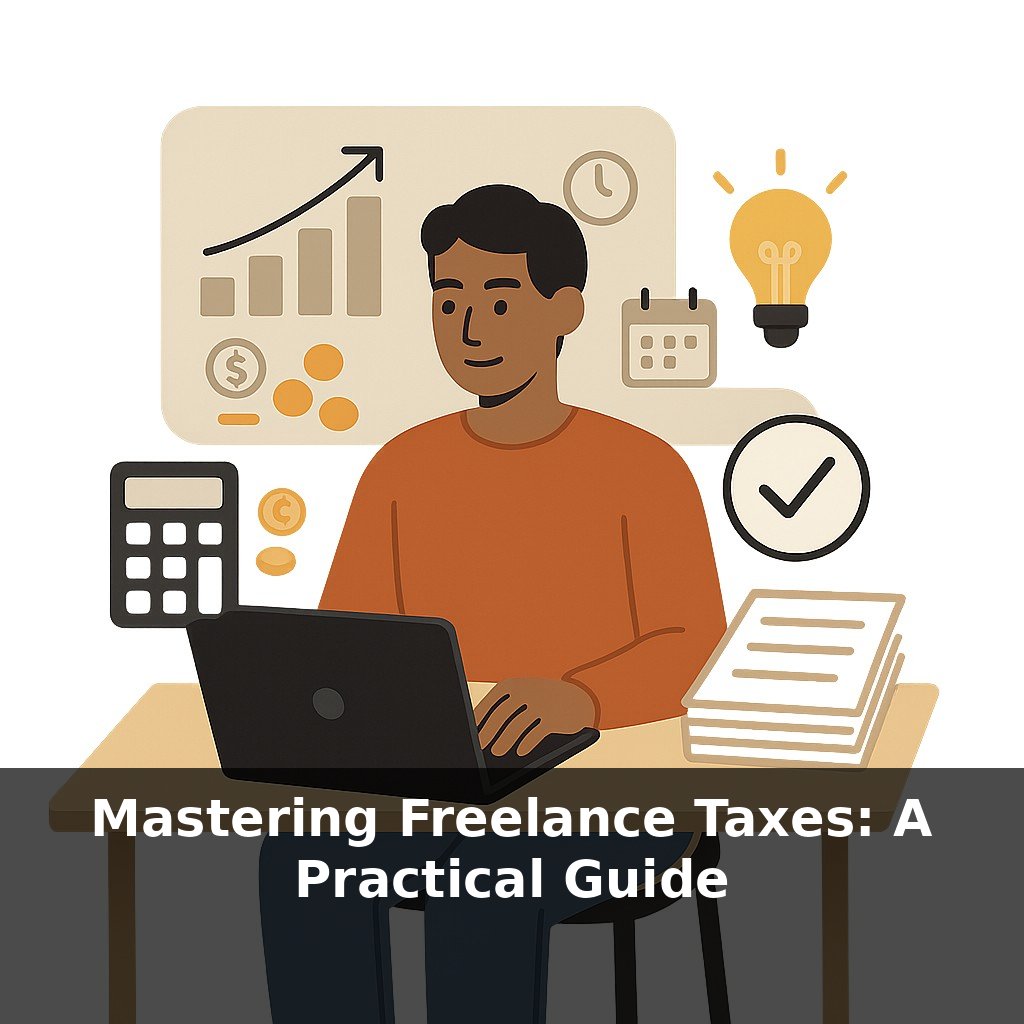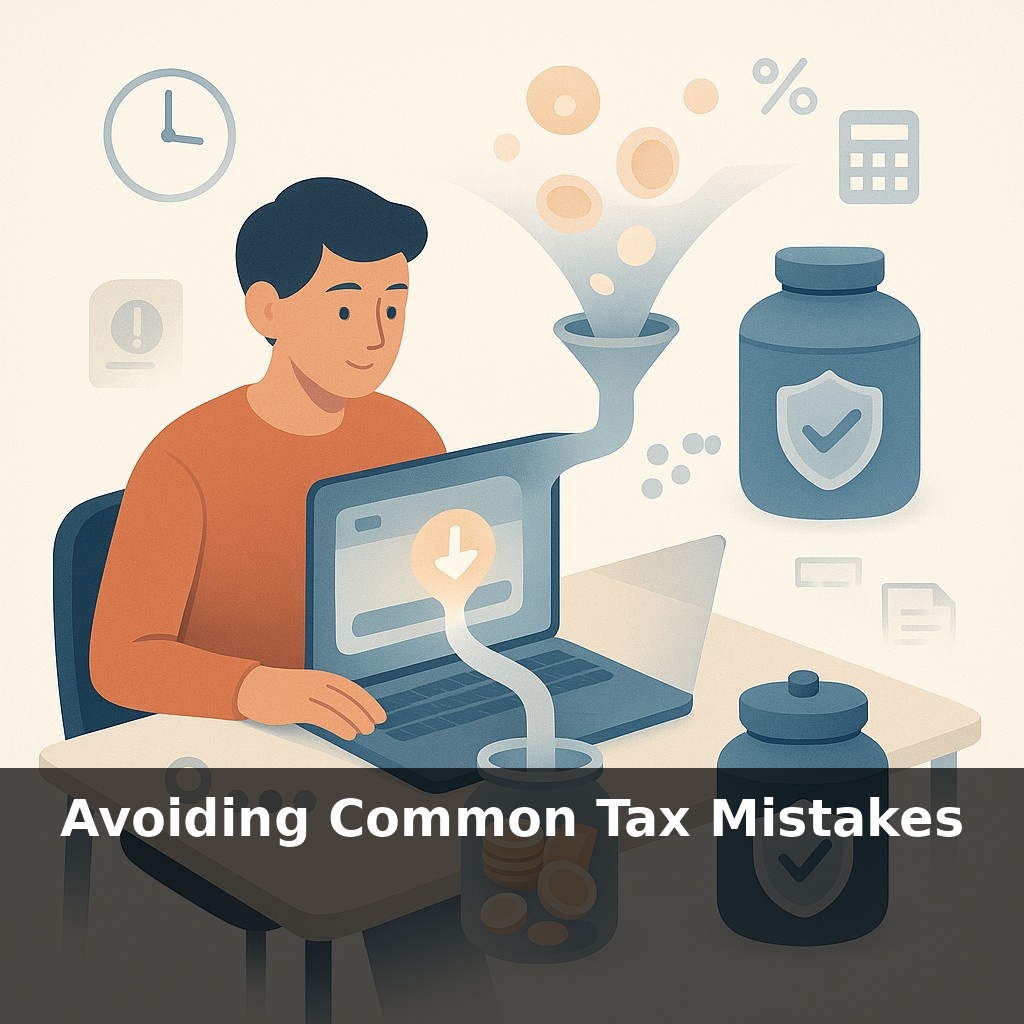
About half of freelancers who owe the IRS didn’t actually do anything “shady” with their taxes. They just guessed. You book a project, the money hits your account, and you think, “I’ll sort the tax part later.” Months pass, and suddenly that “later” has turned into penalties.
About 30 seconds is all it takes to set yourself up for most freelance tax headaches—or to prevent them. Not when you file, but the moment money lands in your account. That’s where three quiet troublemakers usually slip in: irregular income, no one automatically withholding for you, and receipts scattered across email, notes, and crumpled paper.
You don’t notice them right away. Client payments feel like progress, you’re focused on the work, and tax stuff becomes background noise. But each ignored quarter, each “I’ll log that later,” stacks into something bigger: missed estimated payments, fuzzy income totals, deductions you *know* are real but can’t prove.
The surprise is how ordinary the fix is: a few intentional systems, set once, can do more for your stress level than any last‑minute scramble in April.
Roughly one in two Schedule C filers under $100k who get audited end up with changes to what they owe—and the top culprit isn’t fraud, it’s weak documentation. Not knowing *how* to track things becomes its own hidden tax. The twist: the IRS actually tells you the rules in advance—when to pay, what rate applies, and what proof they’ll accept—yet most freelancers only meet those rules in a panic, staring at a half‑finished return. In this episode, we’re going to flip that timing: start from the rules, then design your daily money habits to quietly satisfy them in the background.
Here’s the quiet pattern underneath most “tax mess” stories: the IRS already told you what it expects; our systems just don’t match the rhythm.
Start with timing. The calendar the IRS cares about is not “tax season,” it’s four specific checkpoints. Instead of asking, “How much will I owe next April?” a more useful question is, “How will I make those four payments feel boring?” The trick is to reverse‑engineer your cash flow around them.
One simple frame: every client payment has three jobs—pay you, pay future you, and pay the IRS. When money lands, you can use fixed percentages to route it automatically. For example: 60 % to spending, 25 % to a “tax + self‑employment” account, 15 % to savings or irregular expenses. The exact numbers will shift as you learn your real effective rate, but the structure holds. You’re turning lumpy income into smoother flows.
That structure works best when your business money has its own “lane.” A separate checking account doesn’t just feel organized; it quietly creates a transaction log that looks a lot like the summary your tax return needs. Pair that with a bookkeeping app connected to your bank and cards, and most of the grunt work becomes “approve or recategorize” instead of “hunt and type.”
Categories are where many people drift into trouble. The software will happily let you call almost anything a business expense. The IRS won’t. The key idea to keep in mind is “ordinary and necessary for *your* line of work.” A designer and a fitness coach can both deduct software, but not always the same software. Over time, build a short list of your recurring, clearly business‑related categories—software, subcontractors, marketing, education, travel, supplies—and favor those instead of inventing new labels every time.
Now layer on the self‑employment tax piece. Income tax is about *how much* you made; self‑employment tax is about *how* you made it. W‑2 wages usually have it handled. Freelance income doesn’t, which is why your tax‑set‑aside percentage often needs to be higher than friends with payroll jobs expect.
Think of your system as tending a small garden: if you check in briefly and consistently—nudging percentages, pruning categories, reconciling transactions—the weeds (penalties, surprises, missing proof) never get a chance to take over.
Maya, a web developer, treats projects like mini‑seasons instead of a blur of gigs. When a $4,000 invoice pays out, she tags every related cost—contract designer, testing tools, client‑specific plugins—right inside her app *before* she moves on. By year‑end, she doesn’t “reconstruct” anything; each project already has a clean profit number she can scan in minutes.
Jordan, a copywriter, goes one step further and creates “rules” in his bookkeeping software: anything from his email provider auto‑tags as marketing, anything from his online course platform tags as education. The software does the sorting; he just fixes the weird edge cases once a week.
Here’s the twist most people miss: small habits beat heroic cleanups. A 10‑minute “money Monday” where you confirm categories, flag deposits as income, and snap photos of oddball receipts usually avoids the kind of mismatches that trigger questions later.
Your challenge this week: pick one repeating expense type—like software or subcontractors—and create a consistent category and rule for it everywhere you track money. By Friday, it should sort itself.
As tools sync bank feeds and categorize in real time, the line between “bookkeeping” and “tax prep” will blur. You might review a live tax estimate the way you check a weather app: not perfect, but good enough to plan your week. Platforms could flag when your margin dips, or when a new client pushes you into a different bracket. The risk flips too: if you ignore these prompts, it’s like silencing a smoke alarm. The data is there; the advantage goes to those who actually look.
Treat this like learning a new instrument: the first songs are clumsy, but patterns click faster than you expect. As your habits settle in, you’ll notice side benefits—clearer pricing, calmer slow months, easier yes/no calls on new tools. Each small tweak is really practice at running a business on purpose, not on autopilot. That skill pays you well beyond tax season.
To go deeper, here are 3 next steps:
1. Use IRS Form 1040 and Publication 17 (both free on IRS.gov) side-by-side to review last year’s return line by line, specifically checking for missed credits like the Child Tax Credit, Earned Income Tax Credit, and education credits the episode warned people commonly skip. 2. Plug your actual income, withholding, and deductions into a reputable tax estimator like the IRS Tax Withholding Estimator or TurboTax’s free tax calculator to see if you’re on track or at risk of underpayment penalties this year. 3. Download a receipt-tracking app like Expensify or QuickBooks Self-Employed and set it up for the exact expense categories mentioned in the episode (home office, mileage, subscriptions, professional education) so you stop missing legitimate deductions going forward.