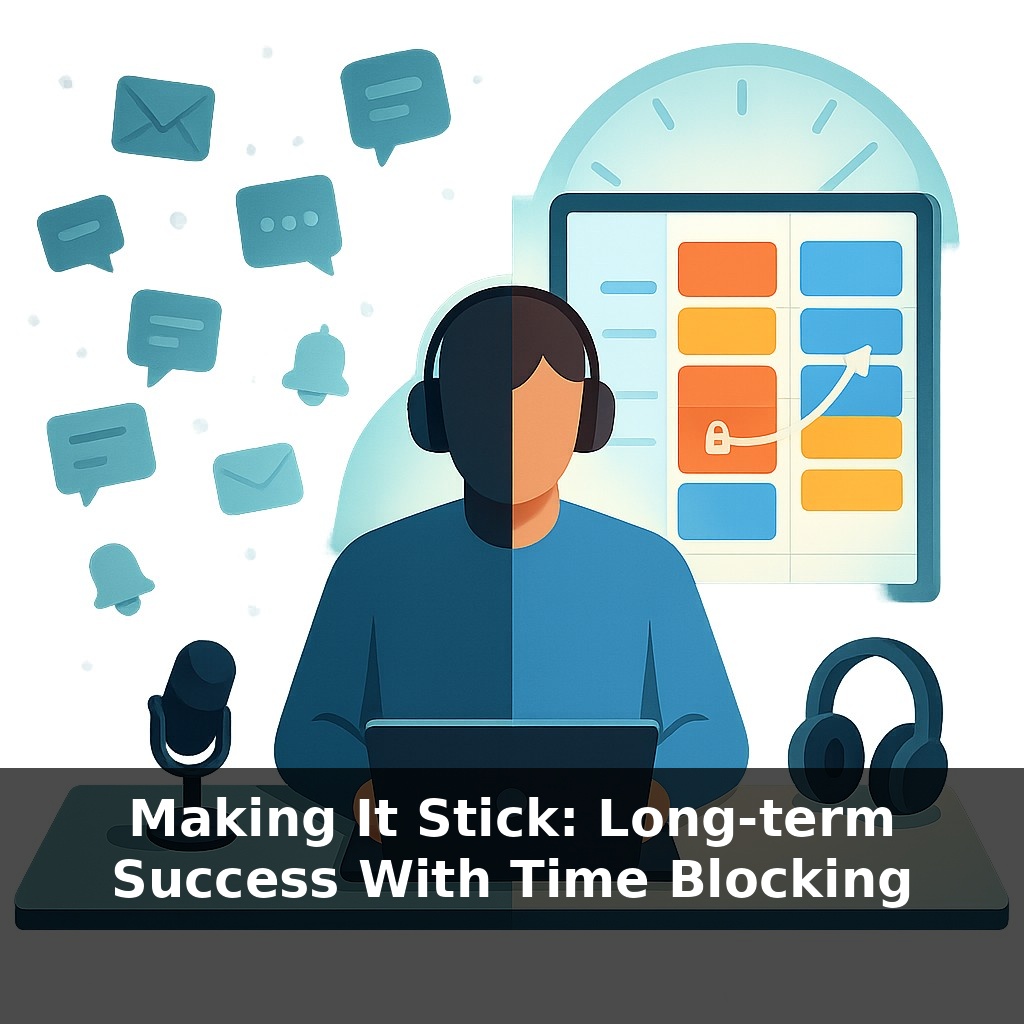
“Time blocking doesn’t fail because your calendar is too full. It fails because your habits aren’t involved.” You sit down, ready for deep work, but your brain still expects Slack, email, quick checks. The paradox: your schedule changed… but your behavior never got the memo.
The average employee spends 28% of the workweek on email alone—that’s more than a full day every week dedicated to one input channel. Add chat, meetings, and “just checking” cycles, and your carefully built blocks are swimming against a rip current of defaults. This is why time blocking, by itself, so often feels brittle: the calendar changes instantly, but the environment that drives your behavior hardly shifts at all.
In earlier episodes, you designed smarter weeks and practiced flexibility on purpose. Now we zoom out: how do you make those wins durable enough to survive real life—product launches, sick kids, quarter-end chaos? The answer isn’t finer slices on the calendar; it’s linking your blocks to cues you already obey, and building a lightweight weekly review that quietly upgrades them. Think less “perfect plan,” more “living system” that keeps learning with you.
Think of this phase as moving from “trying a new app” to “running an operating system for your day.” The goal now isn’t to squeeze more blocks onto the screen, but to wire those blocks into the rhythms you already keep: your morning coffee, your commute, the moment you close your laptop at night. We’ll lean on three levers: anchoring blocks to routines you rarely miss, adding simple cues that nudge you into the right task at the right time, and adjusting your plan just enough each week to reflect what actually happened, not what you hoped would happen.
Most people don’t lose time because they lack a calendar; they lose it because their calendar keeps trying to coexist with an old operating system of automatic behaviors. The McKinsey finding that 28% of the week disappears into email is a symptom of that conflict: you block two hours for strategy, but your learned reflex is “inbox first, just to get clear.” The reflex wins.
So instead of hunting for the perfect layout, aim to make your blocks the “path of least resistance.” A useful test: in the first five minutes of any block, do you have to improvise what to do? If yes, your brain will reach for the nearest habit—usually screens and notifications.
This is where tiny structural tweaks matter more than heroic willpower. For focus blocks, pre‑decide the very first action: “Open slide deck X,” “Run query Y,” “Dial Z.” Put that action in the block title, then stage whatever you need before the block starts: tabs open, file visible, notes on your desk. You’re lowering the activation energy so that when the cue arrives, “just starting” feels mechanically easy.
Research on context switching suggests that frequent task hopping can wipe out up to 40% of productive output. That doesn’t mean you must sit in monastic silence; it means you want to batch similar modes together. Group email, chat, and quick approvals in a single “communications” block, then defend at least one longer “maker” block where those channels are silenced. You’re not being rigid; you’re assigning each mental mode a home base on the calendar so they stop invading each other.
Long‑term, the people who stick with time blocking aren’t the ones who plan with the finest precision. They’re the ones who accept that their first draft of the week is a hypothesis. When Thursday blows up, they drag surviving blocks into next week instead of treating them as failures. Over time, that habit of gentle re‑allocation quietly teaches you how much real capacity you have, which projects always overflow, and which meetings never deserved a prime‑time slot in the first place.
Your schedule stops being a wish list and becomes feedback: data about how you actually operate under pressure, so next week’s plan is slightly more honest—and far more likely to work.
Elon Musk’s 5‑minute blocks and Cal Newport’s publication record sound extreme, but you don’t need their schedules to borrow their logic. Think of how airlines handle flights: every route has a default slot, but actual departure boards change daily based on weather, delays, and demand. Your calendar can work the same way: core “routes” stay, but you reassign time when reality hits, instead of canceling the trip.
Take email. If 28% of a week vanishes there, treat that as a predictable “route” and cluster it. Try one 45‑minute pass late morning and one late afternoon. During launch weeks, add a third block; during quieter weeks, shrink them. You’re not guessing—you’re matching the schedule to known traffic patterns.
Now layer in AI tools cautiously. Auto‑reblocking can rescue stranded tasks, but let it rearrange within boundaries you choose: no moving focus work out of your best mental hours, no packing meetings back‑to‑back without buffers. Automation should guard your priorities, not quietly auction them off.
As AI calendars mature, your blocks may interact with far more than email and meetings. Think of your schedule quietly negotiating with your smart home, gym, even transit—dimming lights when focus starts, booking a later train if a project runs long. In teams, shared blocking norms could replace status meetings: your calendar becomes a living scoreboard of bets you’re placing with your time. The deeper shift: your plan stops chasing urgency and starts expressing identity.
Long-term, success looks less like a flawless grid and more like a trail you keep walking. Let your blocks evolve with seasons: tax time, hiring spurts, school holidays. Notice which hours feel like open roads and which are traffic jams, then steer accordingly. Over months, your calendar becomes less a cage and more a map you’ve learned to read.
Before next week, ask yourself: - “If I look at my calendar from last week, which time blocks actually protected my deep work and which ones got hijacked—and what *one* pattern do I see behind the hijacked ones (Slack, meetings, kids’ bedtime, vague task names, etc.)?” - “For the coming week, which *specific* 90–120 minute block will I fiercely protect for my highest-impact work, and what exact rules will I follow during that block (no phone, door closed, one tab, task written as a clear verb + outcome)?” - “When (not if) something blows up one of my planned blocks this week, what’s my pre-decided ‘backup move’—will I reschedule that block within 24 hours, trim it to 30 focused minutes, or swap it with a lower-priority block instead of just letting it disappear?”