Your phone already runs more automations each day than most factories used a decade ago—yet you probably can’t name a single one. A calendar ping, a fraud alert, a smart light turning on... all quietly choreographed. Today, we’ll peel back that choreography to its simplest pieces.
Let’s zoom in on how that hidden system actually decides *when* to do *what*. Underneath all the apps, settings, and “smart” features, there are really just two questions being asked over and over: “Did something happen?” and “What should I do about it?” That’s it. Your phone, your email filters, your smart thermostat, even a trading bot on Wall Street are all playing the same two-step game, just at different scales and speeds. A meeting starts on your calendar and your status flips to Do Not Disturb. Your bank spots a charge in another country and fires off a security text. A sensor in a warehouse hits a temperature limit and spins up cooling. By the end of this episode, you’ll start to see these two questions everywhere—and you’ll be able to use them to design your first tiny, practical automation.
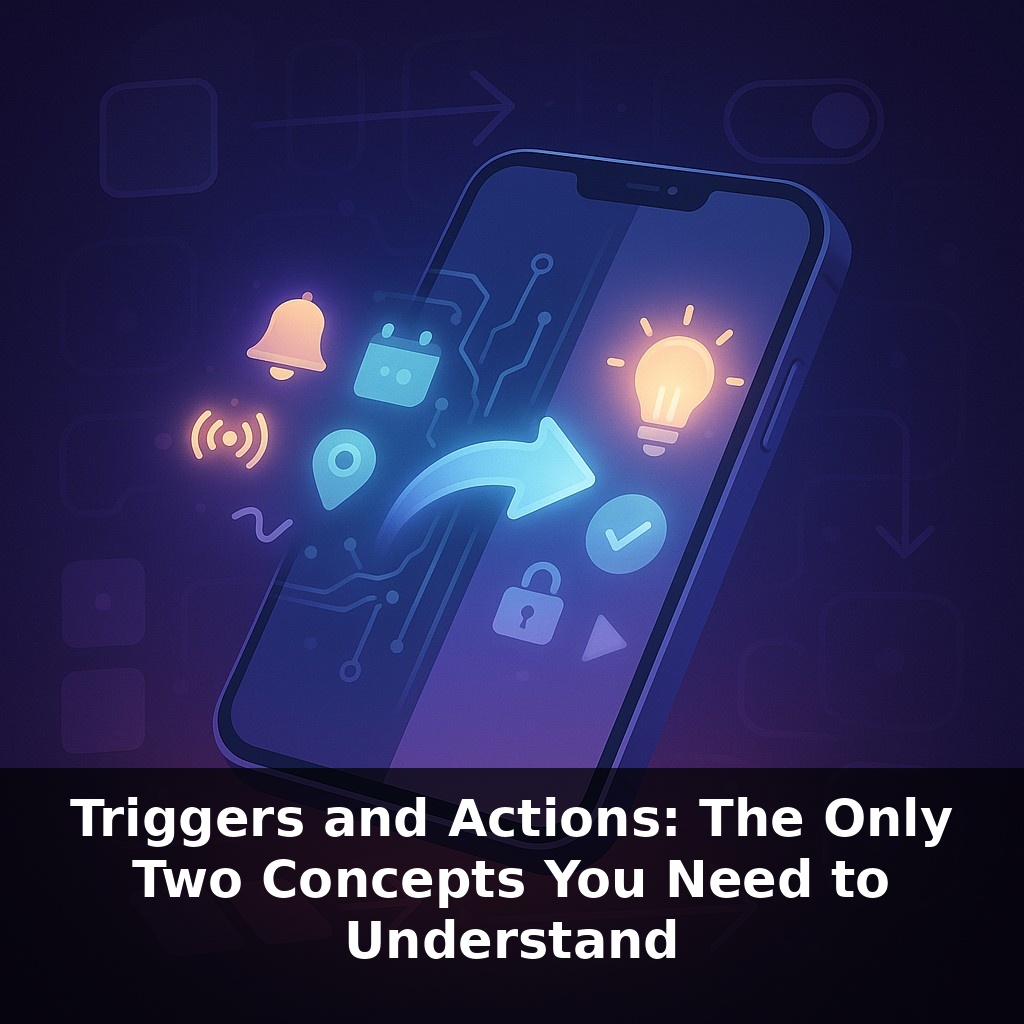
Think of this episode as moving from “spotting patterns” to “naming the ingredients.” In technical terms, those two questions—“Did something happen?” and “What should I do about it?”—become *triggers* and *actions*. Every tool you’ll touch, from Zapier to AWS to a smart plug app, ultimately forces you to make two choices: *what counts as the moment to react*, and *what should automatically follow*. The good news: you don’t need to learn a new tool for each domain. Once you can recognize triggers and actions, you can read almost any automation screen the way a cook reads a recipe: “when this, then that.”
Let’s get more concrete and zoom in on the three main ways “Did something happen?” gets answered in real systems.
First, time-based triggers. These are the simplest: “at 7:00 AM, do X,” “every Friday, do Y,” “on the first of the month, do Z.” Cron jobs on servers, calendar reminders, subscription billing runs—they all live here. Time-based triggers shine when the *when* is predictable: reports, backups, summaries, gentle nudges to yourself. They’re boring on purpose, and that’s their power.
Second, event-based triggers. Instead of checking a clock, they listen for a specific signal: “new email arrives,” “form is submitted,” “payment succeeds,” “file is uploaded.” Under the hood, this is where webhooks and event buses sit. A service sends a tiny message to say, “Something just changed—react now.” Most modern SaaS tools you use—Stripe, Notion, Shopify, GitHub—can already emit these signals, which makes them perfect building blocks for your own workflows.
Third, state-based triggers. Here, the focus isn’t *when* something happens, but *crossing a line*: temperature above 30°C, account balance below $100, pipeline stage becomes “won,” task status changes to “done.” These are common in monitoring dashboards, alerting tools, and anything involving sensors or thresholds.
Once you can spot those three, complexity starts to look less scary. You can:
- Chain triggers and actions: one action updates a spreadsheet, which itself becomes the event that kicks off the next step. - Fan out from a single trigger: one new customer can create a CRM record, send a welcome email, start a trial timer, and open a support ticket template. - Combine conditions: “only run this when a form is submitted AND the deal value is over $5,000,” or “send a notification when a server error appears OR CPU is above 90% for 5 minutes.”
Your job isn’t to memorize tools; it’s to decide what “moments that matter” you care about, and what automatic responses would be genuinely useful. The tools just give you buttons to express those decisions.
The fastest way to make this concrete is to steal tricks from tools you already use. Gmail filters? They quietly run “when email matches X, do Y” all day: from a certain sender, archive and label; containing “invoice,” forward to accounting. Project tools like Asana or Jira can auto-assign tasks “when” a ticket enters a certain column. You’ve seen these menus—now you can read them as menus of possible reactions.
Let’s jump domains. In a SaaS sales team, closing a deal in HubSpot can auto-create an onboarding checklist in Notion, ping a Slack channel, and start a renewal reminder countdown in your billing system. Same pattern shows up in content: publishing a blog post can generate social posts, notify your newsletter tool, and send a draft to your translation agency.
Here’s one fresh place people overlook: personal finance. A low-balance alert from your bank can kick off a chain that pauses discretionary subscriptions, moves a buffer from savings, and logs the event in a budget sheet—protecting you without you scrambling.
A future shift is that “something happened” won’t just mean a click or a timestamp—it could be a frustrated tone in a support call, a confused pause in a product tour, or a spike in heart rate during a workout. AI will quietly notice these micro-signals and hand them to your systems as new moments to respond to. Like a smart sous‑chef anticipating what you’ll need next, well‑designed setups will help without overwhelming you, as long as you keep human override within easy reach.
Once you start spotting these “moments that matter,” you can treat your day like a recipe: adjust ingredients, taste, and refine. Your challenge this week: pick one tiny friction—chasing receipts, status updates, or handoffs—and redesign it using just “when X, then Y.” Keep it small, like seasoning. The goal isn’t perfection; it’s proving you can reshape the flow.