Your credit score can drop more in one month from a single late payment than from years of high balances. A text you missed, a Sunday due date, a card you rarely use—suddenly, boom: fee, penalty rate, score hit. So why do we still trust our memory more than systems built to never forget?
Most people treat due dates like juggling knives: work email, kids’ schedules, random alerts—then somewhere in that chaos, an important bill quietly slips by. Not because you’re reckless, but because your brain was never designed to be a flawless calendar. The good news: your score doesn’t care *how* the payment gets made, only that it arrives on time, every time. That’s where automation and layered reminders become less “nice-to-have” and more like a safety harness. When you set bills to pull themselves, and build a simple reminder system around them, you remove willpower, mood, and memory from the equation. In this episode, we’ll map out how to rank your bills by importance, route them through autopay in a smart order, and use gentle nudges so that even if life gets messy, your payments stay perfectly on track.
The real secret here is treating your money like a workflow, not a series of emergencies. Instead of reacting to each bill as it pops up, you’ll design a simple path your cash walks every month: paycheck lands, essentials get fed first, everything else waits its turn. That shift does two things at once: it shields the 35% of your score tied to payment behavior, and it calms the constant “Did I forget something?” hum in the back of your mind. Think of this as setting up rails for your finances—so even on your busiest, most chaotic days, your payments stay on track without needing your full attention.
Start by listing everything that can bill you without asking: credit cards, car loan, student loan, mortgage or rent platform, utilities, phone, subscriptions, buy-now-pay-later plans, even parking passes. Then, instead of flipping them all to “on” at once, you’ll wire them into a simple priority stack.
Tier 1 is *can’t-lose* items: housing, car, insurance, essential utilities, any account that would report fast or hit your life hard if it goes unpaid. These are the first to connect directly to your main checking, and they should come out soon after your paycheck hits. If your income is irregular, anchor them to the most predictable deposit or keep them routed through a separate “bill hub” account funded as soon as money arrives.
Tier 2 is *score-visible, but flexible* items: credit cards, personal loans, store cards. Many issuers let you pick “minimum,” “statement balance,” or a fixed amount. Choose the smallest option that still keeps you safe if a bad month hits, and then add extra payments manually when cash flow is strong. That way, automation prevents damage; you decide when to be aggressive.
Tier 3 is *nice-to-have* or easy-to-cancel: streaming, apps, boxes, gym. Putting these on autopay is fine—but they’re your pressure valve. When money feels tight, you trim here before touching Tiers 1 or 2.
Now layer in timing. Cluster payments into one or two “draft days” right after income. Many companies will move your due date if you ask; credit cards and loans often allow this online. The aim is to reduce randomness: instead of money leaking every day, you have predictable outflows you can see coming.
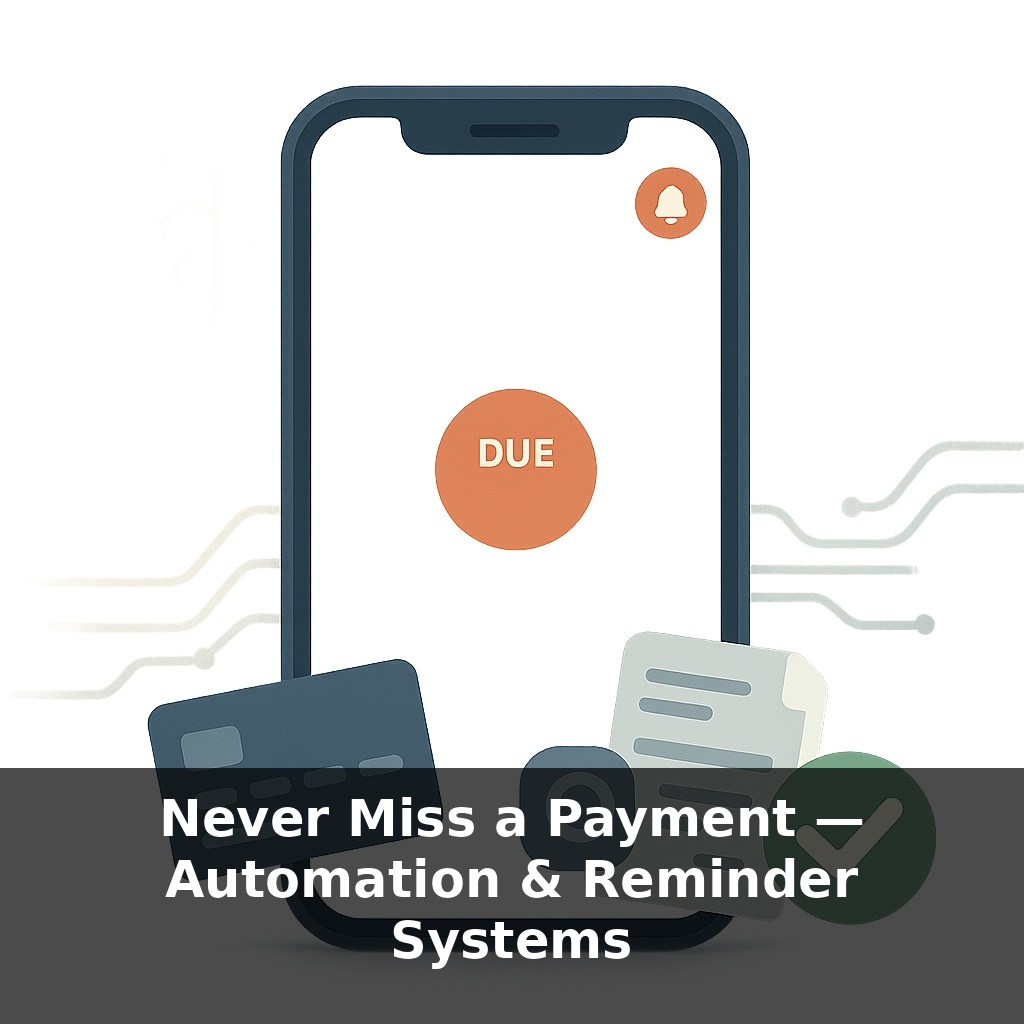
To tighten the system, add two safety tools: a small buffer and alerts. A separate checking or savings with even $100–$300 earmarked for “autopay overflow” can stop a surprise from sinking the whole month. Then, set three alerts per key bill: when the statement posts, a few days before it drafts, and if the payment fails. That way, your system hums quietly in the background—but taps you on the shoulder only when something breaks.
Camila, a freelancer with choppy income, builds her system around her *most chaotic* months instead of her best ones. She looks back three months, finds the lowest take-home, and designs her fixed commitments so they still clear in that worst-case scenario. Anything that doesn’t fit that “rainy-month budget” goes on the chopping block first. That way, when a slow month hits, her setup already assumes it.
Or take Malik, who kept getting tripped up by one-off charges—annual renewals, car registration, once-a-year insurance premiums. He parks these in a “quiet calendar”: a separate digital calendar with only non-monthly money dates, all tagged orange. Those entries each get a tiny monthly transfer into savings so that when December or renewal season hits, the cash is already staged.
Think of this like a good primary-care doctor: most visits are quick checkups, but labs and follow-ups kick in only when something looks off. Your system hums along, and you step in when numbers start to drift.
As systems get smarter, your money calendar may start to behave less like a static schedule and more like a navigation app. Instead of you guessing which bill to move, tools could reroute payments around slow deposits or unexpected expenses in real time, the way traffic apps redirect you around a crash. That also means new choices: how much control you delegate, which apps you trust with read-and-move access, and how fast you want corrections to kick in when life swerves.
When this setup’s running, notice how much *less* mental space money takes. That’s your real win: bandwidth. You can now raise the bar—turn on alerts for positive milestones, like streaks of on-time months, or auto-routing extra cash to savings. Over time, the system becomes a quiet collaborator, nudging you toward goals you once white-knuckled alone.
Here’s your challenge this week: Before tonight, set up automatic payments for at least two recurring bills (like your credit card and utilities) directly through your bank or the provider’s website, with the due date at least 3 days before the actual deadline. Then, create a single “Master Due Date Calendar” by adding every remaining bill’s due date into one place (Google Calendar, Apple Calendar, or a paper wall calendar), and set two reminders for each: one 7 days before and one 2 days before. Finally, do a 10-minute “automation check-in” on your next payday to quickly confirm every auto-pay is scheduled correctly and no due dates have changed.