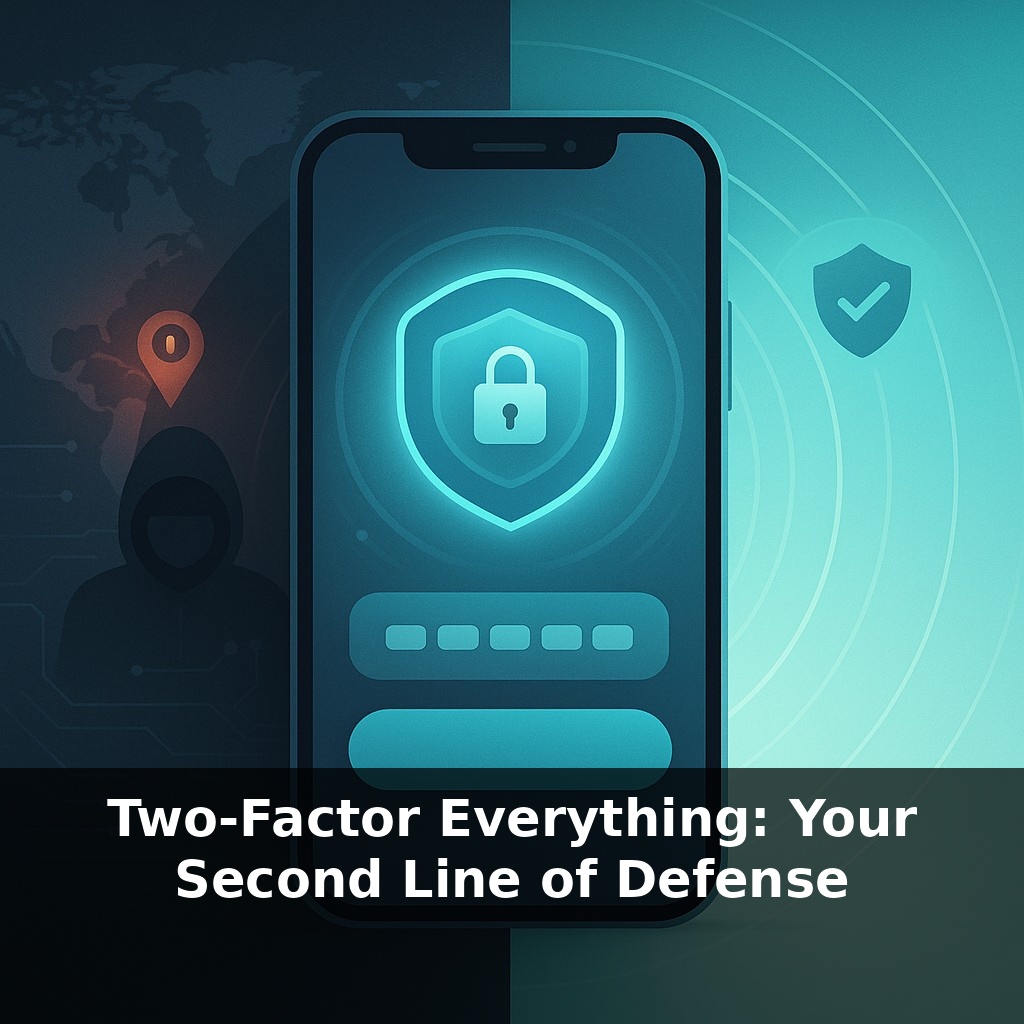
Someone logs into your account from another country. The password is correct. No alarms go off. No warnings fire. Nothing stops them. Now here’s the twist: one tiny setting you can turn on in under a minute would have blocked that break‑in before it even started.
That “tiny setting” isn’t magic—it’s two‑factor authentication quietly asking, “Are you really you?” before it lets anything important happen. Passwords alone are brittle: reused, guessed, leaked, or bought in bulk on the dark web. Attackers don’t need to be geniuses; they just need one of your reused passwords to work somewhere valuable.
2FA changes the game by forcing every login to pass an extra, independent check—typically on a device or app you control. Suddenly, a stolen password isn’t enough; attackers hit a wall they didn’t plan for. That’s why large breaches so often have the same post‑mortem: no second factor in place.
Think of this as moving from “hope my password holds” to “assume it won’t, and still be safe.” In the rest of this episode, we’ll look at which second factors actually matter, where to turn them on first, and how to avoid the common pitfalls that make people turn 2FA off.
That extra check can be surprisingly simple, but not all options are equal. Some send a code by text, others use an app, a prompt on your phone, or a small physical key you keep on your keyring. Each one trades convenience, cost, and strength differently. The weak point often isn’t the technology—it’s how people actually live with it. Lose your phone, switch numbers, or get annoyed by constant prompts, and you’re tempted to turn it off. The goal isn’t “perfect security”; it’s finding a setup you’ll reliably keep using as your life, devices, and habits change.
Here’s where the numbers get sharp. Microsoft found that 99.9% of compromised enterprise accounts had no multi‑factor protection at all. That’s not a subtle improvement; that’s the difference between “routinely breached” and “almost never breached.” Google’s own research shows that even basic text‑message codes stop nearly all automated attacks and most broad phishing. App‑based codes and hardware keys go further, cutting sophisticated, targeted attempts down to the noise floor.
Underneath those stats is a simple pattern: attackers go after the easiest possible path. If your account requires only something they already stole in a breach list, you’re low‑hanging fruit. Turn on a second check—especially a stronger one—and you usually get pushed into the “too much effort” category. This is why large providers and security teams obsess about coverage: how many critical accounts actually have that extra step turned on.
Different factors change which attacks even make sense. A code generator app on your phone resists SIM‑swaps that can hijack text messages. A hardware key ties its approval to the real website’s address, so a perfect‑looking phishing page still can’t trick it. Biometrics, when used as one piece of a larger puzzle, shine at protecting the device in your hand rather than the account itself. The practical takeaway: the more tightly your second check is bound to a specific device and a real website, the fewer tricks an attacker can use remotely.
There’s a usability flip side: the stronger the factor, the more painful it can be if you lose it. Security keys can be almost un‑phishable, but easy to misplace. App prompts are smooth until your phone dies during travel. The art is matching the protection level to the risk: your primary email, banking, cloud storage, and password manager deserve your best factors and your best backup plan.
In that sense, strong 2FA is like preventive medicine: a small, routine inconvenience that quietly avoids a catastrophic, expensive emergency later.
Think about the different “layers” of your digital life instead of treating every login the same. Start with the accounts that, if lost, would let someone pivot into everything else: your primary email, cloud storage, financial logins, and password manager. For each one, ask two questions: “What could someone do from here?” and “How badly would that hurt?” The scarier the honest answer, the more effort you should spend hardening it.
Many companies already learned this the hard way. After a string of SIM‑swap incidents, several crypto exchanges stopped relying on text messages and pushed staff toward hardware keys for admin access. Some newsrooms rolled out app‑based prompts after seeing reporters targeted with phishing tailored to their beats. A few creative teams now use separate devices for approvals on shared social media so one compromised laptop doesn’t sink an entire brand.
In practice, you’re aiming for a staggered setup: strongest protection on “crown jewel” accounts, still‑good protection on everything else, and a simple, written backup plan for when a device inevitably dies or disappears.
Regulators are quietly raising the floor: banks, hospitals, and government portals are moving toward “no second check, no access” by default. As passkeys spread, you’ll start logging in with a phone tap or laptop sensor more than any typed secret. It may feel like weather gradually changing—one day you notice most risky actions (wire transfers, payroll edits, code pushes) demand a stronger confirmation, and skipping it feels as strange as leaving your front door wide open.
Treat this as ongoing practice, not a one‑time switch. As your habits, devices, and apps change, your defenses should shift too—more like tuning an instrument than installing a lock. Your challenge this week: upgrade 2FA on just one “crown jewel” account, then note what slowed you down. That friction is a map of what to fix next.