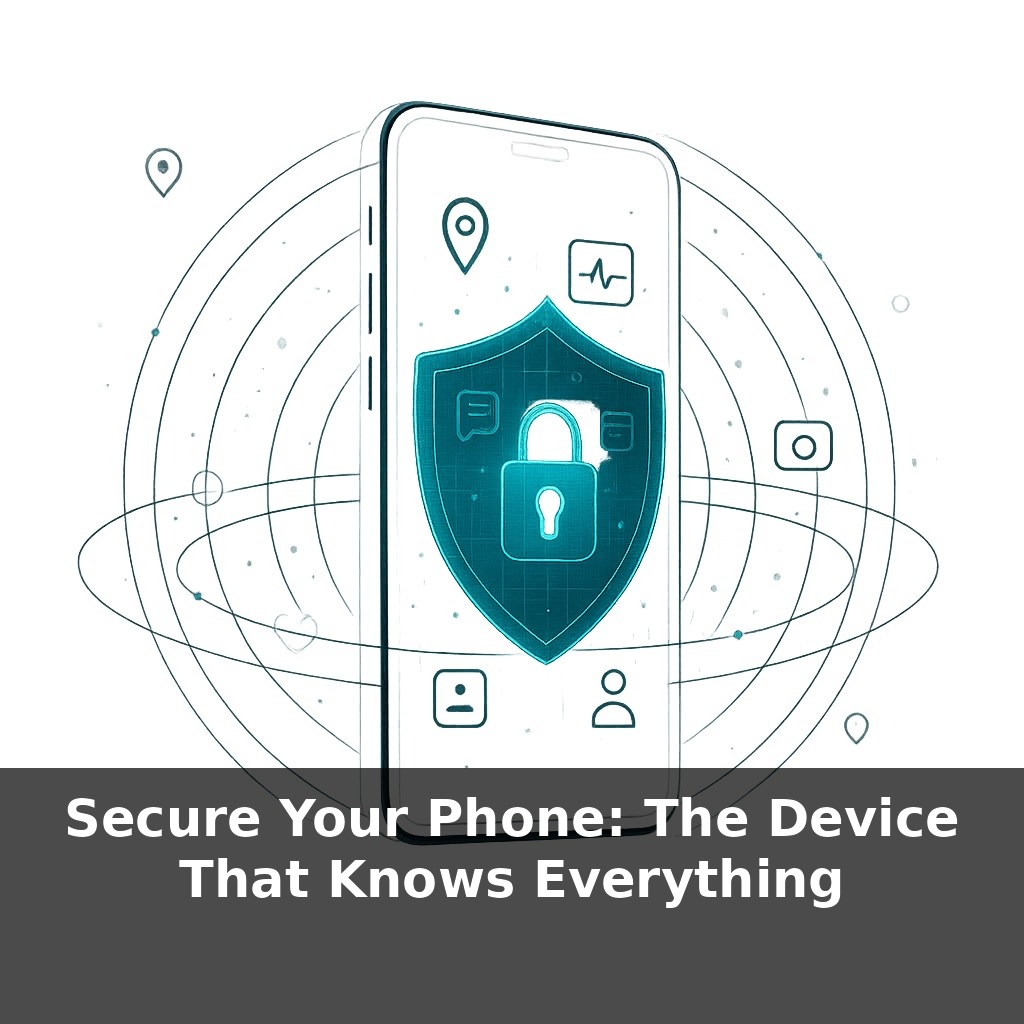
Right now, for most people, the single most accurate record of their entire life isn’t a diary, a bank file, or a medical chart. It’s their phone. In one pocket-sized slab, it knows where you slept, who you texted at midnight, and even when your heart rate spiked.
Cyber-criminals know this, which is why they don’t always go after banks or governments first—they go after your phone. Not because you’re famous, but because phones are predictable: most people reuse short PINs, delay updates, and tap “Allow” on permissions like they’re swatting pop‑ups. That predictability is gold. A weak PIN is like scribbling your signature with a dull crayon; it technically “works,” but anyone determined can forge it. Old software is even worse: it’s like announcing which windows in your house no longer latch, then never fixing them. And the really sobering part? You can lock down your laptop, shred your mail, and use a password manager, yet still lose the plot if your phone is wide open—because it quietly unlocks all those other defenses the moment it’s compromised. So in this episode, we’ll focus on hardening the device everything else now depends on.
But unlike a diary or a filing cabinet, your phone never really “closes.” It’s chatting with cell towers, apps are syncing in the background, and tiny radios (Wi‑Fi, Bluetooth, NFC) are constantly raising their hands saying, “I’m here.” That nonstop activity widens the attack surface: more signals, more chances something is misconfigured, outdated, or over‑permissive. It’s also why the same device can unlock your bank one minute and a stranger’s Wi‑Fi the next. Our goal now isn’t paranoia; it’s to understand which levers you can actually pull so this always‑on hub works for you, not for whoever’s trying to break in.
A 6‑digit PIN feels “fine” until you compare it to a 12‑character passphrase: one has a million options, the other has numbers so huge they stop being meaningful. That gap is the difference between “eventually crackable” and “effectively impossible in your lifetime.” When your entire digital life rides on one secret, that difference matters.
So start with the lock itself. If your phone still uses a short PIN because “it’s faster,” that convenience tax is being charged to your future self. Modern devices can handle long passcodes plus biometrics: you get a serious core password that rarely needs typing, and Face ID or a fingerprint to keep daily use smooth. The passcode is the authority; the biometric is the fast lane built on top of it.
Not all biometrics are equal, though. Systems that just check a flat photo of your face are easier to fool than those measuring depth and tiny variations in 3‑D structure. That’s why some cheap “face unlock” features can be bypassed with a good picture, while higher‑end implementations are expensive targets even for professional exploit brokers. Treat basic face unlock as “screen‑door security” and depth‑based systems as closer to a solid door: still not magic, but much more resistant to casual tricks.
Next, think about what happens *after* you get past the lock. Once inside, every tap you make leaks tiny clues about you. Without strong encryption, grabbing your data is like stealing an unsealed folder. With full‑disk encryption, it’s more like trying to read documents that have chemically bonded to the safe they’re stored in. Even if someone copies the entire storage chip, what they get is mathematically scrambled noise without your key.
That internal shield pairs with how your traffic moves outside. Using HTTPS and a reputable VPN doesn’t make you invisible, but it does mean that on sketchy Wi‑Fi—airports, cafés, “Free_Public_Network”—the person in the next seat can’t trivially watch your logins drift past in clear text. Attackers tend to follow the path of least resistance; your job is to make that path lead somewhere else.
Finally, apps. Each time you tap “Allow,” you’re handing out keys. Location, microphone, contacts, photos—these are power tools, not default giveaways. The safest posture is “ask me every time” for sensitive permissions and strict denial for anything that clearly doesn’t match the app’s purpose. A flashlight doesn’t need your GPS. A calculator doesn’t need your microphone. When in doubt, start with no and see if anything actually breaks.
Think of your security layers the way a surgeon thinks about gloves, mask, and sterile tools: any one missing and the whole procedure is compromised, no matter how careful everything else looks. On phones, that “sterility” shows up in how different protections back each other up. A long passphrase isn’t only about lock‑screen strength; it also protects certain password managers and secure notes that rely on it. Turn that into a single dictionary word and you’ve quietly weakened every private thought you stashed there.
Depth‑based face unlock has a similar ripple effect. It reduces how often you type the passcode, which makes using a longer one realistic instead of annoying. That, in turn, gives full‑disk encryption a stronger key to work with. And when you add a VPN on top, your lock screen and your network habits stop being separate decisions—they become one story about how hard it is to turn your device into a listening post.
Even “tiny” choices compound. Letting one random app read all notifications might expose 2‑factor codes, which then render your careful banking setup almost meaningless.
Passkeys, eSIMs and on‑device AI are quietly turning your phone into a moving border checkpoint: whoever controls it, controls *you* in more and more systems. As services drop passwords, losing the device may matter more than forgetting any code. eSIM and iSIM will cut some fraud, yet remote provisioning mistakes or rogue profiles could be abused at scale. Meanwhile, AI models trained on your habits need their *own* defenses, or subtle leaks and profiling attacks will sidestep classic locks entirely.
The next step is curiosity, not fear. Treat your phone like a sketchbook you’re constantly revising: you can erase old strokes, redraw boundaries, and decide which pages stay private. As scams evolve and tools like passkeys spread, keep experimenting. Small tweaks—today’s longer code, tomorrow’s tighter permissions—stack into real resilience.
Before next week, ask yourself: Where on my phone are the “keys to my life” sitting wide open right now—like unprotected email, banking apps, password managers, or photo backups—and what’s one concrete protection I can turn on today (e.g., stronger screen lock, biometrics, or longer PIN)? If someone stole my phone tonight, which apps would give them instant access to my money, identity, or private conversations, and how can I lock those specific apps down further with app-level passwords, 2FA, or sign-outs? Which permissions have I casually granted (location, microphone, camera, contacts) to social, shopping, or “free” apps, and what will I unapologetically revoke or uninstall after reviewing my app permissions screen today?