 2min preview
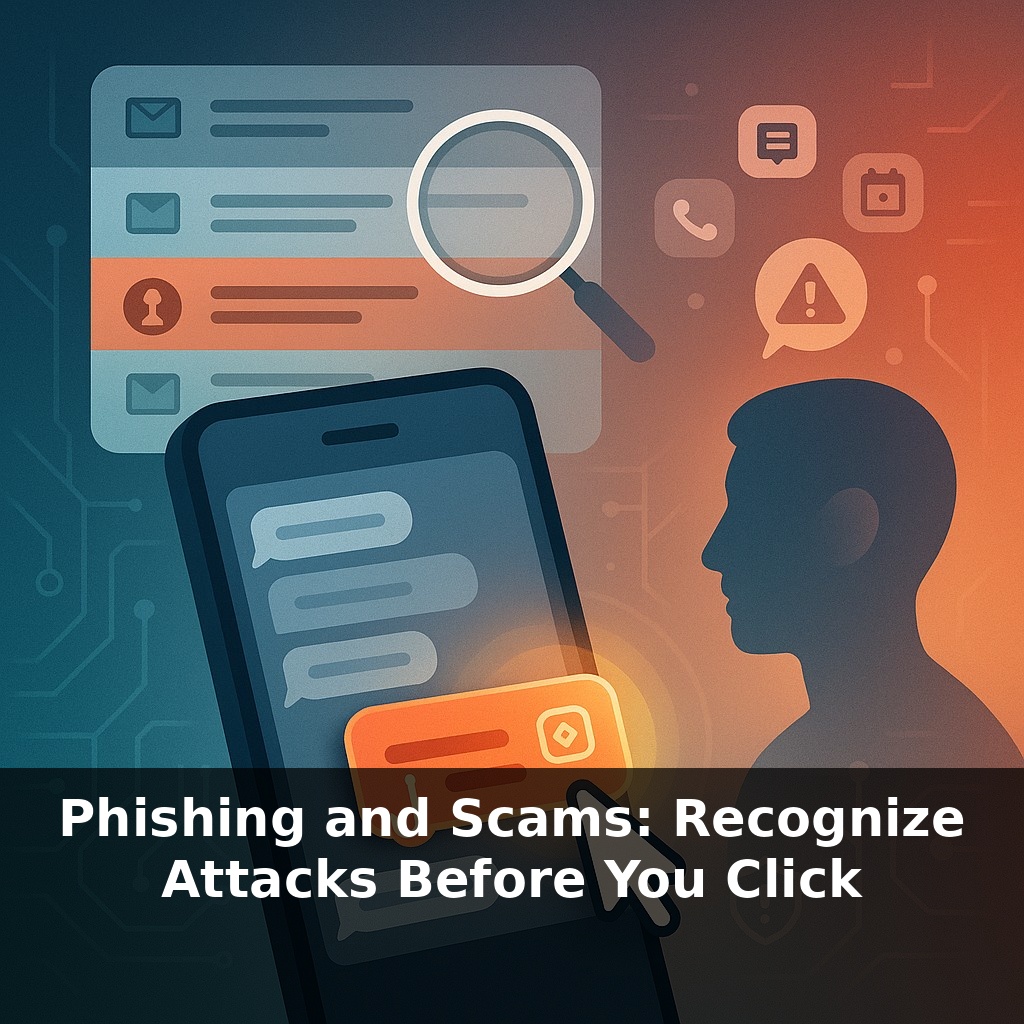
Phishing and Scams: Recognize Attacks Before You Click
📝 Transcript
Right now, most cyber-attacks don’t start with a fancy virus—they start with a message that looks totally normal. An email from “your boss.” A text from “your bank.” In the next few minutes, we’ll pull those messages apart and spot the tiny clues that give attackers away.
That “normal” message becomes harder to spot when attackers start mixing in new tricks: texting your phone instead of your inbox, calling you with a spoofed caller ID, or sending a calendar invite that looks like it came from your own IT team. The tactics keep evolving, but the pattern is the same: they want you to react before you think. Some attacks are blunt—“reset your password now or lose access”—while others are quiet and patient, like a slow-moving storm front that looks harmless until you notice the pressure drop and the sky change color. In this episode, we’ll focus on those early warning signs: odd timing, strange payment requests, unusual tone, and tiny technical details that separate real messages from traps. By the end, you’ll have a short mental checklist you can run in seconds—before you click.
Ninety‑one percent of attacks starting with phishing isn’t just a scary stat—it explains why criminals keep refining these lures instead of hunting for obscure software bugs. It’s cheaper to rent a phishing kit for $20 than to discover a new vulnerability, and it scales: one kit can blast thousands of nearly identical traps across email, text, and social platforms. At the same time, defenders are getting smarter; regular training can push click‑rates below 5%. That tug‑of‑war shapes what you see: more convincing brand spoofs, calmer language, and carefully tailored business‑email compromise asking for “routine” $50,000 transfers.
Subscribe to read the full transcript and listen to this episode
Subscribe to unlockSubscribe for $1.99/month to unlock the full episode.
From this course
Don't Get Hacked: Cybersecurity for Regular People
8 episodesUnlock all episodes
Full access to 8 episodes and everything on OwlUp.
Subscribe — $1.99/monthLess than a coffee ☕ · Cancel anytime

