About three out of four public Wi‑Fi hotspots are basically wide open, yet most travelers still treat that “Free Airport Wi‑Fi” pop‑up like a welcome gift. You’re racing to your gate, your hotel lobby is packed—how do you know which network is safe to tap… and which one isn’t?
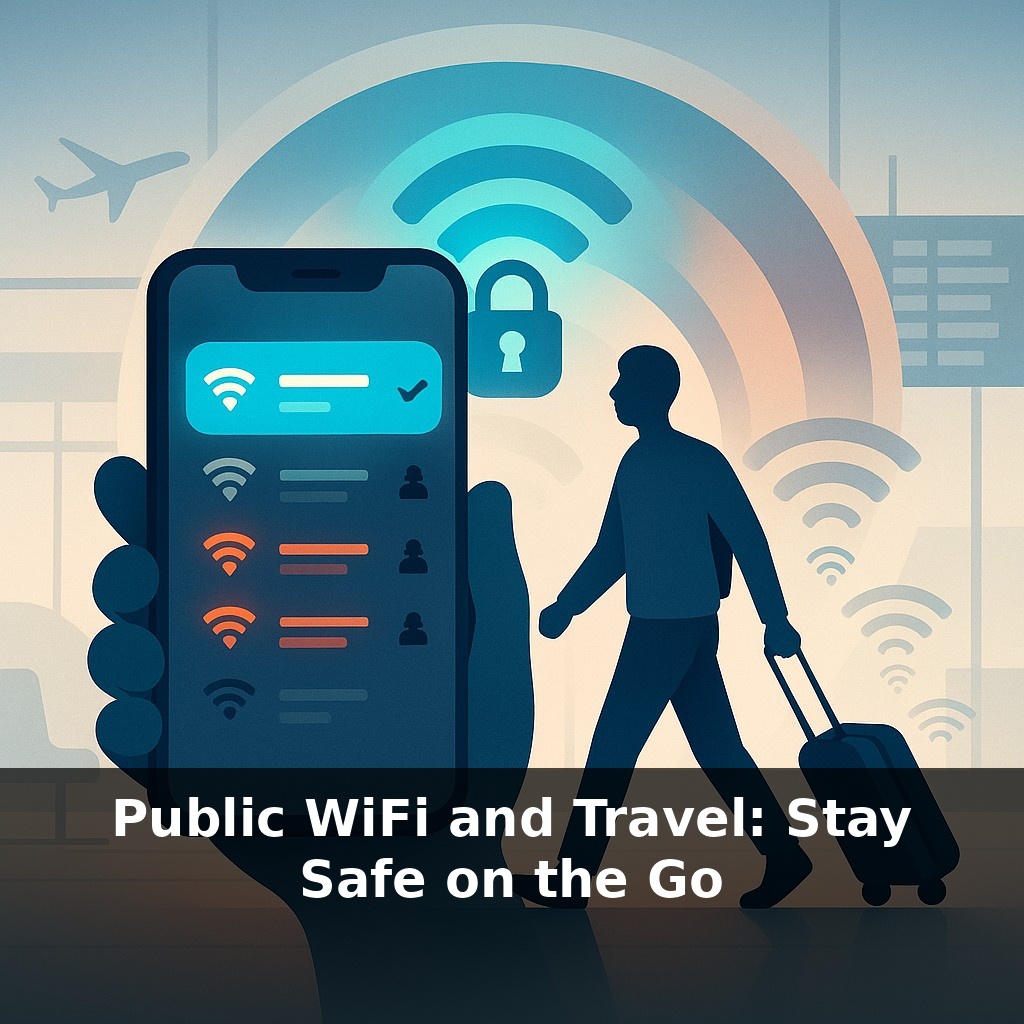
That “Free Airport Wi‑Fi” tab isn’t just a convenience menu—it’s a list of strangers offering to carry your data through a crowded street. Some are legit vendors; others are pickpockets dressed as couriers.
As you move between airports, hotels, trains, and cafés, your devices quietly remember old networks and hunt for them again. Attackers know this. With a cheap gadget and a convincing name—“Lounge‑Premium”, “Guest‑Conference”—they can slip into that hunt, catching your phone the moment it reaches out for something familiar.
Even when your apps show reassuring little lock icons, not all of their background traffic is equally careful. Older apps, travel portals, and in‑flight systems may still leak bits of information. Think of it like a raincoat with tiny seams: mostly dry, but not storm‑proof when you’re surrounded by curious umbrellas. In this shifting landscape, “just quickly checking email” can expose more than you realize.
On the move, your devices juggle more than networks—they juggle identities. Each connection exposes clues: your real email for boarding passes, your work account for quick approvals, your cloud drive for that presentation you tweak in the lounge. Different logins, same path across the air. Meanwhile, “helpful” captive portals ask for room numbers, loyalty IDs, even birth dates to unlock access. Those details don’t have to be stolen to become risky; sometimes they’re quietly logged, shared, or kept far longer than your stay. The result: a growing, often invisible trail that follows you long after your trip ends.
Most travelers focus on *where* they connect—airport, hotel, café—but miss the bigger question: *what exactly is leaving your device once you’re on?* Your phone and laptop aren’t polite guests that wait to be asked; they’re more like over‑eager assistants who start talking as soon as the door opens.
As soon as you join a new network, dozens of quiet checks often fire: cloud sync, photo backup, messaging refresh, app analytics, push notifications, OS updates. Each one can reveal fragments: device type, installed apps, time zone, language, rough location, even which services you rely on for work. None of that sounds dramatic by itself, yet combined it sketches a surprisingly sharp profile. Someone watching doesn’t just see “a tourist”; they see “an English‑speaking iPhone user who works with corporate tools and flies a specific airline.”
Then there’s the name game. Network labels like “VIP‑Lounge‑Secure” or “Hotel‑Guest‑5G” feel reassuring, but they’re just text strings. Your device can’t tell branding from truth; it only sees signal strength and familiar names. If you’ve ever joined “Airport_Free_WiFi” somewhere in the past, your phone may happily attach to any network with that name later, without asking. That quiet auto‑accept is a gift to anyone willing to copy the label.
Captive portals add another layer. Those splash pages that ask you to accept terms or enter a room number often load in a bare‑bones browser window with fewer protections visible to you. The page might show a friendly logo, but logos are easy to steal. What actually matters is the address bar at the top: is the site using HTTPS, and does the domain match the place you think you’re dealing with?
Even once you’re “online,” the way your apps verify identity is crucial. Modern services rely on short‑lived tokens—cryptographic hall passes proving you already logged in. If these are well protected, stealing your password isn’t enough. But if an app stores them carelessly, or sends them without proper encryption, it’s like leaving signed travel vouchers on a café table: whoever picks them up can spend them until they expire.
So instead of asking “Is this hotspot safe?” a more useful habit on the road is: “What is my device sending right now, and how well is each piece being wrapped, labeled, and checked along the way?”
Think about what *else* rides along when you connect: not just passwords, but habits. Streaming the same podcast every commute, checking the same cloud drive before every client meeting—these rhythms become patterns a watcher can predict. It’s like weather: one raindrop is nothing, but over days you can chart a reliable forecast about where you’ll be and what you’ll do next.
Concrete example: a frequent flyer joins hotel Wi‑Fi, opens a syncing note app, then a videoconference. None of that is “secret,” but timing, destination services, and volume hint at timezone, employer, even job role. A criminal targeting executives doesn’t need thousands of people—just the handful whose traffic *looks* like decision‑makers preparing for a deal.
Add loyalty apps, boarding‑pass wallets, and rideshare pickups, and you’ve sketched an itinerary that can outlive the trip. The technical defenses matter, but so does trimming what you actually expose: which devices you bring, which accounts you sign into, which habits you really need on the road.
Regulation and new standards will quietly reshape what “risky” looks like. As more places upgrade, the danger shifts from obvious sketchy hotspots to subtle weak links: that one outdated app, a forgotten tablet, a cloud backup left wide open. Think of your setup like layered clothing for changing climates—each trip may demand a different mix. The real skill isn’t memorizing rules; it’s noticing when your digital “weather” has changed and adjusting before you get soaked.
On the road, “good enough” security ages fast. Newer tools like WPA3, passkeys, and hardware keys are quietly becoming the seatbelts of travel tech—annoying until you need them. As you plan your next trip, don’t just book flights and rooms; sketch a tiny map of your digital route, and decide which moments truly deserve your strongest armor.
To go deeper, here are 3 next steps: 1) Install a trusted VPN like Proton VPN or Mullvad on your laptop and phone, then connect to a coffee shop or airport WiFi and practice turning the VPN on/off so you know exactly how it works before your next trip. 2) Pick up *Android Security Internals* (for Android) or Apple’s official “Security and Privacy” guide online, and follow one chapter/section to harden your device: enable full-disk encryption, set a strong device passcode, and turn off auto-join for open networks. 3) Create a simple “travel tech kit” today: buy a USB data blocker (a “USB condom”), a compact travel router like the GL.iNet Beryl, and a spare charging-only cable, then test them at home so you’re ready to safely use airport and hotel WiFi on your next journey.