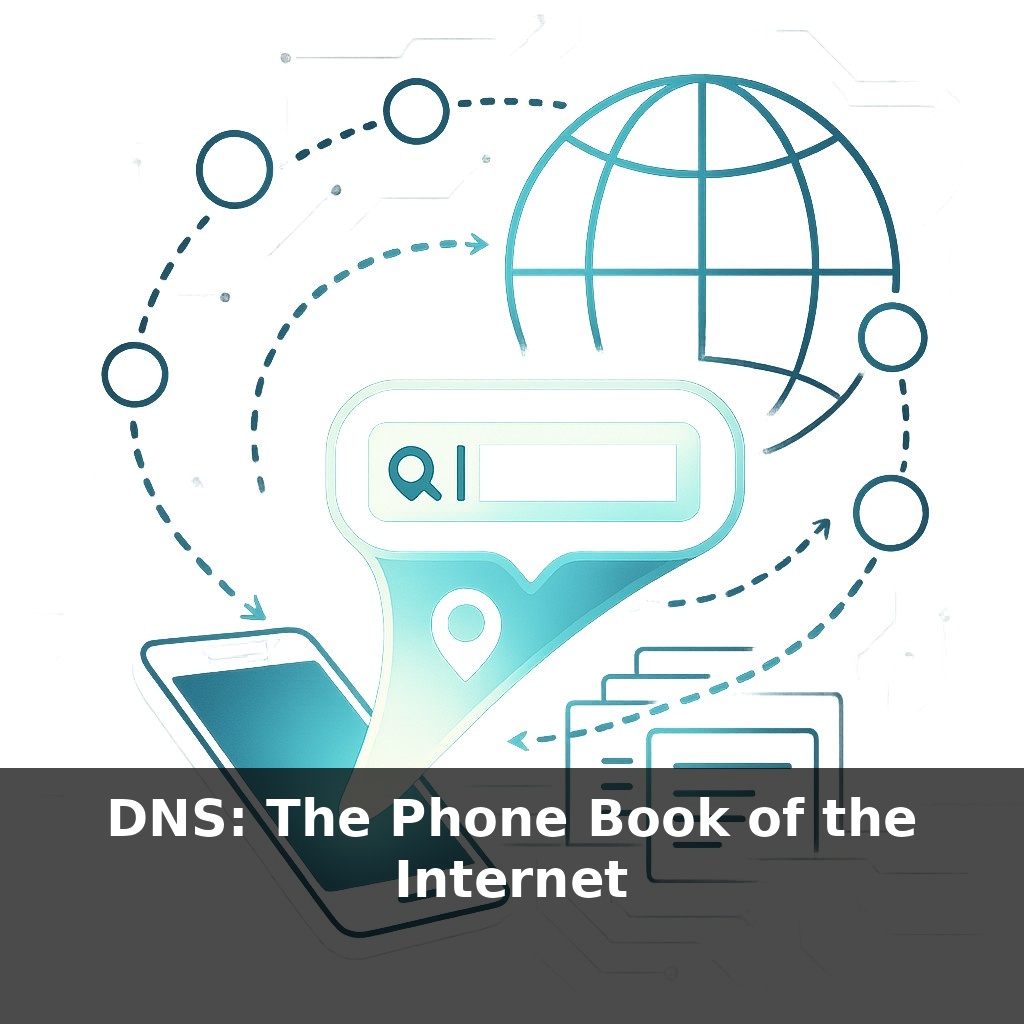
Right now, as you listen, your phone is silently asking distant computers for directions—over and over, every single minute. No map, no internet. In this episode, we’ll follow one of those hidden “where is this?” questions and uncover how your clicks actually find their way.
Every time you tap a link, your device quietly asks a very specific question: “Who can tell me where this domain lives right now?” That question doesn’t go to one magic server—it enters a layered conversation among specialized machines spread across the world. And the surprising part is how little any single machine knows.
DNS isn’t one giant database; it’s more like a chain of specialists, each responsible for a tiny slice of global knowledge: one handles the dot at the end of names, another handles .com, another knows only about example.com, and so on. This fragmentation is deliberate. It’s what lets DNS scale to hundreds of millions of domains without collapsing under its own weight.
In this episode, we’ll zoom into that chain, follow a query as it climbs and descends the DNS hierarchy, and see how clever caching keeps the whole system fast enough to feel instant.
Instead of one request going to one place, your device juggles layers of questions at once: “Who knows about this?” “Can I trust that answer?” “Has anything changed since last time?” Behind a single page load, you might trigger dozens of these tiny negotiations across networks, providers, and even countries—each with its own policies and priorities.
This is where things like speed, reliability, and censorship actually show up. Two people typing the same domain in different countries might not reach the same content, or even the same IP address—just like two cities giving different weather alerts for the same storm front.
When your browser needs a domain it hasn’t seen recently, the first stop is usually a **recursive resolver**—often run by your ISP, your employer, or a public service like Google or Cloudflare. This resolver is your agent: it does the legwork, asks all the upstream questions, and remembers what it learns for a while so future lookups are cheaper.
That resolver’s first move is simple: “Do I already know this?” It checks its own memory, then anything shared with nearby servers. If that fails, it climbs toward the top of the naming system, but here’s a twist: it almost never starts from absolute zero. Because root and popular TLD information changes slowly, those answers are often already cached, so the resolver can skip straight to the servers likely to know about the specific domain you’re asking for.
The real action happens at the **authoritative servers** for that domain. These are controlled by whoever runs the zone—maybe a big DNS provider like Cloudflare, maybe a tiny VPS you configured yourself. They hold the live records that say, “For this name, here is the current answer.” That might be a single address, a set of addresses for load balancing, or even a redirection to another name entirely.
From there, the resolver doesn’t just grab one value and walk away. It can collect multiple related records in one go—addresses, mail routing info, pointers for authentication systems—so later lookups can be answered locally without going back up the chain. This bundling is one of the quiet performance tricks that keeps things feeling instant.
Now layer in **policy**. A provider can return different answers based on where the resolver seems to be: European users might be sent to a data center in Frankfurt, US users to Virginia. Some services tune these rules daily, even hourly, reacting to outages, traffic spikes, or new legal requirements.
Security and privacy ride along this path too. With DNSSEC, each signed response comes with cryptographic proof that it hasn’t been tampered with in transit. With newer encrypted transports, outsiders on the network can see that you’re talking to a resolver, but not which names you’re asking about.
All of this has a failure mode: when those resolvers or authorities misbehave or go offline, the names don’t just get slower—they can simply stop resolving, even while the underlying servers are perfectly healthy and waiting for traffic.
A streaming platform like Netflix leans heavily on these naming answers. When traffic surges—say a new season drops—its DNS setup can quietly steer newcomers toward less-busy clusters, buying engineers time to fix bottlenecks without anyone seeing an error page. E-commerce sites do something similar on big sale days, nudging users toward healthier regions before failures snowball.
Now flip that around. Malicious operators register throwaway domains by the millions, rotating them rapidly so blocklists struggle to keep up. Security teams respond by watching patterns in lookups themselves: which newly seen names are suddenly popular only among infected machines? Some enterprises even shunt suspicious queries to “sinkholes” that pretend to answer but actually just observe and contain.
At internet scale, these patterns start to look like weather systems: storm fronts of traffic, high-pressure zones where providers cluster capacity, and unexpected turbulence when a key provider falters and routes abruptly shift across the globe.
As more naming layers stack up—corporate rewrites, parental filters, malware blockers—the path from name to service starts to resemble a busy kitchen line: many hands touching the same order, each with its own priorities. That complexity cuts both ways. It enables safer defaults and smarter routing, but also makes debugging harder when a site vanishes. Future tools will need to show “who changed this name, when, and why” as clearly as version history in a document editor.
As more services depend on naming tricks—zero-trust networks, AR worlds, even cars that “call home” for updates—the quiet traffic of lookups becomes a live signal of how societies move, trade, and argue. Like city lights seen from orbit, patterns in these questions reveal which platforms thrive, which fade, and where digital fault lines slowly form.
To go deeper, here are 3 next steps: 1) Open DNSViz (dnsviz.net) and run an analysis on your own domain or a favorite site to visually explore its DNS records, delegation, and DNSSEC status. 2) Sign up for a free Cloudflare account and follow their “DNS” dashboard tutorial to switch one test domain’s nameservers, add A/AAAA/CNAME records, and experiment with proxy vs DNS-only mode. 3) Read Chapters 14–16 (“DNS and Name Resolution”) of *Computer Networking: A Top-Down Approach* and, in parallel, use `dig` or `nslookup` in your terminal to reproduce each example query (A, MX, NS, and TXT records) against real-world domains mentioned in the book.