You check your bank app and think, “Where did my paycheck go?” Here’s the twist: most people *do* have a pattern to their spending—they just never see it. In this episode, we’ll turn that invisible pattern into a simple, living budget you can actually stick with.
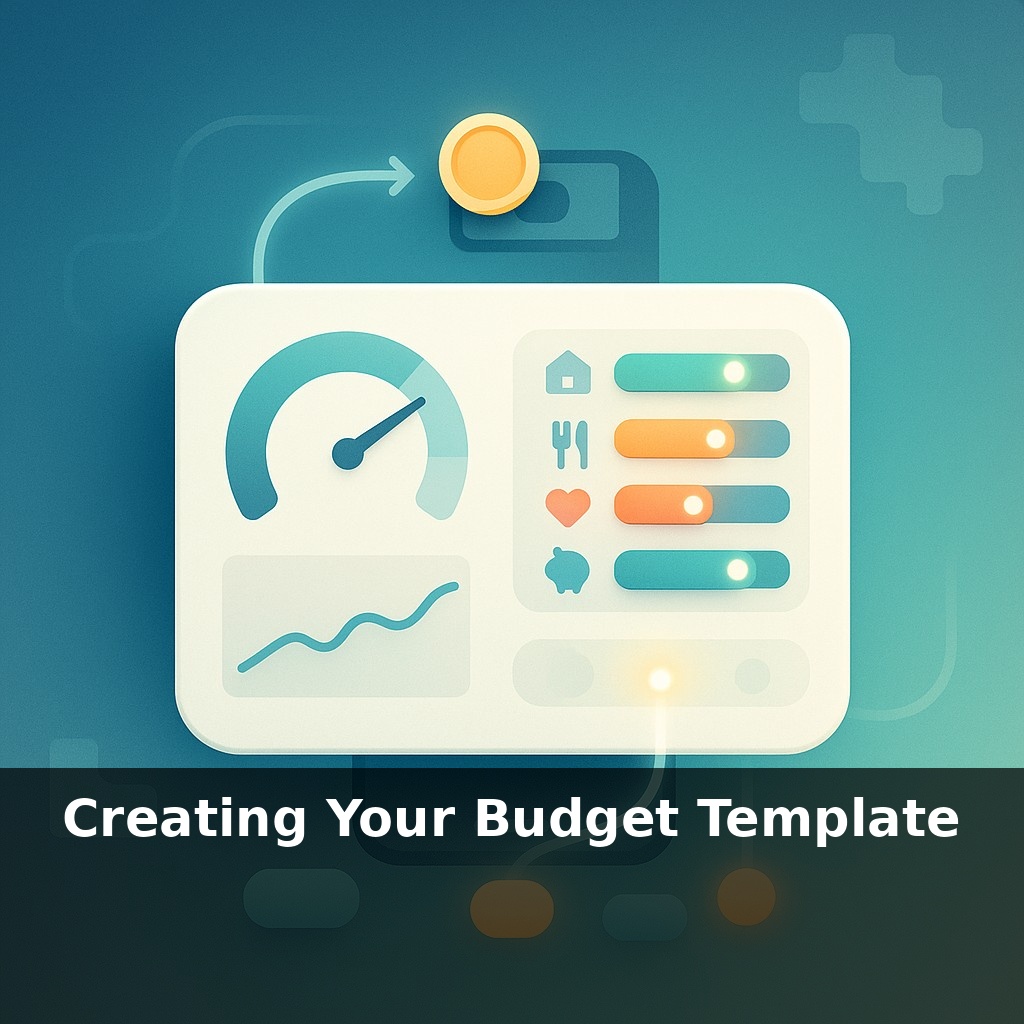
Most people think “budget template” and picture a boring spreadsheet full of rules. In reality, this is just a custom control panel for your money—one you get to design. Today, we’re building that panel from scratch so it actually fits your life instead of some generic advice thread.
We’ll start by turning your real numbers into clear lanes: income at the top, then money flowing to essentials, wants, and goals. Instead of copying someone else’s categories, you’ll choose just enough to stay organized without getting lost in detail.
You’ll also see how to plug different methods into one template—like combining a simple 50/30/20 overview with zero-based precision in the areas where money tends to slip away. And because life changes, we’ll bake in quick “tune‑up” spots so you can adjust when rent jumps, gas spikes, or a new goal shows up.
Here’s where your template stops being theory and starts reflecting *you*. Before you ever touch a spreadsheet, you’ll pull together the raw ingredients: last 2–3 months of bank and card activity, pay stubs, and any irregular money like bonuses or side gigs. We’ll sift that into a few core spending streams—housing, getting around, eating, debt, fun, and future-you. Think of it like laying out all your tools on a workbench: you’ll quickly notice duplicates, gaps, and the one tool doing three jobs. From there, we’ll decide which areas deserve tight control and which just need a simple guardrail.
Start by sketching the skeleton of your template before you worry about any formulas or apps. At the very top, reserve space for *all* inflows: primary job, partner’s income, side gigs, benefits, refunds—anything that makes your balance go up. Right next to each source, leave a column for how often it arrives and how variable it is. This matters later when you decide which system to lean on during “spiky” months.
Next, create three horizontal zones on your sheet or page. Don’t label them with theory; label them with how they feel to you. For example: - “Non‑negotiables” – the bills that keep life functioning - “Lifestyle choices” – the spending that can flex - “Future moves” – everything that benefits tomorrow
Within each zone, you’ll now drop in just a handful of categories that reflect what you saw in your transaction history: not “Miscellaneous 1–12,” but clear, behavioral groups like “Takeout & Delivery” or “Subscriptions & Memberships.” Aim for 5–10 total categories across the whole template, not per section. You want a dashboard, not a tax return.
To make this concrete, look at the averages: if the typical household puts about a third of income into housing, 16% into transportation, and 12% into food, use those as rough starting dials. Compare your own percentages beside them in a separate column. You’re not trying to hit those targets; you’re using them as a diagnostic. If your housing is at 45%, you immediately know other dials must turn down to compensate.
Now add your “feedback layer.” Build two numbers for each category: *Plan* and *Actual*. Then add a third column: *Signal*. This is a simple rule you define in words, right in the template: “If Actual > Plan by 15%, investigate,” or “If Actual < Plan for 3 months, lower Plan and redirect the difference to savings.” You’re teaching the template how to talk back.
Finally, dedicate a small section labeled “Automation & Friction.” Here, list: - Which categories will be automated (like a round‑up savings rule or auto‑transfer on payday) - Which will have intentional friction (like leaving fun money off auto‑pay so you decide in real time)
Your template is no longer a static list; it’s a dynamic script that tells your money where to go and tells *you* when something’s off course.
Think of your template as a test kitchen where you keep tweaking the recipe until it tastes like your real life. Say you notice your “Lifestyle choices” lines keep overflowing while “Future moves” stays skinny. Instead of feeling guilty, you treat that as data: maybe “Travel” deserves its own row because you clearly care about it, while “Random shopping” gets capped with a firm number and no auto‑pay attached.
You can also layer in “micro‑rules” for tricky spots. For example, if food spending always swells mid‑month, add a small “reset” row: a mid‑month check where you re‑allocate from categories running under plan into the one that’s creeping up. Over a few cycles, you’ll see whether your original Plan numbers were unrealistic or your habits just need a small nudge.
This is where modern tools help. A round‑up app quietly feeding a “Future moves” line, plus a simple spreadsheet where *you* adjust the knobs weekly, gives you both automation and awareness instead of outsourcing everything to an app.
Soon your template may feel less like a spreadsheet and more like a co-pilot. As banks open up data pipes, you could drag your setup from one platform to another as easily as moving a file, keeping your rules intact while you shop for lower fees or better privacy. AI tools are starting to notice when your cash‑flow rhythm stumbles—like a drummer hearing you slip off beat—and nudge you before an overdraft hits, turning quiet trends into early warnings instead of expensive surprises.
Your template is really a set of dials you’ll keep refining. Over time, notice which ones you touch most—those are your leverage points. Maybe a small tweak to timing (like moving a bill date) calms your whole month more than cutting three small expenses. You’re not chasing perfection; you’re learning how your money actually behaves in the wild.
To go deeper, here are 3 next steps: 1) Grab the free budget template from **EveryDollar**, **Tiller Money**, or **Google Sheets’ “Monthly Budget” template**, then plug in last month’s real numbers using your online banking export so your categories reflect your actual spending, not guesses. 2) Open **You Need A Budget’s free workshops** (YNAB.com → Learn → Workshops) and attend the next “Set Up Your First Budget” session so you can refine your fixed vs. variable categories and create true sinking funds (like car repairs, holidays, and annual subscriptions). 3) Read the “Budgeting” chapter of **“The Total Money Makeover” by Dave Ramsey** or the “Give Every Dollar a Job” chapter in **“You Need A Budget” by Jesse Mecham**, and then immediately add at least three of their suggested categories (like “Emergency Fund,” “True Expenses,” and “Fun Money”) into your template so it actually matches how real life works.