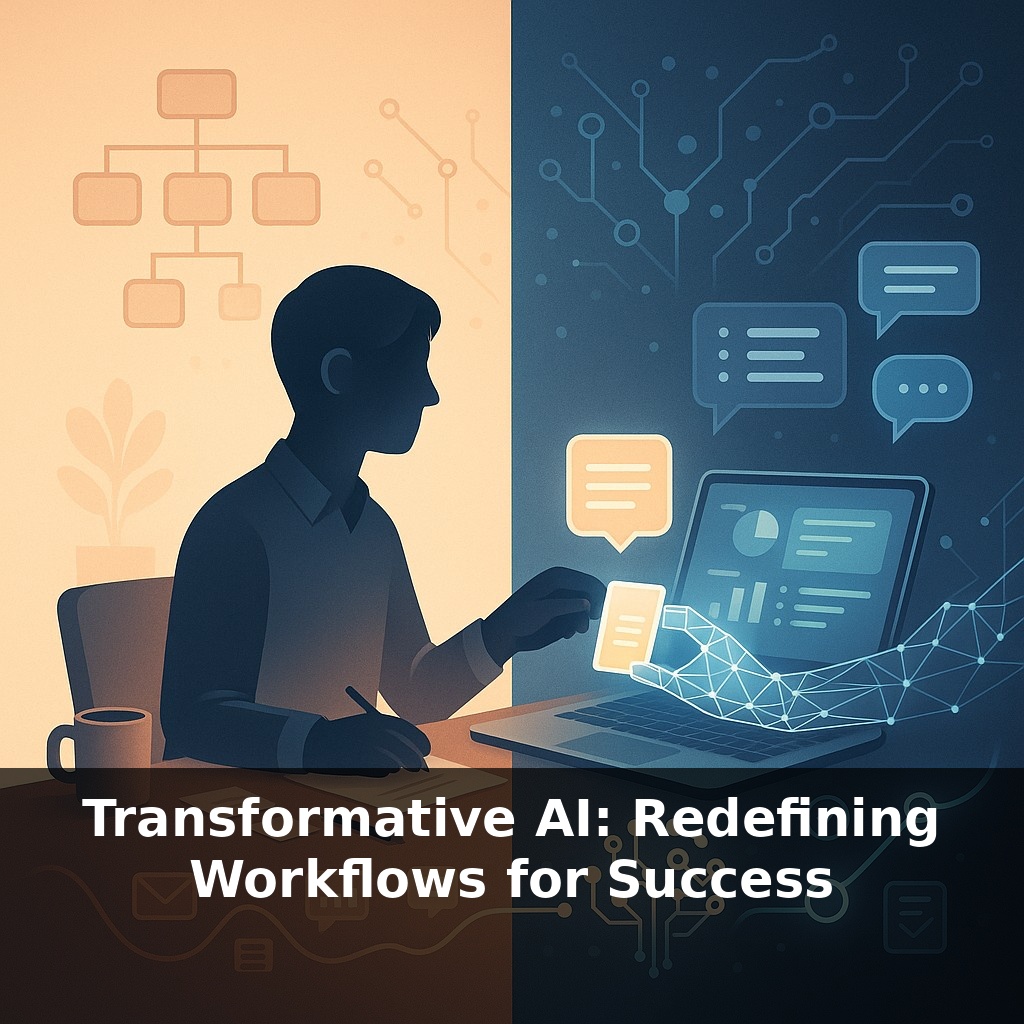
About half the tasks in a typical workday could already be done faster by AI—yet most teams still work as if it doesn’t exist. A sales rep trusts an AI draft more than her own, while her manager forbids it. So who’s really in charge of the workflow now: the org chart or the algorithm?
McKinsey estimates that up to 70% of what we call “work” today can be automated or augmented by existing tech—yet most teams still bolt AI onto old processes like a gadget, not a gear. The real shift happens when AI stops being a tool you occasionally consult and becomes a silent partner built into how decisions, handoffs, and feedback loops actually run. That’s what turns scattered experiments into measurable gains: GitHub’s Copilot changing how code reviews are structured, or UPS’s routing AI reshaping how dispatch, drivers, and customer promises fit together. In these cases, the org didn’t just add AI; it rewrote who does what, when, and with which information. This episode is about that redesign: how to move from “using AI” to re-architecting workflows so your team plans, executes, and learns in fundamentally new ways.
Some of the most interesting gains from transformative AI aren’t coming from tech-first companies, but from places that once looked “too physical” or “too human” to change. Hospitals are routing patients based on live capacity and risk scores rather than static schedules. Marketing teams are running dozens of creative variations per campaign, learning in days what used to take quarters. And in customer service, Gartner expects generative AI to handle most new interactions within a few years. The pattern isn’t replacement; it’s redistribution—who prepares, who decides, who reviews, and when they step in.
60–70% of work activities could be automated or augmented, yet most teams still start their “AI journey” in the dullest possible place: copying their existing steps into a new tool and calling it innovation. That’s like paving over a dirt path and insisting you’ve built a highway.
The real shift starts when you stop asking, “Where can we bolt AI on?” and instead ask, “If we’d always had this capability, how would we design this from scratch?” That question is what turned UPS’s routing into a new operating model, not just a nicer map. It’s what makes developers using GitHub Copilot reorganize their day around smaller, more frequent coding cycles, rather than a single big push.
Three redesign moves show up again and again:
First, decomposing work. High performers break roles into smaller units—drafting, checking, prioritizing, escalating—then decide which are AI-first, human-first, or shared. A customer support team, for instance, might let AI triage and summarize every ticket, while humans handle nuance and exceptions. Same team, radically different distribution of effort.
Second, front-loading intelligence. Instead of reacting at the end of a process, AI surfaces patterns at the start: likely blockers in a project plan, at-risk accounts before churn, code vulnerabilities before deployment. Planning becomes continuous course-correction, not a one-shot meeting.
Third, institutionalizing learning. When AI systems summarize interactions, decisions, and outcomes, they create a searchable “memory” the organization never had. A sales leader can review themes across thousands of calls; an operations lead can compare how different teams respond to similar disruptions.
Think of it less as swapping out tools and more as rewriting who gets the first look, who has veto power, and when feedback becomes visible. The most successful organizations treat this as an ongoing design problem, not a one-time tech rollout: they prototype new patterns on small slices of work, measure what changes, and then expand only what clearly improves speed, quality, or experience.
A product team prototypes this by splitting a launch into three lanes: exploration, production, and review. In exploration, AI spins out dozens of variations—user stories, interface options, risk lists—while humans only judge which few are worth pursuing. In production, AI keeps a running “shadow plan,” constantly updating timelines and dependencies as people make changes. In review, AI assembles a narrative of what actually happened: decisions, trade-offs, and surprises, linked to the data behind them.
A hospital might run a similar pattern for discharge planning: AI drafts likely care paths, flags social or medical risks, and suggests follow-up windows; clinicians accept, modify, or override, but don’t start from a blank screen. Over time, the system learns which patterns correlate with readmissions and highlights those earlier.
One helpful way to see this is like a city redesigning its transit map: routes, transfer points, and peak times all shift once you know where people actually move—not where you assumed they did.
By the time AI agents can trigger actions across tools on their own, “process” will feel less like a checklist and more like air traffic control: you’ll supervise flows, not push every button. Meetings may shrink into quick human “judgment huddles” between chains of AI-to-AI handoffs. Career paths tilt toward people who can choreograph these systems—like conductors guiding an orchestra they don’t fully control, but deeply understand how to cue, mute, and re-balance in real time.
Your challenge this week: Pick one recurring task you own (status report, campaign review, incident triage, etc.). Map it as three columns on a page: “Decide,” “Draft,” “Do.” For every step, mark which column it truly belongs in. Then run an experiment: for just the “Draft” pieces, use an AI tool to generate first passes before you touch them. At week’s end, compare: Did you change what you decided, or only how fast you got there?
Treat this phase as sketching in pencil, not carving in stone. As you experiment, notice where surprise shows up: the awkward handoff, the overlooked pattern, the shortcut that suddenly appears. Those are trail markers. Follow them, and your “process” stops being a script to obey and becomes a living system you’re constantly, consciously designing.
Try this experiment: Pick one repetitive part of your current workflow (like drafting status updates, initial research summaries, or customer email replies) and run it in parallel for one week—half done your usual way, half done with a specific AI tool you heard about in the episode (e.g., using ChatGPT to generate first drafts or meeting summaries). For each task, time how long it takes, note how many edits you need, and rate the final quality on a 1–10 scale. At the end of the week, compare your “manual” vs “AI-augmented” sets and decide one concrete step: either fully delegate that task to AI, redesign the workflow using a hybrid approach, or drop the AI if it clearly underperforms.