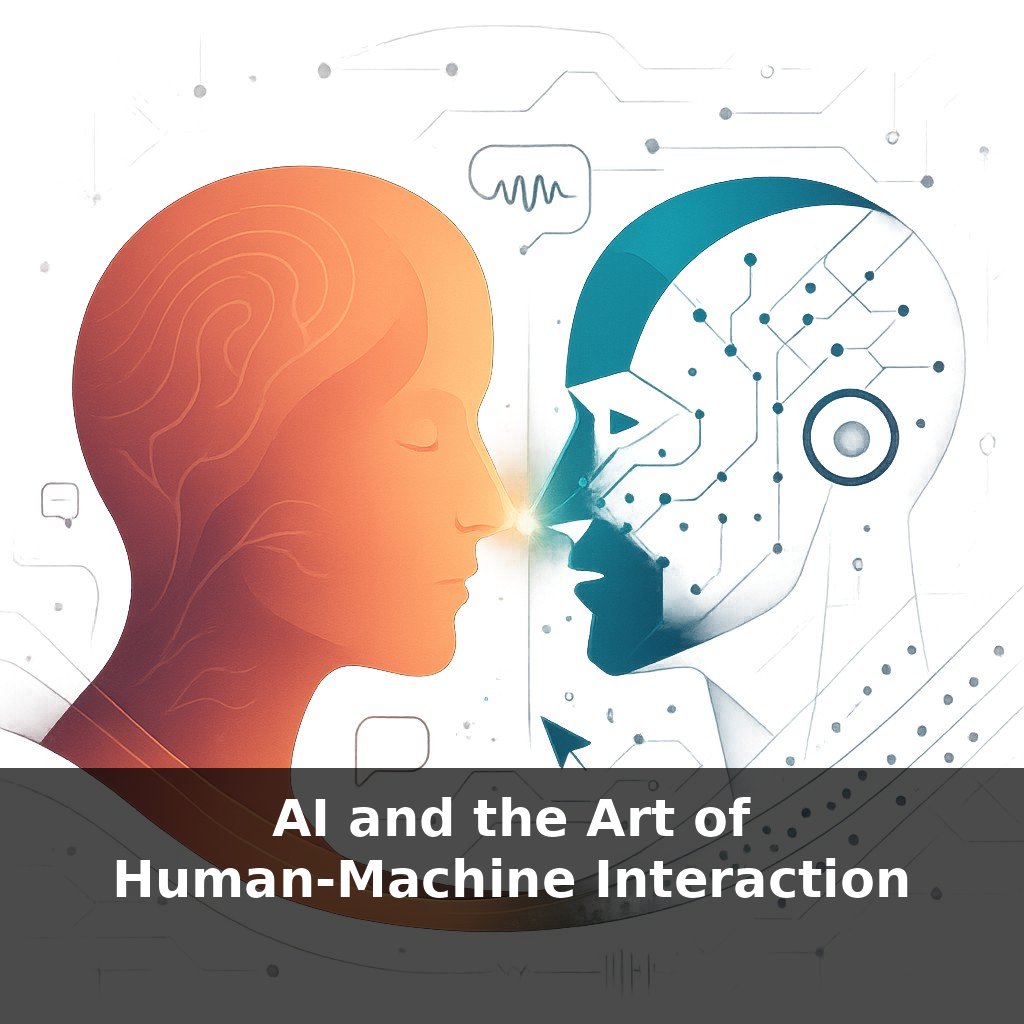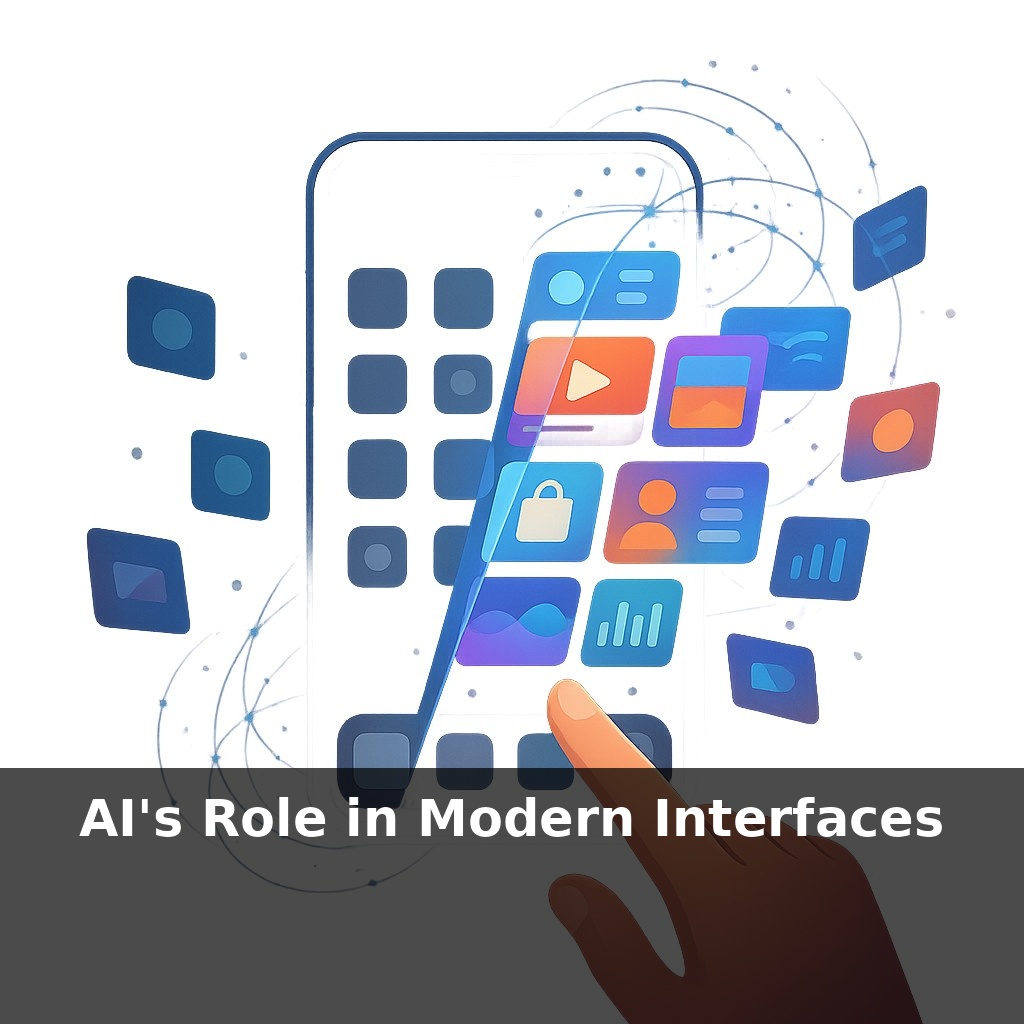
You didn’t choose your phone’s home screen today—an algorithm did. Quietly, it guessed what you want, who you’ll message, even what you might buy. Now here’s the twist: the more it adapts to you, the less you see the “default” internet at all. So whose interface are you really using?
That invisible shift from “default” to “designed-for-you” is happening far beyond your phone. Retail sites reorder entire storefronts based on what you might click next. Streaming platforms quietly rewrite their menus so two people almost never see the same catalog. Even support chats now route you, in real time, to answers a language model predicts you’ll accept fastest. Interfaces are no longer static stages; they’re more like responsive buildings whose walls move to fit the crowd.
This isn’t just convenience theater. AI is now tuning details you rarely think about—text size, contrast, button placement, voice tone—optimizing for engagement, sales, or accessibility. That subtle reconfiguration can genuinely help: shorter wait times, less friction, more readable screens. But it also means intent is negotiated: your goals, the system’s goals, and the designer’s business model quietly intersect every time you tap, swipe, or speak.
Behind those shifting screens sit a few core AI muscles: recommendation systems guessing what’s “next best,” language models turning messy questions into structured intent, computer vision reading faces, hands, or surroundings, and reinforcement learning fine-tuning flows based on what keeps you moving instead of bailing out. Combined, they unlock voice-driven dashboards in cars, interfaces that rearrange for left‑handed use, and apps that surface calmer layouts when you seem stressed. They also concentrate power: whoever picks the training data and reward signals quietly scripts how “helpful” your interface can be.
Think of three layers to this shift.
First, what the system learns about you. Past clicks and purchases are obvious, but newer models quietly absorb timing, rhythm, and even hesitations: when you abandon forms halfway, how you phrase requests when you’re frustrated, which content you skim versus read slowly. These micro‑signals feed recommendation engines that don’t just rank items—they choose when and how to interrupt you with them. That’s how AI‑personalized homepages reach those 20–30% conversion lifts: not only “what you might like,” but “when you’re most likely to say yes.”
Second, how the interface speaks back. Language models fine‑tuned on support transcripts don’t merely answer questions; they’re optimized to defuse tension and reduce back‑and‑forth. Cutting handle time by 40% is less about speed‑typing and more about shaping the very path of the conversation: anticipating clarifications, pre‑empting confusion, escalating only when needed. The interface becomes less of a static FAQ and more of a negotiator balancing clarity, empathy, and the clock.
Third, how the surface reshapes itself in the moment. Those adaptive layouts that help low‑vision users now extend into multimodal behaviors: a camera noticing glare and darkening the palette, voice controls growing more prominent when your hands are busy, gestures taking over when you’re at a distance. Computer vision and reinforcement learning together let the system treat your current context almost like live input, not background noise. The same app can feel dense and powerful at a desk, then minimal and thumb‑friendly on a bus, without you toggling a single setting.
All of this adds up to interfaces that feel “alive,” but also less predictable. Two people filing the same insurance claim may be nudged down subtly different paths, one optimized for completion, another for cross‑selling. Here the design work shifts: instead of drawing one perfect flow, teams define guardrails—what must never change, what can flex, and where AI is allowed to experiment. The craft is moving from pixel‑perfect screens to policy‑driven systems whose behavior emerges over time.
When a bank’s app quietly surfaces a one‑tap “pause card” tile the moment your transactions look suspicious, that’s AI reading situation, not just profile. A travel site that reshapes its flow when you’re booking for a family—surfacing adjoining rooms, kid‑friendly options, flexible dates—shows how intent prediction changes which decisions feel “front and center” versus buried.
On a factory floor, AR goggles can highlight only the controls relevant to the machine you’re facing, while a model tracks your gaze and tool use to rearrange overlays over time. In cars, some infotainment systems now learn which controls you reach for in traffic versus on the highway, enlarging or hiding clusters accordingly so the interface thins out when attention is scarce.
Architects talk about “adaptive reuse” of buildings; AI‑driven interfaces are starting to do something similar with digital space, repurposing panels and flows based on shifting needs while the underlying structure stays stable.
Interfaces are about to feel less like tools and more like collaborators. As multimodal models read voice, glance, and posture, they’ll smooth over clumsy taps and half‑typed queries, turning rough intent into precise action. Edge chips will quietly keep that learning close, more like a trusted notebook than a broadcast feed. But regulation will push these systems to “show their work,” so designers will script not just states, but disclosures—why this prompt, why now, and what other paths were left hidden.
The next frontier is letting you steer that adaptability. Instead of passively accepting “smart” choices, you’ll nudge them: dialing up calm over urgency, clarity over speed, privacy over personalization. Like configuring a car’s driving mode, you’ll tune how assertive or cautious your interfaces feel, turning AI from a quiet decider into a visible collaborator.
To go deeper, here are 3 next steps: 1) Open Figma and install the “Magician” or “UX Pilot” AI plugins, then redesign one existing interface you use daily (e.g., your banking app) to include an AI copilot panel that explains data and suggests next actions. 2) Read the free online “Designing with AI” guides from Nielsen Norman Group and the “AI Design Guidelines” from GitHub’s Copilot team, and compare their recommendations on transparency and error handling—then note 3 patterns you’d apply to your own product. 3) Sign up for a Dialogflow CX or LangChain tutorial (YouTube or official docs) and build a tiny prototype where a conversational agent helps users complete a multi-step task (like booking travel), paying special attention to how the AI hands control back to traditional UI elements.