Most designers waste nearly an hour a day just jumping between apps—without realizing it. One moment you’re tweaking a Figma frame, the next you’re digging through Slack, then exporting assets for dev. The paradox? You’re using great tools… but the workflow between them is broken.
Twenty to forty percent faster cycles isn’t a marginal gain; it’s the difference between shipping this sprint or the next one. The twist is that speed rarely comes from “learning one tool better.” It comes from how all your tools talk to each other—and how much they can do without you touching them.
Research from teams using Figma with Zeplin, Abstract, or GitHub shows the real win isn’t a flashier interface; it’s less friction at every step: fewer manual exports, fewer “which version is this?” pings, fewer copy‑paste errors. IBM’s Carbon system and Airbnb’s Lottie libraries weren’t just new files; they were new connections between design, code, and assets.
Think of it less as choosing the “best” software and more like quietly wiring a high‑speed network behind everything you already use—where the busywork routes itself, and you stay on the creative edge of the process.
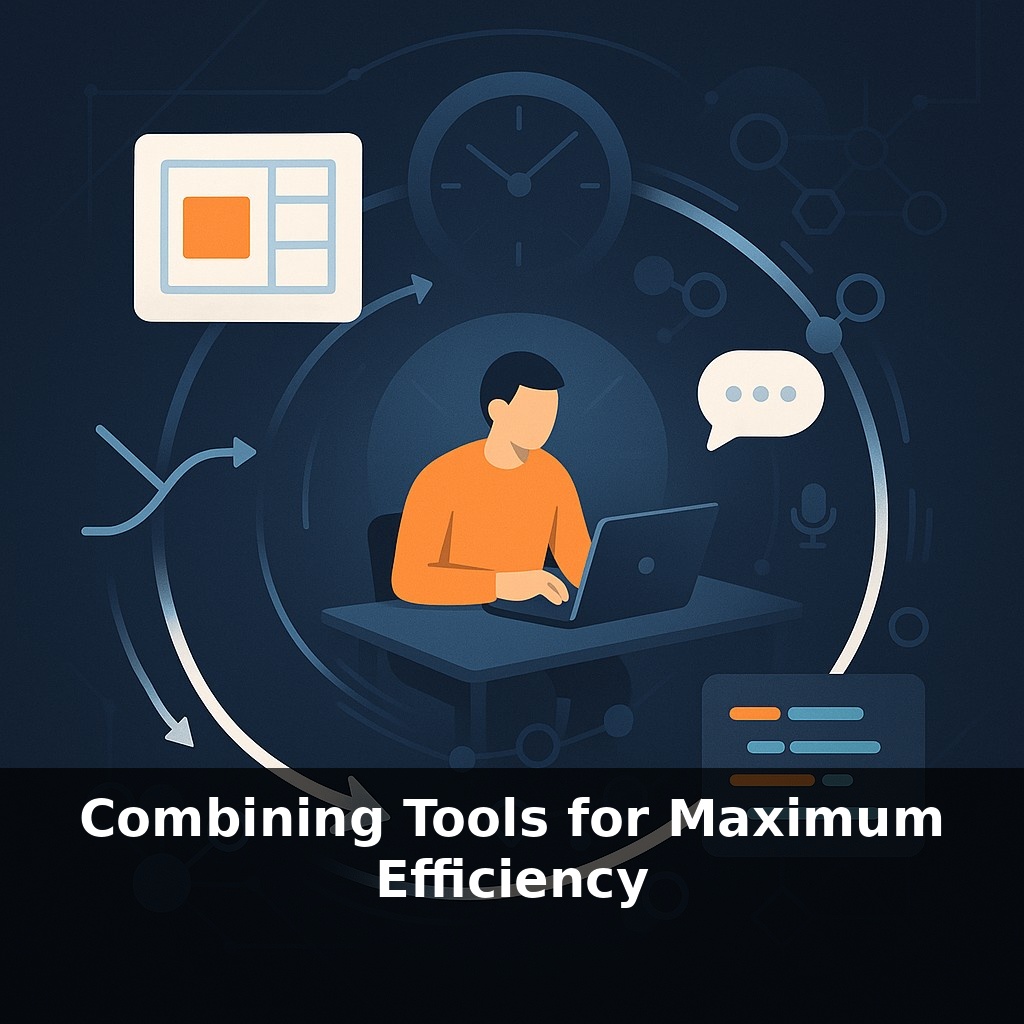
A strange thing happens in well‑run teams: the more tools they add, the *simpler* things feel. Not because there’s less going on, but because the invisible glue between tools gets stronger. Cross‑functional groups that wire Figma into Zeplin or GitHub aren’t “doing more clicks”; they’re removing whole classes of work—status pings, asset hunts, copy‑paste fixes. It’s closer to a sports team running set plays: each role knows where the ball goes next. To get there, you don’t start by chasing new apps—you start by tracing the exact path an idea takes from first sketch to live release, and only then decide what should be automated.
A single tool rarely sinks you; tiny gaps between many tools do. The gains show up when the “gaps” are designed as carefully as the screens you ship.
Start with the unglamorous layer: **design decisions**. If colors, spacing, and components live in three different places—file, documentation, code—you’ve hard‑coded confusion. Shared design tokens change that. When a primary color updates in Figma and the same token name updates in code, no one is filing bugs about “slightly different blues” two weeks later. IBM’s Carbon system proved this at scale: once Sketch, Figma, and React all spoke the same visual language, defects dropped, not because people tried harder, but because they *had fewer chances to disagree*.
Then there’s **interoperability**. Tools with open APIs and plug‑ins act like players who can pass the ball under pressure. Zeplin, Abstract, and Lottie didn’t win because they’re magical; they won because they fit into existing stacks. You don’t want “yet another place to check”—you want tools that quietly push specs to dev, log decisions to GitHub, or trigger design QA when a pull request opens.
Automation is the next layer—not flashy AI, but boring, precise scripts that never forget. Exporting assets in 6 resolutions, naming them correctly, and dropping them in the right folder isn’t craftsmanship; it’s a robot’s job. No‑code connectors like Zapier or Make let small teams wire these robots together without waiting for engineering. That’s why even tiny shops can punch above their weight: their machines do the shoveling, so people can do the thinking.
Here’s the counterintuitive part: **more tools can feel like fewer decisions** when each one has a clear job. Figma for exploring, Zeplin for specs, GitHub for truth of record, Zapier for shuttling updates. The chaos comes when every tool is half‑doing everyone else’s job. The goal isn’t to crown a “winner,” but to assign each tool a narrow role, then let integrations handle the hand‑offs like a relay team passing the baton at full speed.
A practical way to think about combining tools is to zoom in on a single, concrete flow. Say your team is shipping a new settings panel. You sketch in your primary tool, then a plug‑in automatically pushes key frames into a spec tool that tags components with real design tokens. From there, a bot creates a lightweight ticket, linking spec, code branch, and a checklist for QA. No one “remembers” the checklist; it’s just there, every time.
Sports teams do something similar with set pieces: the play is scripted, so players can improvise *within* structure instead of scrambling to invent the basics under pressure.
Real teams take this further. A product trio might wire animations into Lottie so motion prototypes flow straight into implementation, while a content designer hooks their writing tool into the same system so copy updates propagate without a swarm of new files. The specifics differ, but the pattern is consistent: narrow tools, tightly linked, doing one thing each—and doing it the same way, every single time.
25 tool switches a day doesn’t sound lethal—until you realize it erases roughly 45 minutes of focus. That’s one lost deep-work block, every single day.
As tools tighten their connections, the “stack” quietly starts to behave more like a single organism. AI agents will watch how you move between tasks and begin stitching paths for you, like a smart transit system that adds express routes where commuters naturally cluster. Expect personal, auto‑tuned setups that adapt as projects grow more complex—less “learning new software,” more “teaching your environment how you think.”
Treat your stack like a living prototype: something you refactor, not revere. Keep what earns its place, retire what adds drag, and let integrations behave like well‑placed bridges rather than detours. The payoff isn’t just output; it’s mental space. When the busywork routes itself, your attention can roam further, testing bolder ideas before they harden into roadmaps.
To go deeper, here are 3 next steps: (1) Set up a simple “tool stack” test-bed by connecting Notion or Obsidian to Zapier/Make and your calendar (Google Calendar or Motion) to automatically turn meeting notes into tasks—actually build one workflow today, like “Meeting notes → 3 action items in my task manager.” (2) Read *Building a Second Brain* by Tiago Forte and, while you read, recreate one of your existing processes (like content creation or client onboarding) using his PARA method inside your current tools instead of starting from scratch. (3) Install and test one AI layer—such as the ChatGPT desktop app or Arc’s AI sidebar—and use it to combine two of your tools in a real task today, for example: paste in your CRM export + this week’s calendar and ask it to generate a prioritized follow-up list, then actually send 3 of those emails.