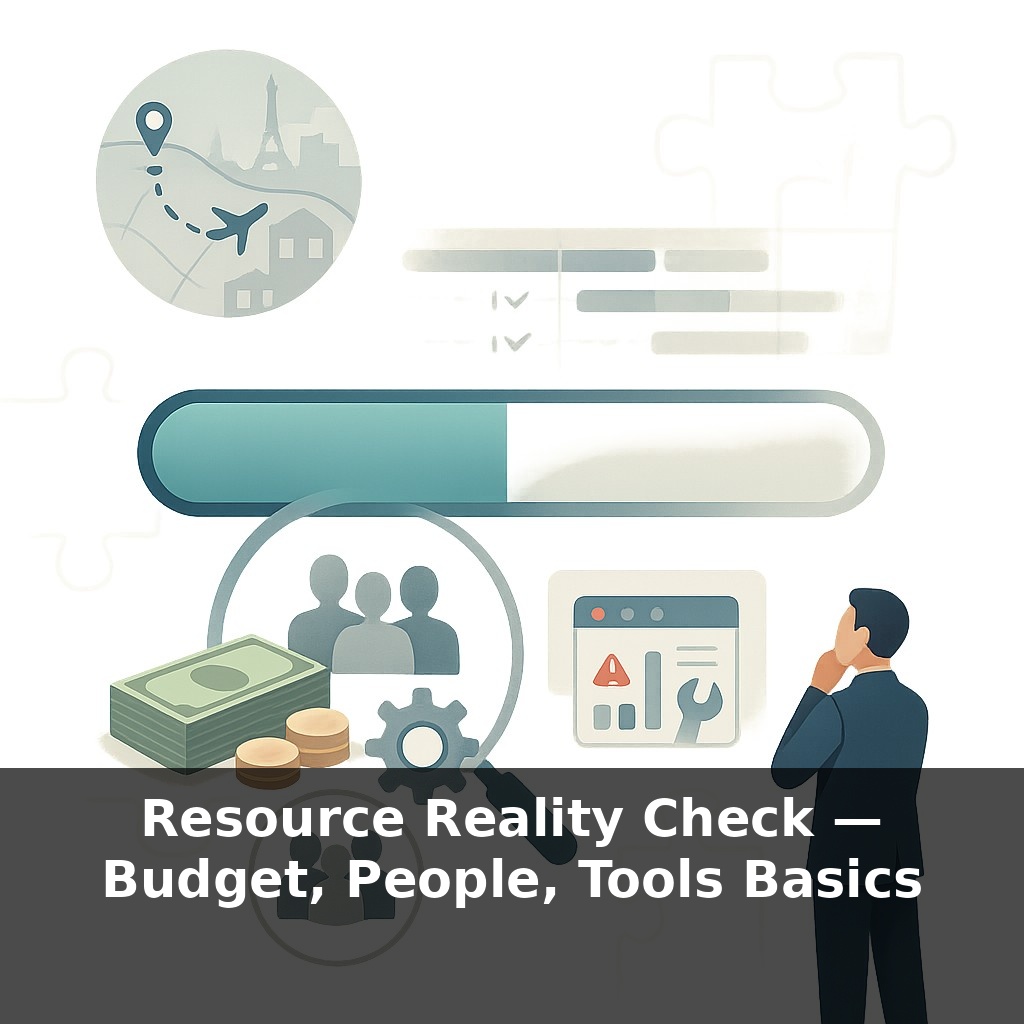
Midway through a “fully funded” project, the finance lead whispers: “We’re out of money… but only halfway done.” The paradox? Everyone did their jobs, yet nobody checked whether cash, people, and tools could actually carry the real workload. That hidden gap is where this episode lives.
Only 35% of projects actually land on scope, time, *and* budget together, according to the CHAOS Report. In other words: most teams promise a trip to Paris and arrive in a random suburb, late, with an empty wallet.
In earlier episodes, you clarified success, broke work into pieces, and sketched a timeline. This is where those plans collide with three hard constraints: how much money you really have, how many people can truly work on this, and whether your tools can support the load.
Here’s the twist many leaders miss: “approved budget” and “headcount” are not the same as usable capacity. Vacations, meetings, tool limits, and learning curves quietly shrink what’s available. Modern teams tackle this with simple math plus data: effort × duration, cost per role, licenses per tool, then scenario modeling to see where reality cracks.
That’s our focus: turning ideal plans into resourced plans that can survive contact with real life.
Most organizations quietly assume “we’ll figure it out as we go,” and the numbers show the cost: PMI estimates more than one in ten dollars is simply burned by poor project performance. A big slice of that isn’t drama or disaster—it’s slow leaks: a key specialist double‑booked, a license you thought you had, a vendor delay nobody priced in. In this episode, we zoom in on those leaks. You’ll connect your plan to concrete numbers: who does what, for how long, at what rate, using which tools—and what that truly costs when calendars, constraints, and risk all show up at once.
Start with people, not spreadsheets. Take your task list and timeline from earlier episodes and ask a blunt question for each chunk of work: “Who is realistically doing this, and for how many focused hours per week?” Not “owns” it on a slide—actually does it.
Modern teams treat this as a small dataset, not a guess. For each role, you capture three numbers: - **Effort**: hours needed to get this task to “done.” - **Availability**: hours per week this role can truly give the project. - **Cost rate**: fully loaded hourly cost (salary, benefits, overhead).
From there, you can apply the basic relationship: work stays the same, but you can trade between how many people are on it (effort per week) and how long it runs. Doubling named contributors doesn’t always halve the time; coordination, onboarding, and handoffs add overhead. That’s where Brooks’ Law bites—late projects often slow further when you throw in more people who first need to be brought up to speed.
Then layer in **tools**. Instead of listing software by logo, ask: - How many **seats** or licenses do we actually have? - Are there **volume or usage limits** (build minutes, API calls, storage)? - What **lead times** exist for new hardware, access approvals, or vendor setup?
This is where many teams trip: they plan work assuming infinite environments, test data, build capacity, or design bandwidth. A simple catalog—tasks mapped to specific tools and limits—exposes when multiple streams silently depend on the same scarce system.
Cost comes last, not first. Once you know which people and tools are tied to which tasks, cost becomes arithmetic instead of drama: effort × hourly rate, plus tool fees, plus a **contingency buffer** for unknowns. In IT projects, labor usually dominates the picture, with tools and contingency forming the rest of the stack, so squeezing software while ignoring overloaded specialists rarely saves what you think.
Think of this like a weather forecast: you’re not predicting every raindrop, you’re narrowing the range of likely conditions. A basic, honest model of people, time, and tools won’t make your plan perfect—but it will make your surprises smaller and cheaper.
A small SaaS company once assumed “we’ll make do” with two senior engineers on a complex integration. On paper, they had 80 hours a week. In reality, each lost 15 hours to support tickets and 10 to standing meetings. Their true capacity: half the fantasy. Instead of adding more people midstream, they ran a one‑week experiment: route all low‑severity tickets to a junior, cancel noncritical meetings, and block two three‑hour focus windows per day. Velocity jumped 35% with zero new hires.
You can try a lighter version: pick one high‑skill role on your project and shadow their calendar for a week. How many hours go to work that moves your plan forward, and how many to everything else? Treat the result as a lab test: if that role is your “heart,” are you measuring its real output or the brochure version?
Your challenge this week: choose one upcoming deliverable and map it to *named* people, specific tools, and calendar time. Then ask, “What has to change for this to actually fit?”
As tools get smarter, the basic questions you’re asking now won’t go away—they’ll just be answered faster and more often. Expect your plan to behave less like a static spreadsheet and more like a live fitness tracker: constantly updating as people’s availability, tool limits, and costs shift. That also means your role tilts from guessing inputs to judging trade‑offs. The teams who win won’t be the best estimators, but the best *adjusters* under moving constraints.
When you treat money, people, and tools as moving parts instead of fixed promises, your plan becomes more like jazz than a rigid score: structured, but ready to adapt. Over time, those small, honest checks—“Do we truly have what this takes, this month?”—compound. You’ll miss less, recover faster, and gain a quiet superpower: saying “yes” only when “yes” is actually doable.
Try this experiment: For the next 7 days, track exactly how you spend your *people*, *budget*, and *tool* resources on one specific project using a simple “traffic light” check at the end of each day: green = well-used, yellow = underused, red = wasted or blocked. Then, pick the single biggest “red” area (e.g., a tool no one uses, recurring meeting that burns your best people, or budget locked in a low-impact subscription) and intentionally “turn it off” for just one week—cancel the meeting, pause the tool, or freeze that spend. Observe what actually breaks (if anything), what nobody misses, and where time/energy suddenly frees up. At the end of the week, decide: bring it back as-is, bring it back differently, or cut it for good based on what you saw, not what you assumed.