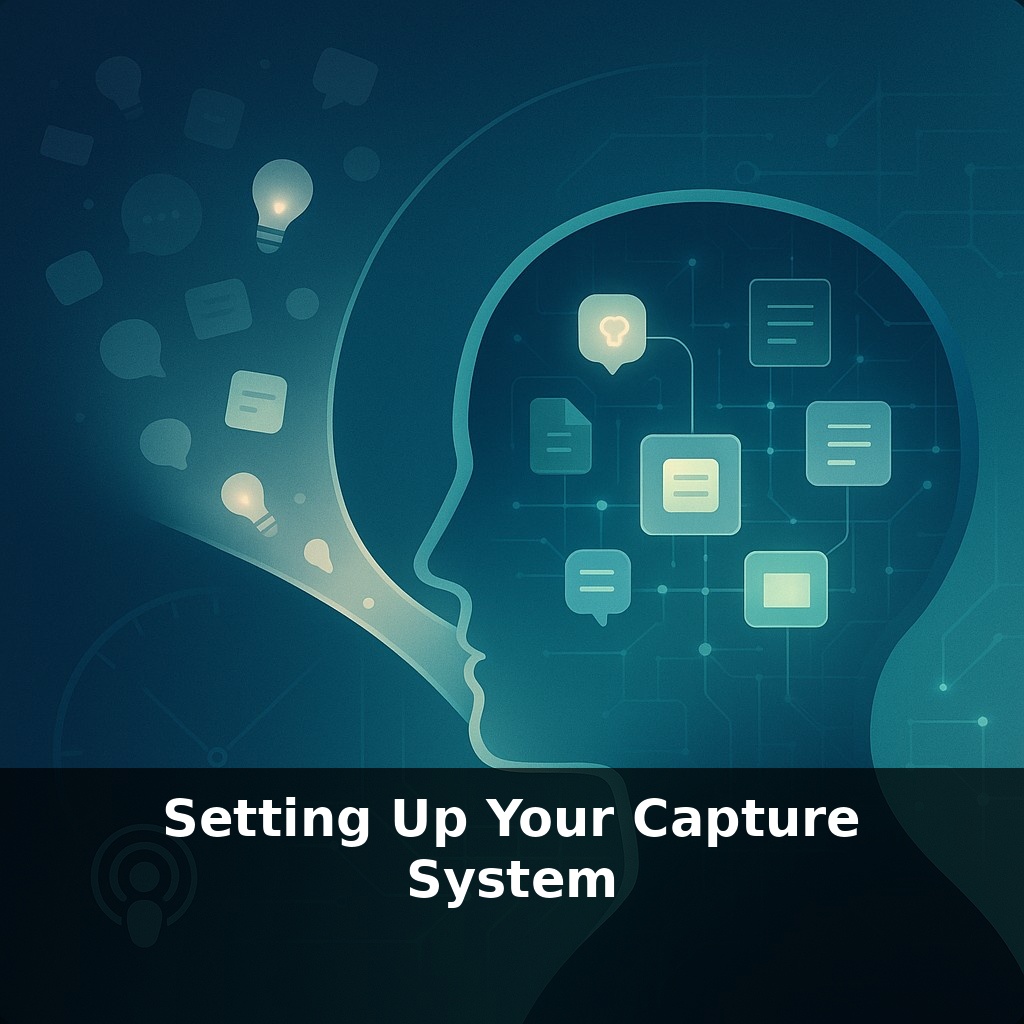
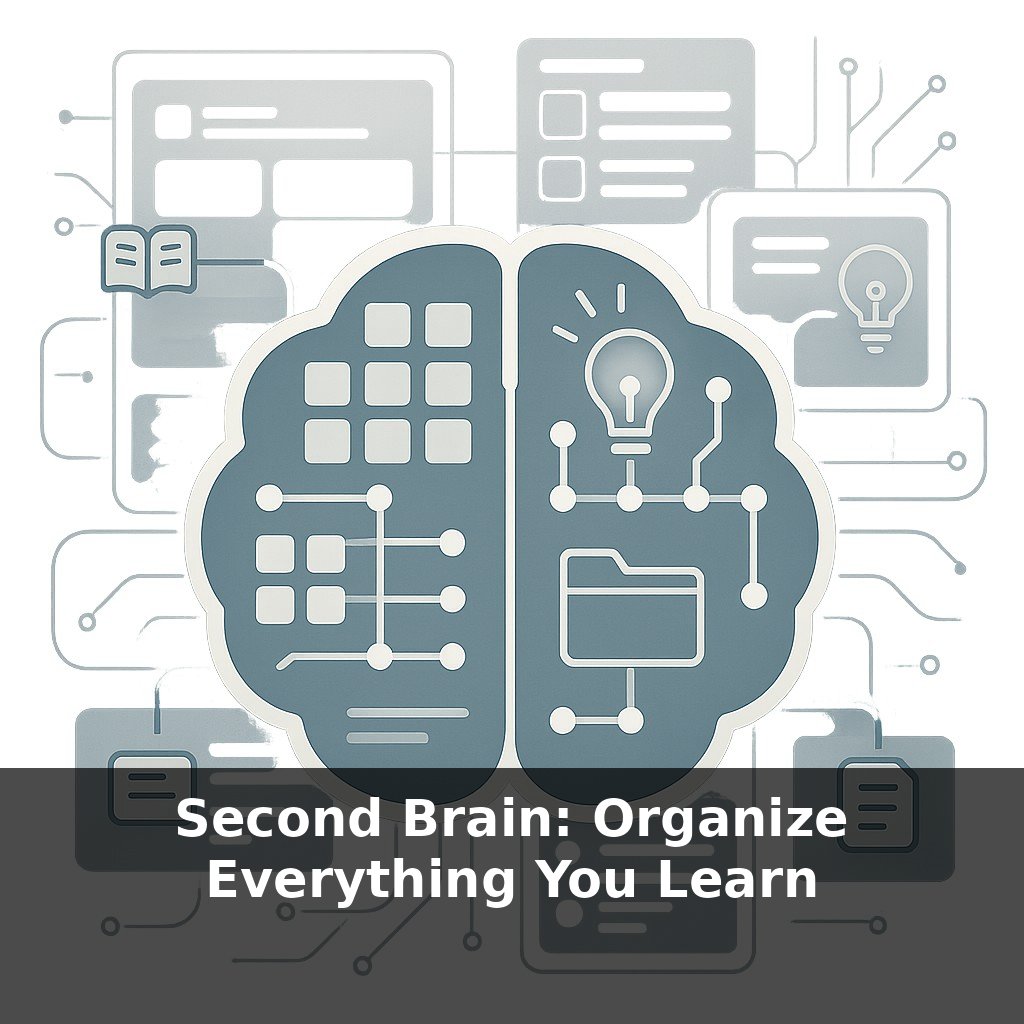
About half of what you learn today will quietly vanish by tomorrow. You’re walking to the kitchen, a sharp idea flashes, and by the time you reach the sink—it’s gone. The paradox is this: your best thoughts arrive when you’re busiest, and that’s when you’re least prepared to catch them.
Up to 70% of new information can evaporate within a day, yet most people still rely on “I’ll remember this later” as their default system. This series isn’t about having a better brain; it’s about building better scaffolding around the one you already have. Today, we’re going to design the simplest possible capture setup so that ideas, tasks, and useful links land in one reliable place instead of scattering across sticky notes, random apps, and your inbox.
Think of this as upgrading from pockets full of loose receipts to a single, sturdy folder you trust. We’ll look at how knowledge workers who juggle dozens of tools keep one unified intake, why accessibility matters more than app features, and how to make capture so fast it feels like jotting a note in the margin of a book. By the end, you’ll have a capture system that fits your actual day—not an idealized one.
Instead of chasing the “perfect app,” start by noticing how ideas actually show up in your day. Some arrive while you’re deep in a document, others while you’re walking between meetings, scrolling on your phone, or half-asleep at night. Each of those contexts needs a low-effort way to catch what appears. In practice, that usually means two or three simple tools that cover your main environments: at your desk, on your phone, and on the move. The real work isn’t choosing tools—it’s deciding, once, where each kind of thought goes so you’re not renegotiating it every time.
The mistake most people make is trying to design their “forever system” on day one. Professionals who actually stick with this start by treating capture as a prototype: crude, slightly messy, but relentlessly dependable.
Start with one decision: **What is your primary inbox?** Not the only place you ever write, but the place everything ultimately returns to. For some, that’s a single note in an app titled “Inbox.” For others, it’s a paper notebook that never leaves the desk. Luhmann’s famous Zettelkasten began as nothing more than slips of paper in a single box—refinement came later.
From there, layer in **context-specific gateways** that always point back to that inbox:
- On your computer, this might be a global hotkey that opens a quick note, or a scratchpad file that’s always the first tab. - On your phone, it could be a home-screen widget, a pinned note, or a voice shortcut that captures your words and drops them into that same inbox. - In meetings or deep-focus work, a single physical notepad can operate as your temporary “runway,” with a habit of transferring anything that matters into the primary inbox once you’re done.
The rule: no matter where something lands first, it has a **clear, pre-decided path** into your main queue. That’s how you avoid the pile-up of semi-abandoned lists, docs, and screenshots.
To keep friction low, you don’t need detailed notes—you need **minimum viable capture**: a three-to-seven-word phrase, a quick email to yourself, a half-sentence that your future self can recognize. Think of a sports coach scribbling a few words on a whiteboard during a game; it’s not the full playbook, just enough to reconstruct the idea when there’s time.
Two guardrails keep this from becoming clutter:
1. **Single-purpose inputs.** For example, one email address you only ever use to send yourself tasks and links, or one DM channel where you only post ideas. 2. **Time-bounded roughness.** Captured items are allowed to be vague—but only until your next review. You’ll clarify, keep, or discard them later.
Over time, you’re not aiming for more places to jot things down, but **fewer, better-defined doors** into the same hallway.
Think of how a good art studio is arranged: the painter doesn’t keep brushes in one room, paint in another, and canvases in a third. Everything is close enough that reaching for the right tool barely interrupts the stroke. Your setup can work the same way by assigning “zones” rather than obsessing over tools.
For example, one client who leads a remote team uses three clearly named doors into their system: “Do,” “Decide,” and “Save.” A sticky note during a call? It gets a bold “D” in the corner so they know it belongs to “Decide” later. A quick voice memo while driving might start with “Do:” or “Save:” so it auto-routes into the right list with a simple filter. The content stays rough; the label does the heavy lifting.
Others add tiny constraints to keep things tidy. One manager limits every item to a single line—if it needs more, it waits until processing. A researcher color-codes only by source (meeting, article, experiment) to reveal where most useful material actually comes from, then adjusts their week around that signal.
As capture tools get smarter, the real advantage becomes *how* you ask them to notice things for you. Instead of just dumping notes, you’ll set “standing questions”: flag any idea linked to revenue, surface patterns in what keeps distracting you, highlight themes in conversations with one person. Like a good editor, on‑device AI will quietly trim, cluster, and tag raw inputs, so reviews become more about decisions than sorting—and your habits, not just your files, start to evolve.
Treat this as an experiment, not a verdict. Try a week where your chosen inbox is “always open,” the way a café keeps one light on after hours. Notice which kinds of notes actually pull you back, which just go stale. Your challenge this week: adjust one tiny element daily—hotkey, widget, notebook—and watch which version you instinctively return to.