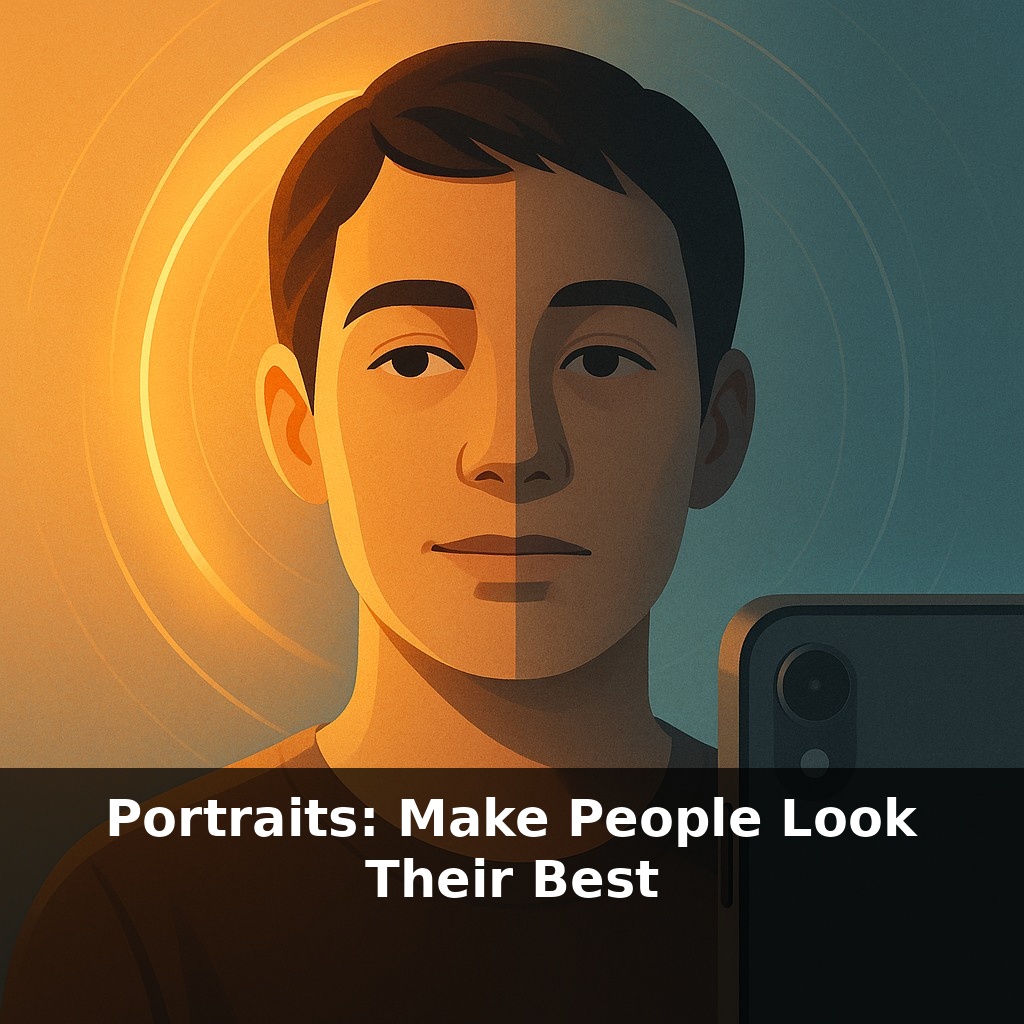
Most portraits you see online weren’t shot with fancy cameras—they were taken on phones in ordinary rooms. Yet some faces glow while others look flat and tired. How can the same camera make someone look stunning in one photo and awkward in the next? Let’s pull that apart.
Studio photographers talk about “sculpting with light,” but they’re also quietly shaping something else: how relaxed, confident, and interesting a person feels in front of the lens. That’s the real secret behind portraits that make someone say, “Wow, that’s me?” rather than “Delete that.” With a phone, you don’t control complex gear—but you *do* control where you stand, how you tilt the camera, and what you say in the moments before you tap the shutter. Those tiny choices decide whether a jawline looks defined or soft, whether eyes look alive or tired, whether the background supports the story or distracts from it. In this episode, we’ll treat your smartphone like a tiny studio: we’ll use light you already have, angles your body can easily find, and a few subtle tricks to bring out the version of people they like best.
Most people assume flattering portraits happen in studios, yet some of the best “wow” shots come from a side street, a bus stop, or a friend’s kitchen. What changes is not the place, but how deliberately you use what’s there. That’s where your phone secretly shines: it lets you move fast, experiment without pressure, and notice tiny details—like how a half-step toward a window brightens someone’s eyes, or how turning their shoulders shifts the whole mood. Think of this as quiet directing rather than technical shooting: you’re guiding where the viewer looks, what they feel, and which version of this person they’ll remember.
Professional portraits often follow a quiet formula: gentle, directional light; a lens that doesn’t distort faces; and a pose that suggests confidence without stiffness. Your phone can mimic each of these if you treat it less like a snapshot machine and more like a simple, fast portrait kit.
Start with how your subject faces the light. Turn them so the light comes from about 45° to one side and slightly above eye level. Watch the shadowed cheek: you’re aiming for a small triangle of light—roughly an eighth of the face’s width—sitting just under the eye. That’s classic Rembrandt lighting, and it adds depth and structure without harshness. Indoors, a bright window is ideal. Place your subject one to two meters back so the light wraps around their features; you’ll get soft transitions instead of hard lines under the nose and chin.
Next, choose how “compressed” you want their features to look. On most phones, standing a bit farther away and zooming to roughly a 2x–3x setting approximates a 50–85 mm full‑frame lens. Faces look more natural, with less exaggerated noses or receding ears. For selfies, flip to the rear camera whenever possible; its better lens and sensor usually give smoother tones. Use a timer, voice control, or ask a friend to tap the screen so you can focus on expression instead of arm length.
Composition quietly decides how much attention the viewer gives the person versus the surroundings. Use portrait mode (or a wide aperture option) to blur clutter into soft color fields, then tap on the eye closest to the camera so it stays sharp. Place the eyes slightly above the center of the frame; it feels more intentional and lets you include hands or shoulders, which add personality.
Finally, lean on your phone’s computational tricks instead of fighting them. Google‑style multi‑frame HDR reduces noise and keeps detail in both skin and sky, so you can shoot in tricky light without losing texture. Just watch that it doesn’t over‑smooth faces—dial back “beauty” sliders until pores and fine lines still look real.
A simple way to test all of this is to photograph the *same* person in three very different mini‑setups and compare, not which is “prettiest,” but which feels most like them.
First, try a “window studio”: seat them sideways to a window, phone at 2x–3x, and ask them to tell you about something they’re proud of. Watch how their expression shifts mid‑story and shoot short bursts while they talk. Then do an opposite: step into open shade outdoors—under a tree, an awning, or next to a tall wall—and have them look slightly past the camera, as if they’ve just spotted someone they like. Finally, go for a bold backlit shot near sunset; let the sky blow out a bit while you keep their face bright with HDR or a small white surface (a receipt, a notebook) reflecting light back.
Later, compare the sets: which direction of gaze, which distance, which tiny expression feels like the person you know best? That’s your personalized “portrait recipe.”
Soon, your phone may feel less like a camera and more like a tiny portrait studio that thinks with you. Real‑time 3‑D face maps could let you “turn” the light after shooting, like rotating a desk lamp without moving the subject. Voice hints might nudge you—“step left for cleaner lines,” “hold that smile.” And as on‑device editing grows, you’ll choose subtle, honest refinements instead of plastic skin, much like choosing tailoring over a costume. The real skill will be deciding *how real* you want each portrait to look.
Your portraits will slowly become more like short stories than snapshots: each one a quick study of mood, context, and connection. Notice how different friends “come alive” in different places—busy street, quiet kitchen, rainy window. Let those patterns guide you, the way a good DJ reads a room and picks tracks that fit the crowd, not just the playlist.
Your challenge this week: Pick one person and create a tiny “portrait series” of just *three* images. One at home, one outside, one in a place they love (a café, a court, a studio). Change only one thing each time—angle, distance, or expression. At the end, ask them which image feels most like “them,” and note exactly what you did differently in that frame.