About half of what you did today ran on autopilot—and your phone quietly influenced more of it than you think. A buzz nudged one choice, a streak counter nudged another. This episode asks a blunt question: are your apps building your habits, or hijacking them?
Last episode, we focused on the brain side of habits; today we move to the hardware in your pocket and on your wrist. Duke researchers estimate that 40–45% of what you’ll do today is driven by habit. Now put that next to this number: 80 million habit‑tracking apps were downloaded in 2022 alone—a 13% jump in one year. That’s a massive shift in who “sees” and shapes your daily repetitions.
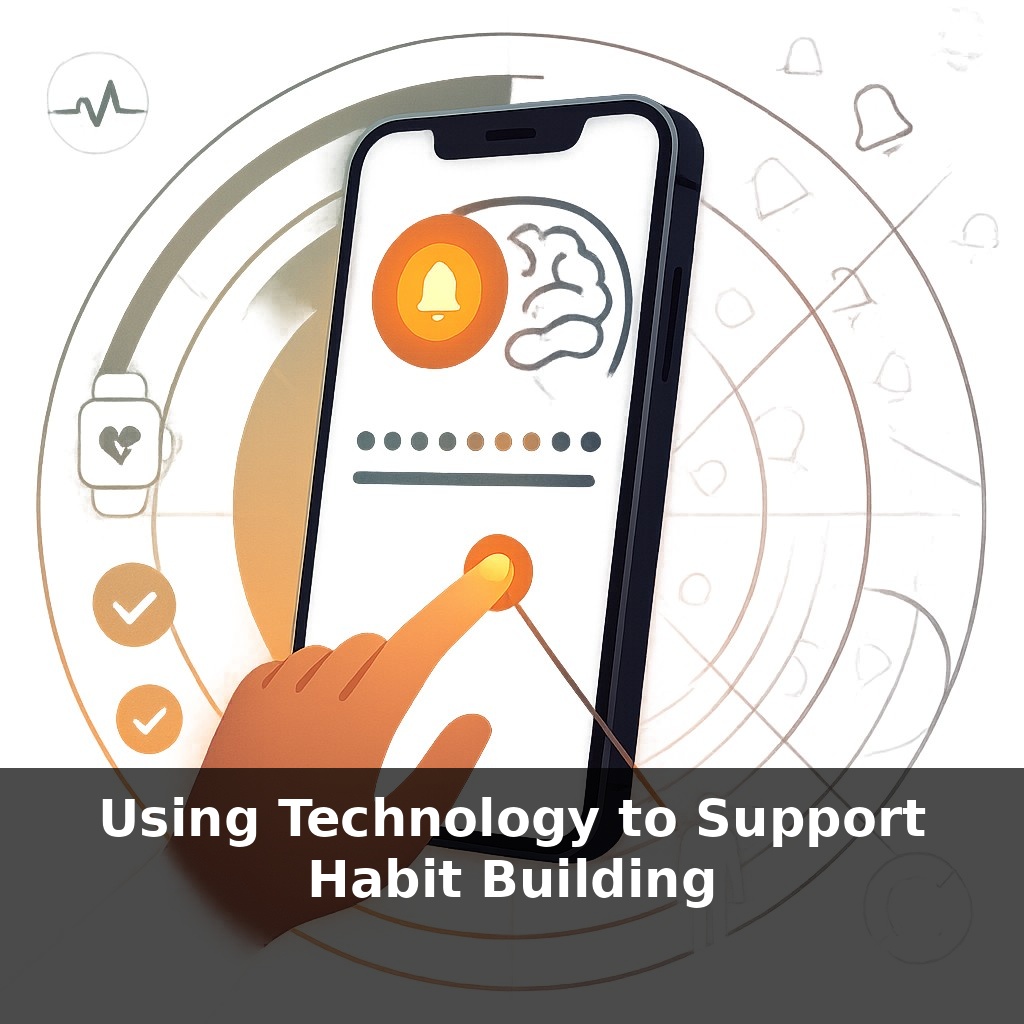
Used well, technology gives your habits three powerful upgrades: precision, timing, and feedback. Precision: a wearable can tell you whether you actually hit 8,327 steps, not “walked more.” Timing: an app can ping you at 9:00 p.m. every night when you usually scroll. Feedback: a simple streak counter or progress ring can show 27 days of consistency you’d otherwise forget. In this episode, you’ll learn how to turn those features into deliberate habit allies instead of silent defaults.
Most tools you already use can double as habit supports without downloading anything new. Your calendar can hold a 10‑minute study block at 7:30 a.m. daily. Your notes app can store a simple one‑line daily log (“Did I practice guitar? Yes/No”). Even your lock screen can show a single reminder: “One glass of water now.” Wearables add another layer: a 250‑step hourly nudge, a 9:45 p.m. wind‑down alert, or a heart‑rate tile to cue breathing practice. The goal in this episode: turn 3–5 existing tech touchpoints into deliberate habit cues and progress checks.
Let’s turn those generic tools into a tightly tuned habit system. Start by choosing **one target habit** so your tech isn’t shouting in ten directions at once. Say it’s “exercise 20 minutes, 4 days per week” or “read 10 pages every night.” Vague goals like “move more” or “read more” make it hard for technology to help, because there’s nothing concrete to track or cue.
Next, translate that habit into **3 implementation details** your devices can act on:
1) **Exact trigger time or context** - Example: “Weekdays at 7:10 a.m., right after coffee, I start a 15‑minute walk.” - Or context-based: “When I arrive home after 6 p.m., I read one page before turning on the TV.”
2) **Minimum success metric** - Walking: “At least 1,600 steps in a single intentional walk.” - Reading: “Minimum 5 pages from a physical or e‑book.” Specific thresholds let your devices log a clear yes/no instead of fuzzy effort.
3) **Tracking unit and window** - “4 walks per week, for 4 weeks.” - “20 reading sessions this month.” This moves you from endless streak chasing to defined “runs” you can complete and review.
Now, assign each device **a distinct job** so they don’t overlap:
- **Phone** = “architect.” Use it to set 1–2 prompts tightly linked to your chosen trigger. For instance, a 7:05 a.m. alarm labeled “Shoes on: 15‑minute walk.” If you dismiss it without acting, log that as a miss—data, not failure.
- **Watch or band** = “referee.” Configure it to auto‑detect your walk or reading session (via heart rate or “focus” mode) and record duration. This keeps your main device out of reach during the habit itself, lowering distraction.
- **Laptop or tablet** = “historian.” Once per week, review your past 7 days. Did you hit 3 of 4 planned sessions? 0 of 4? Note one pattern in 1–2 sentences. In a 2021 trial, simple app prompts drove a 27% lift in gym visits over eight weeks; the quiet power was in this kind of ongoing check‑in and adjustment.
Treat your setup like rebalancing an investment portfolio: keep just enough automation to lower friction, and remove any alert, badge, or widget that pulls attention away from your one chosen habit run.
Set up your tech like a three-step “habit pipeline.” Start with **one concrete behavior**, then let each tool handle a small, specific piece.
Example 1: You want to stretch for 5 minutes after work, 5 days per week. - At 5:45 p.m., your calendar auto‑creates a “Stretch x5” event on weekdays only. - Your smart speaker announces, “Time to stretch,” and starts a 5‑minute timer. - You log a ✅ in a simple counter app; hit 20 checkmarks in 28 days and you buy a $15 reward you’ve pre‑chosen.
Example 2: You want to write 200 words, 3 mornings per week. - Your notes app opens a “Today’s 200” doc at 6:30 a.m. via shortcut. - Your writing app shows a weekly goal: 600 words, with a visible bar that fills from 0 to 600. - When you reach 2,400 words in a month, transfer $24 into a “Future You” savings sub‑account, turning consistency into visible financial gain—like collecting interest on repeated effort.
Your challenge this week: Design and run one such pipeline for exactly 7 days, then tweak only **one** element based on what failed most.
As tools get smarter, aim for **user-set rules, not app-set nudges**. Before installing a new feature, ask: “What single habit does this serve for the next 30 days?” Then hard‑limit data sharing—turn off any extra permissions that don’t advance that one behavior. If an app adds more than **2 new alerts** after an update, prune back to your core cue. Over a year, this “minimal tech, maximal intent” rule can protect **hundreds of hours** of focused habit practice.
Use your data like a coach, not a critic. Every 14 days, export your logs, circle 1–2 “high‑yield” windows (for example, 7–8 a.m. or 9–10 p.m.), and double down on cues only in those slots. Then, for the next 14 days, deliberately run a “low‑tech test”: silence everything outside that window and compare consistency. Let results, not hopes, decide what stays.
Try this experiment: For the next 5 days, turn one habit you want to build (like daily reading or walking) into a “tech-triggered chain” using just your phone. First, set a *location-based* reminder (e.g., “When I arrive home, open Kindle and read 5 pages”) and move that app to your phone’s home dock so it’s the first thing you see. Then, use a simple habit-tracking app to tap “done” immediately after you complete it, and review your streak each night at the same time. At the end of 5 days, check: did the combo of location reminder + easy app access + visible streak make you more likely to do the habit, or did any piece feel annoying or easy to ignore?