Right now, at least five different music apps are behind the top hits you hear on the charts—and they all sound equally polished. One producer taps beats on a laptop couch-side, another scores strings in a studio. Same results, totally different creative homes.
Some of those apps feel like minimalist notebooks; others are more like sprawling film studios full of props and lights. Open one, and you’re nudged toward live performance and looping. Open another, and it quietly encourages careful editing, detailed automation, and dense arrangements. None is “better” in sound, but each one whispers a different suggestion about how you might work and what you might finish.
That’s why choosing a DAW isn’t really about chasing the “pro” label—it’s about deciding what kind of sessions you want to have when you sit down to create. Do you want quick sketches, or long, meticulous builds? Do you feel safer with clear structure, or do you prefer a playground that lets you get lost?
In this episode, you’ll learn how DAWs actually differ where it matters: workflow, tools, and how they shape your habits over weeks and months.
Some environments are wired for tight deadlines; others invite you to wander. Music software is similar: open one and it nudges you toward performance, another toward careful craft, another toward rapid sketching. Under the hood, they all record clean audio and MIDI, but the surrounding details—how tracks appear, how quickly you can try ideas, how flexible the routing is—quietly steer your choices. You’ll also feel differences in stability, CPU efficiency, update pace, and community support, which matter more over a year than any flashy feature list or marketing headline.
Some platforms feel like instant-gratification gadgets: you drop in a drum loop, tap in a bassline, throw on a couple of presets, and you’re already nodding along. Others nudge you toward building your sound from the ground up—designing synth patches, routing effects, drawing precise automation curves. The real difference isn’t “can this record audio?” but “what does it tempt you to do first?”
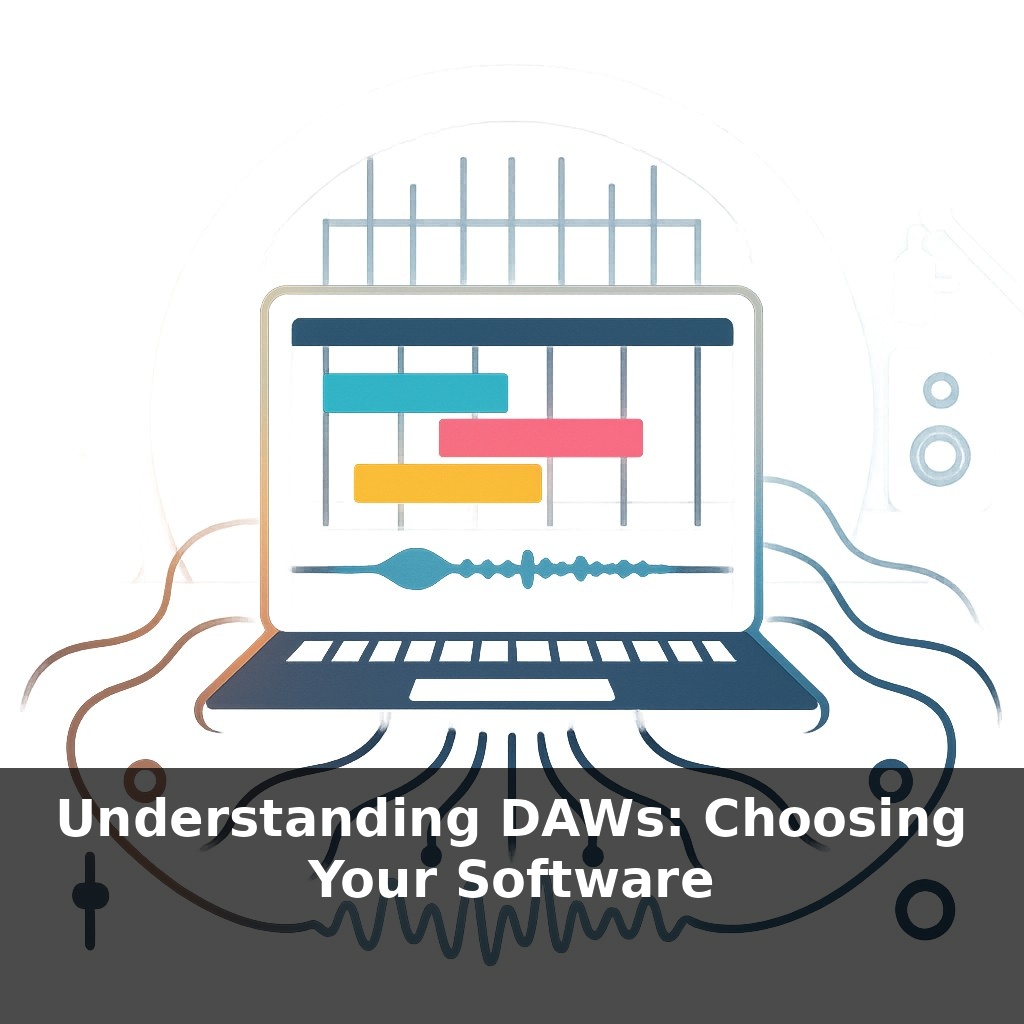
This is where layout and defaults quietly shape your sessions. A grid-focused view pushes you toward clips, variations, and rapid idea juggling. A traditional timeline foregrounds structure: intros, breakdowns, transitions. If the first thing you see is a sampler, you’ll reach for samples; if it’s a piano roll, you’ll probably write MIDI. None of this is neutral—it’s opinionated design that rewards certain moves with fewer clicks.
Bundled content matters too. Some environments ship with huge libraries of synths, drum machines, and creative effects; others arrive almost empty, expecting you to bring or build your own. That changes how your tracks sound in the early months. When you have strong built-in devices, you might delay hunting for third‑party plugins and instead learn to push the stock tools hard, which often leads to a more coherent sonic fingerprint.
Then there’s the question of scale. A lightweight installer that runs on modest hardware can feel incredibly liberating—you’re more likely to open it for a quick 10‑minute idea when it launches in seconds and doesn’t crush your CPU. Heavier ecosystems might reward you later with deep integration, but they can feel overkill when you’re just trying to sketch on a laptop between other tasks.
Think, too, about how frequently a platform evolves. Fast‑moving projects can deliver fresh devices, workflow tweaks, and bug fixes every few months, which is exciting but occasionally disruptive. Slower, conservative development can feel boring, yet it often means fewer surprises on show day or mid‑project.
One useful lens is to treat the interface like urban planning: are the “streets” wide and clear, with obvious routes for basic tasks, or is everything tightly packed but hyper‑efficient once you memorize the shortcuts? Over time, that determines whether you feel like you’re cruising through a familiar neighborhood or constantly taking detours just to get simple ideas down.
Think of three broad “personalities” you might encounter.
One feels like a fast, self‑contained groove box. You open it and are immediately nudged toward patterns, clip juggling, and quick mutations of an idea. It’s great when your priority is momentum and you want to turn a spark into a loop before it fades. These environments often shine in live settings and improvised jam sessions with friends.
Another leans toward detailed construction. You’ll see clear track lanes, multiple views for editing, and meters everywhere. It rewards the kind of person who likes zooming into tiny timing shifts, layering nuanced automation, and managing complex arrangements with dozens of elements. It can feel slower at first, but it scales beautifully when your projects get dense.
A third type prioritizes customization. Here, nearly every shortcut, window, and signal path can be re‑wired. Out of the box, it might feel plain or even awkward, but if you enjoy tinkering, you can shape it into a highly personal environment that mirrors exactly how your brain organizes ideas.
Soon, the “studio” on your screen may feel less like a static desk and more like a flexible collaborator. As AI quietly learns your editing quirks and favorite chains, it could pre‑wire session templates the way a good stage tech lays out cables before soundcheck. Browser‑based systems might let you jump from school laptop to home rig with the same project, while spatial formats turn panning into choreography—placing sounds like dancers moving through a 3D stage around the listener.
Over time, you may discover that switching platforms feels less like “starting over” and more like moving to a new neighborhood—same musician, different routes and shortcuts. Let your curiosity, not marketing, guide you. Test limits, try odd combinations, break templates. The “right” choice is the one that keeps you returning to finish another track.
Your challenge this week: pick two platforms that interest you, install their demos, and set a strict timer—30 minutes in each—to build the roughest possible sketch. No polishing, no mixing. Afterward, note which one made you *want* to keep going, even when you hit friction. That pull is a better guide than any feature checklist.