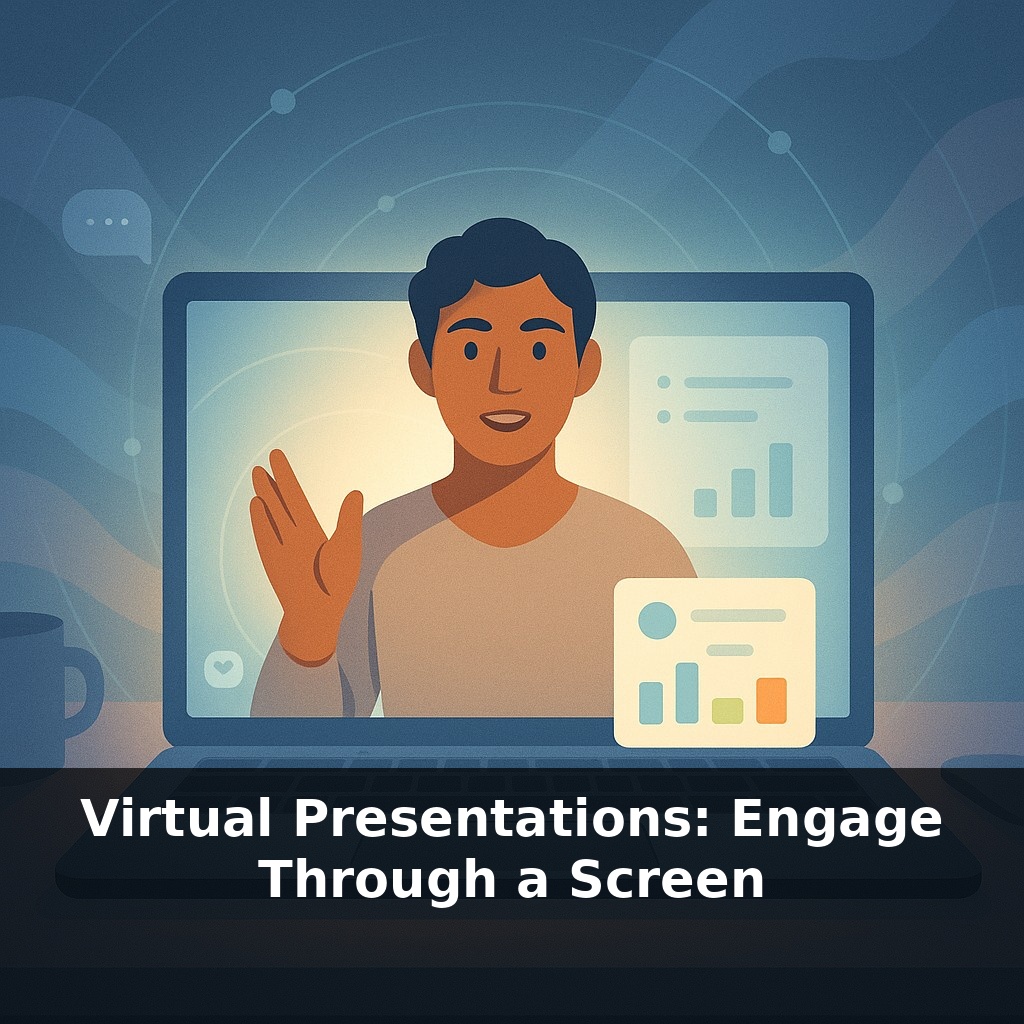
“Your slides might be hurting your message more than your shaky wifi. In most virtual meetings, people remember the speaker’s face better than any chart they saw. So why do so many presentations turn the camera off and read bullet points into the void?”
A Stanford study found that dropping a quick poll into a session every six minutes nearly doubled note‑taking and boosted learning scores by 19%. Not because polls are magical, but because they snap people out of passive watching and back into active thinking. On a screen, attention doesn’t drift—it evaporates. Your listeners are one notification away from disappearing. That’s why the most effective online speakers stop thinking of themselves as “sharing content” and start thinking of themselves as running an experience. They manage sound, lighting, and pacing the way a sound engineer manages levels in a studio: constantly adjusting so the audience stays tuned in. In this episode, you’ll see how small choices—where you look, how you use silence, when you invite input—can turn a flat update into a focused, two‑way conversation.
Most people blame “Zoom fatigue,” but a lot of virtual boredom is actually design fatigue: crowded visuals, nonstop talking, and no clear moments to breathe or respond. Cognitive science backs this up. When you layer dense text, fast speech, and constant screen changes, you overload people’s mental bandwidth and they quietly check out. Mayer’s research shows that trimming inputs—simple visuals plus clear narration—frees up brainpower to follow your point. Then, when you add small, intentional chances to react in chat or on whiteboards, you’re not just keeping people awake—you’re giving their brains a rhythm they can actually follow.
If you want people to stay with you on a screen, think in three layers: cognitive load, interactivity, and presence.
First, cognitive load. Mayer’s research says our brains have a small “working memory inbox.” Every extra element—tiny text, moving backgrounds, busy animations—clutters that inbox. Online, there’s already hidden noise: platform controls, chat, self‑view, other tabs. So your job is to subtract. One idea per visual. Short, spoken sentences. Brief pauses at transitions so the “inbox” can clear. This isn’t dumbing things down; it’s sequencing complexity so people can actually follow it in real time.
Second, interactivity. Many presenters think, “If I open the chat, I’ll lose control.” In practice, structured micro‑interaction gives you more control because you can see what’s landing. Rotate through different formats: a 1–10 scale question, a quick “type one word” prompt, a collaborative whiteboard. Use them as checkpoints between sections, not as decoration. The Stanford data on note‑taking hints at why: every short response forces the brain to compress and label what it just heard. That’s how memory sticks.
Third, presence. On video, your face and voice *are* the room. You don’t need cinema gear, but you do need intention. Raise your camera to eye level so your default gaze is roughly “eye contact.” Nudge your light source in front of you instead of behind. Do a 10‑second sound check at the start of every session: “Before we jump in, quick AV check—can you hear me clearly?” It signals professionalism and lets people fix issues early. That matters, because technical friction is interpreted as speaker friction: if your audio cuts out, your credibility often does too.
Think of yourself as a one‑person control room for the viewer’s attention. You’re not just delivering lines; you’re shaping what they see, hear, and do from moment to moment. When you plan with those three layers in mind—less clutter, more checkpoints, sharper presence—you stop fighting the limitations of the medium and start using them.
A product manager walking execs through a roadmap might treat each feature like a chapter in a docuseries: open with a single compelling visual, narrate the tension it solves, then pause and ask, “On a scale of 1–5, how urgent is this for your team?” Their slide isn’t the star; the decision in the chat is. A sales engineer demoing new software can keep three “beats” on repeat: show one screen, speak to one outcome, then trigger one quick response—“Type ‘yes’ if this replaces a manual step for you.” That pattern trains the group to lean forward instead of drift away. Even in a weekly team stand‑up, you can rotate “co‑hosts”: one person speaks, another watches chat and voices patterns—“I’m seeing three people flagging risk on timeline; let’s stay here.” Over time, the group stops treating the call as background noise and starts treating it as the only place decisions actually move.
A 10‑minute talk now could soon feel like playing in an evolving digital studio. As XR rooms, real‑time coaching and instant translation mature, your role shifts from “person on webcam” to “conductor of a distributed ensemble.” Think less about presenting *at* a crowd and more about mixing inputs—voices, tools, languages—like tracks. The skill to grow is agility: reading subtle signals through the interface and adjusting structure live without losing clarity or momentum.
When you treat every session as a prototype, each small tweak becomes data: where people lean in, where their cursors drift, where silence feels like static instead of space. Over time, you’re less “presenting” and more *composing*—layering voices, tools, and timing the way a DJ shapes a set, adjusting live to keep the energy and clarity aligned.
Before next week, ask yourself: Where in my current virtual deck or demo could I replace three text-heavy slides with a quick story, live poll, or simple visual so people are reacting instead of just listening? During your next online meeting, what’s one moment (e.g., right after you introduce a key idea) when you can pause and ask a specific question in chat—like “What’s your biggest struggle with X right now?”—and then actually build on two of the answers out loud? Looking at your usual setup, what’s one experiment you can try this week (standing instead of sitting, moving your camera to eye level, or using a ‘next-step’ slide at the end) to make you feel more like you’re in a real room with people rather than talking at a screen?