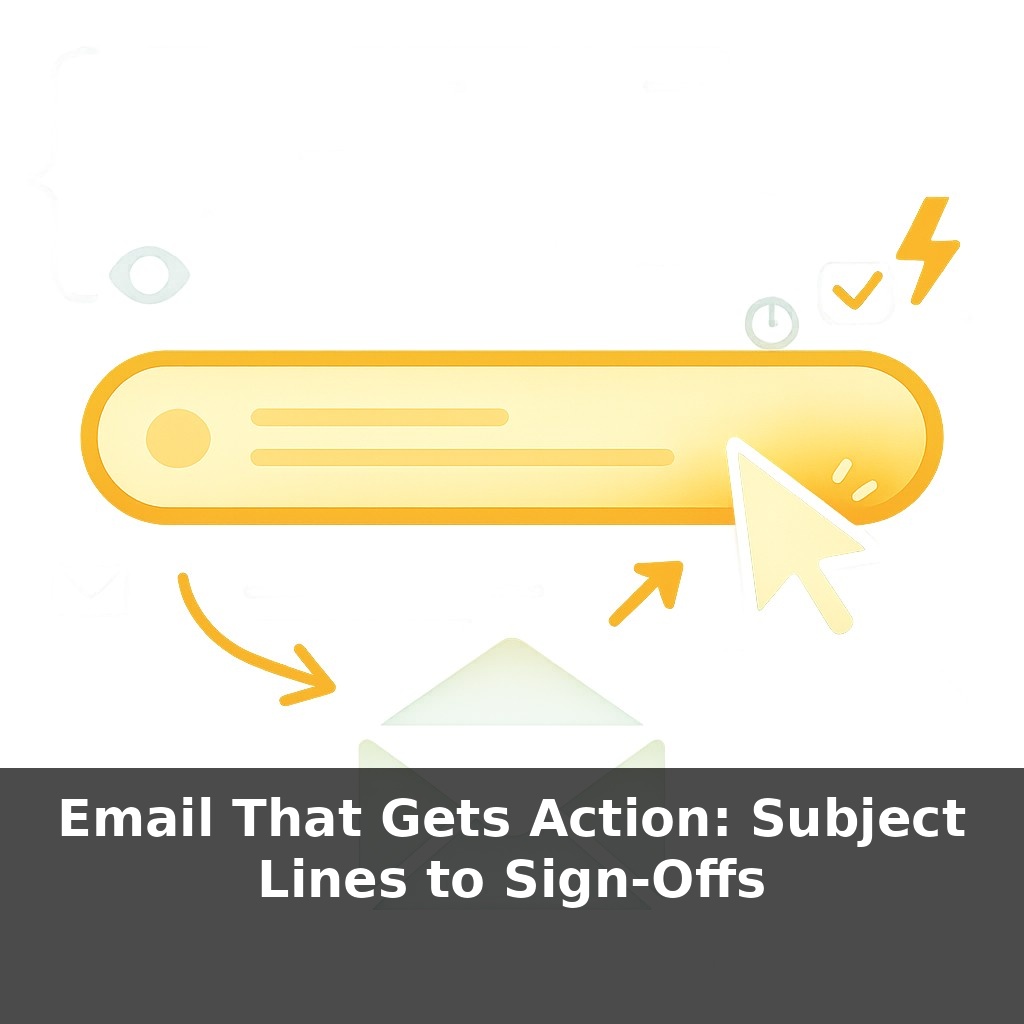
About half the emails you send never really stand a chance—people decide in a heartbeat, before they’ve read a single line. In one study, nearly half of recipients opened messages based on the subject line alone. So here’s the twist: the real decision happens before the email even begins.
Here’s the uncomfortable part: even after someone opens your email, most of their attention is already looking for an exit. Their eyes skim, hunting for a payoff that feels worth the effort. If they don’t spot it in the first sentence or two, the back button wins. This is where structure and intent matter more than clever wording. You’re not just “writing an email”; you’re designing a tiny user experience under extreme time pressure. Every element is a decision point: stay or leave, act or ignore. Research on how people read on screens shows we don’t glide smoothly line by line—we bounce, scanning for clues: Why am I reading this? What do you want from me? Why now? Treat each email like a small, purposeful tool: one job, one clear path, one obvious next step.
Most emails don’t fail because your idea is bad—they fail because your reader can’t instantly see “what’s in it for me, and what do I do now?” under real-world conditions. Think: phone in one hand, three unread Slacks, a meeting starting in four minutes. That’s the environment your message has to survive. Research on attention shows people rely on shortcuts: they follow the strongest “information scent,” ignore anything that feels like work, and pounce on obvious next steps. In this episode, we’ll turn those messy realities into a simple system you can use to make your next email far harder to skip.
Here’s the twist most people miss: the part of your email that actually gets a response is rarely the part you spent the most time polishing. It’s the first sentence, the bones of the layout, and the one concrete thing you ask for at the end.
Start with the opening line. After the subject earns you a click, your first sentence must immediately cash that check. Skip the throat-clearing (“Hope you’re well,” “Quick note to say”). Go straight to purpose plus benefit: “I’m writing to confirm your go/no-go decision on next quarter’s pilot so we can lock in engineering resources by Friday.” Notice it orients the reader (what this is) and justifies attention (why it matters now).
Then, think in chunks, not paragraphs. On a phone, a wall of text is an exit sign. Use short blocks, white space, and skimmable cues:
- A one-line context reminder (“Following up on last week’s pricing discussion…”) - A tight, 2–3 item list for details - Bold or line breaks to separate steps and dates
The test: can someone grasp the whole message while half-distracted in under 10 seconds?
Now to the part that drives action: the single, specific call-to-action. Vague asks like “Let me know your thoughts” invite delay. Concrete CTAs shrink the decision:
- “Reply with ‘yes’ if you’re okay moving this to Thursday.” - “Pick one of these two options by tomorrow 3 p.m.” - “Click this link to book a 15-minute slot before Wednesday.”
You’re lowering friction: one action, one place, one deadline. That’s also why multiple CTAs backfire; every extra choice adds mental drag.
The close is where you quietly reinforce the relationship and the urgency without resorting to fake drama. Tie the CTA to a real constraint and a shared goal: “If we confirm by Thursday, your team keeps the April launch window; after that, the next opening is June.” You’re not shouting; you’re clarifying stakes.
Think of yourself less as “sending information” and more as sequencing a brief, low-effort path from curiosity to commitment: first line hooks relevance, structure keeps them moving, CTA gives them a tiny, obvious win.
You can test all of this on real messages you already send. Take a status-update email, a request to your boss, or a sales follow-up, and apply a simple three-pass edit:
First pass: delete anything that doesn’t directly help your reader decide or act. Calendar small talk, extra backstory, defensive justifications—cut them. You’re aiming for that 50–125 word zone without gutting meaning.
Second pass: sharpen the “why now.” Replace soft timing (“sometime next week”) with a concrete moment that matters to *them* (“before your Thursday forecast review”).
Third pass: upgrade your CTA from vague to binary. Instead of “Thoughts?” give them a fork in the road: “Is this a ‘go’ for April, or should we plan for June instead?”
A useful way to think about this: like a good doctor’s note on a chart—brief, specific, and impossible to misinterpret about what happens next and who’s doing it.
Inbox norms will keep shifting as calendars, chat, and project tools steal territory from traditional messages. Email survives when it behaves more like a precise surgical instrument than a catch‑all notepad: used sparingly, with clear intent, and for moments where an auditable, asynchronous trail matters. Expect teams to set explicit “email-only” scenarios (contracts, decisions, summaries) while routine nudges move elsewhere. The better you are at this distinction, the less your messages compete—and the more weight each one carries.
Treat each email as a small experiment: adjust one element at a time—tone, timing, or CTA—and watch what changes. Send the same core message to two groups, one with a softer ask, one with a sharper deadline, and compare replies. Like tuning an instrument, you’ll feel when the tension is right: clear enough to move people, light enough to keep them with you.
Here’s your challenge this week: Choose five real emails you need to send and rewrite them using a results-focused subject line (e.g., “Approve Q2 budget by Friday?” instead of “Budget”) plus a clear, one-sentence ask in the first line. In each email, bold or highlight one specific action you want the reader to take and give a concrete deadline (date and time). Before you hit send, delete any hedge words (“just,” “hopefully,” “quick question”) and replace your sign-off with a confident close like “Looking forward to your go-ahead” or “Can you confirm by 3 PM Thursday?” On Friday, tally how many replies moved the conversation forward versus sat idle in the inbox.