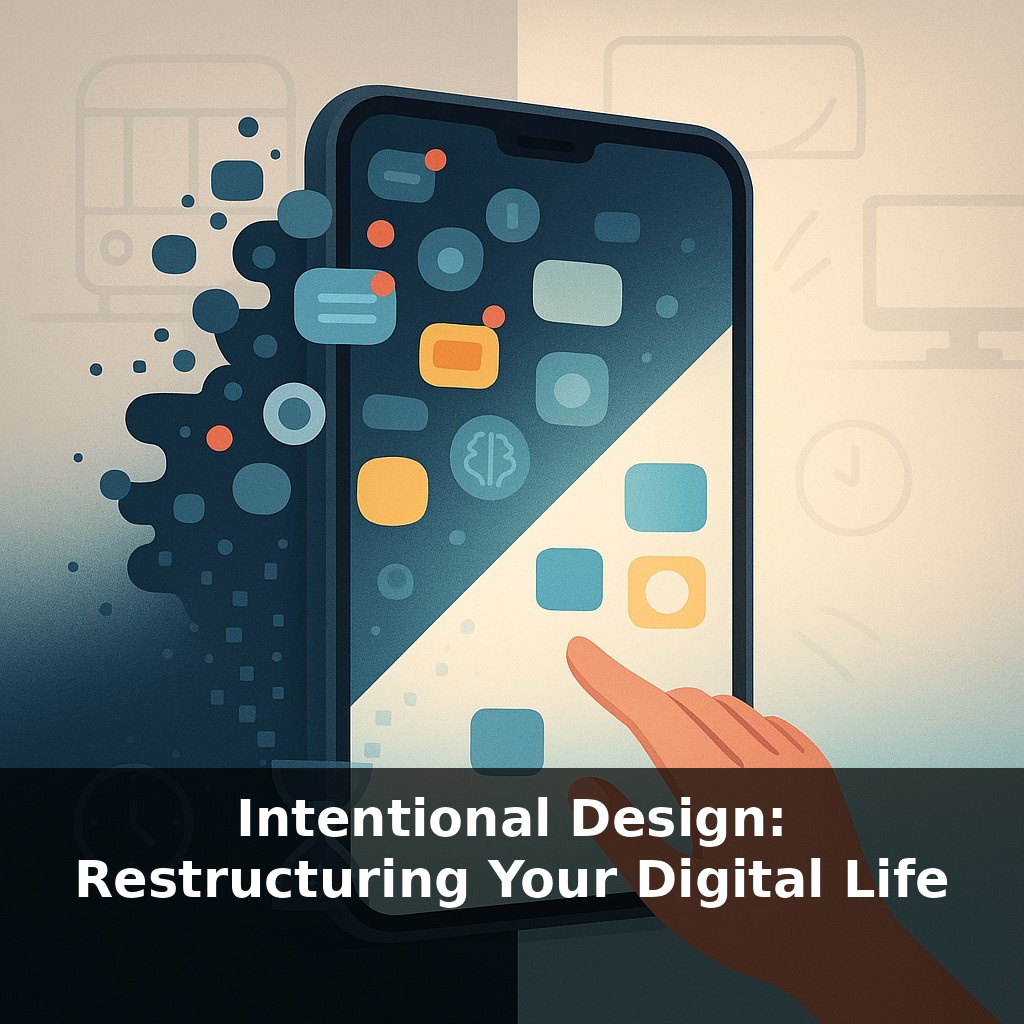
The average person taps their phone over two thousand times a day—yet almost no one has designed that screen on purpose. On your commute, in bed, between tasks at work… your devices quietly decide what you see next. This episode asks: what if you took that power back?
Forty minutes. That’s how much time researchers estimate you can lose in productivity after a single digital interruption, once you count the ramp-down, the distraction, and the ramp-up again. Multiply that by the pings, previews, and pop‑ups scattered across your day, and your “normal” setup starts to look less like neutral background and more like an invisible time‑tax.
In this episode, we’re not talking about throwing away your phone or quitting email. We’re talking about something more precise: restructuring. Just as a chef preps ingredients before cooking, you can prep your digital environment so the easiest action is usually the one that matches your priorities.
We’ll look at how people—from freelancers to executives—have quietly redesigned their devices to protect focus, reduce stress, and still stay reachable where it actually matters.
Think of this episode as stepping behind the scenes of your own tech instead of just reacting to it. Most people accept their default layouts, alerts, and app lineup the way they accept the weather—uncomfortable, but “just how it is.” Yet the same research labs that study addiction and attention also design tools, settings, and patterns that can flip that script. The big shift isn’t about willpower; it’s about architecture. We’ll explore how to translate your values—deep work, presence with family, health—into concrete settings, app choices, and small daily rituals that quietly reshape how your devices behave.
Here’s the twist: intentional design doesn’t start with your phone. It starts with your values.
Most people try to “fix their setup” by downloading one more productivity app or turning on a focus mode at random. That’s like a doctor prescribing pills before running basic tests. The research on digital minimalism, behavior change, and HCI points to a different order of operations:
1. **Name what actually matters.** Not vague goals like “be more productive,” but concrete states you care about: “two uninterrupted 90‑minute work blocks,” “dinner without work thoughts,” “sleep without scrolling.” In studies, people who define these clearly are far more likely to stick with tech changes because they can feel the difference in their day, not just see a nicer home screen.
2. **Map values to “critical moments.”** These are the points where your current setup quietly hijacks you: the 10 minutes before bed, the lull between meetings, the awkward pause in conversation. Researchers find that’s when automatic habits kick in. Instead of blaming yourself for “no discipline,” you identify these choke points and design around them.
3. **Classify your tools by role.** Every app gets one job: - **Creation** (writing, coding, design) - **Coordination** (calendars, messaging, project boards) - **Consumption** (news, feeds, video) The trap is when a single app spans all three. Email, for example, often pretends to be coordination while functioning as endless consumption. Once you see the mismatch, you can restructure: shift important work into creation tools and confine pure consumption to narrow windows.
4. **Redesign pathways, not just screens.** A pathway is the sequence from first urge (“I’m bored”) to action (“I’m scrolling”). HCI work shows that small bits of friction at the right step—one extra tap, a delay, a prompt—can redirect that urge toward something aligned with your values without relying on constant self‑control.
The goal isn’t a perfectly “clean” digital life; it’s a system where your best choices are also the path of least resistance, and your worst impulses have to swim upstream.
A practical way to see this in action is to watch how different people “rewire” the same tool. A freelance designer might turn Instagram into a portfolio-only space: she unfollows meme accounts, mutes Stories from friends, and pins just three saved collections—client inspiration, her own work, and tutorials. The app still exists, but its role is narrowed and intentional.
A manager in a remote team might split communication channels by urgency: quick chat in one app, decisions and documents in another, and a third reserved for deep-planning notes. Now when they open each tool, their brain knows what mode to enter, instead of treating every ping as equally important.
In cooking terms, it’s like labeling jars in a busy kitchen—salt doesn’t live in the sugar jar. You’re not banning ingredients; you’re giving each one a clear place so you can reach for the right thing without thinking, and avoid “accidentally” grabbing distraction.
Checking email twice a day might soon feel as old‑fashioned as dial‑up. As AI begins to pre-sort messages, mute low‑value threads, and draft replies, your main job may shift from “checking” to “curating.” The real leverage moves to how clearly you define what deserves your attention. Like a skilled chef refining a menu, you’ll decide which inputs make it into your mental kitchen—and which get sent back before they ever hit the table.
Treat this as an ongoing lab, not a one‑time reset. As your work, relationships, and interests change, your setup should be updated like a playlist—tracks added, reordered, or cut. Your challenge this week: pick one daily “auto‑pilot” tap, and redesign just that path so it leads to something you actually care about, then notice how the day feels.