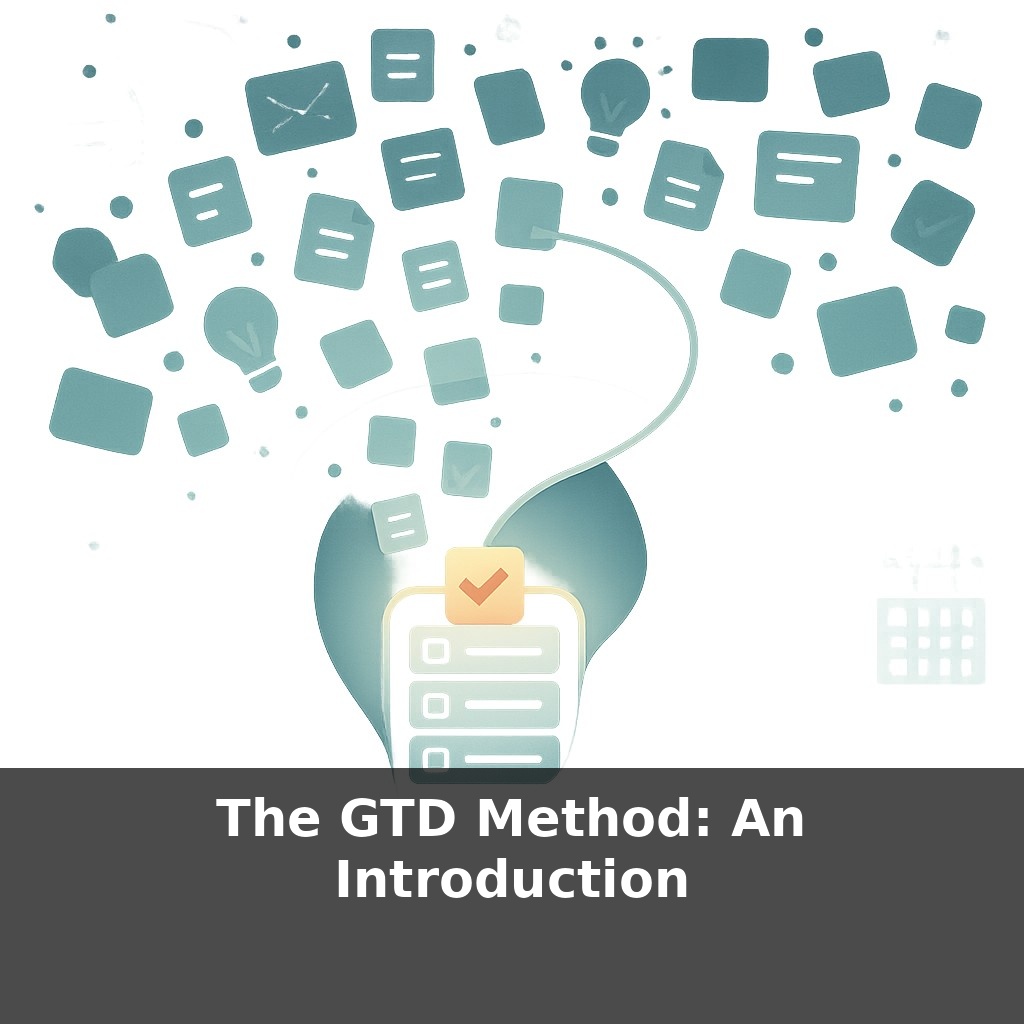
The GTD Method: An Introduction
📝 Transcript
Your brain is quietly running a to‑do list app it was never designed for. At work, in the shower, on your commute—tasks pop up, nag you, vanish, then return at 3 a.m. Why do half your ideas arrive when you can’t act on them…and disappear when you finally can?
At work, that invisible background process in your head doesn’t just track tasks—it negotiates, worries, and second‑guesses. “Did I reply to that email?” collides with “I really need to update my résumé” and “I can’t forget that 3 p.m. meeting.” Each thought feels urgent, but most of them have no clear home. They hover, competing for attention, burning mental energy without moving anything forward.
That’s where the GTD method enters your career story. Instead of relying on memory and willpower, GTD gives every open loop a place to go and a path to follow. It doesn’t care whether the commitment is “prep for performance review,” “propose a new project,” or “finally talk to my manager about growth.” The promise is simple: when everything lives in a trusted system, your brain is freed up to focus on doing the work—and on steering your career—rather than constantly trying not to drop the ball.
Most careers don’t stall because people lack ambition; they stall because competing priorities keep hijacking attention. One moment you’re updating a portfolio; the next, you’re deep in chat threads and reactive tasks. Over days and weeks, this drift adds up. GTD offers a way to see all your commitments—from “ship this quarter’s project” to “explore a role change”—on the same map, so you can choose instead of react. Think of it as moving from playing constant inbox defense to running a deliberate game plan for your work and growth, one clear decision at a time.
GTD breaks that career “drift” into five concrete moves you can actually see and practice: Capture, Clarify, Organize, Reflect, and Engage. Each step answers a different question your brain keeps whispering in the background.
First, **Capture** asks: “What has your attention?” Not just tasks, but half‑decisions: “Should I apply for that internal posting?”, “Talk to my manager about a raise?”, “Learn Python?” The rule is simple: if it tugs at you more than once, it gets parked somewhere outside your head—email to yourself, notebook, app, voice memo. Cognitive science shows that once your brain trusts an external placeholder, it stops looping the reminder.
Then, **Clarify** turns those raw notes into something you could actually do. “Update LinkedIn” becomes “List 5 recent projects” or “Ask Priya for feedback blurb.” The key question: “What’s the very next visible action?” If there isn’t one, maybe it’s really a project (“Prepare for promotion cycle”) or just reference (“Keep this job description to study later”).
Next, **Organize** gives each clarified item a parking spot that matches how you work. GTD suggests buckets like:
- **Projects**: outcomes that take more than one step (e.g., “Move into staff engineer role”). - **Next Actions**: single steps you can do in specific contexts—at computer, with your manager, in deep‑focus time. - **Waiting For**: things you’ve delegated or are blocked on (“Feedback from mentor on portfolio”).
This is where GTD starts to touch your calendar, but it doesn’t try to cram everything into time slots. Your calendar is sacred territory: only hard commitments and true time‑bound events go there.
**Reflect** is the habit that keeps the system alive. A weekly review is where you zoom out: scan projects, clean up lists, and ask, “Is this still the right set of bets for my career?” This is also when you notice what’s missing: networking conversations, skill bets, portfolio pieces that future‑you will wish existed.
Finally, **Engage** answers “What should I do right now?” using three filters: context (where am I and what tools do I have?), time/energy (can I handle deep work or quick wins?), and priority (given everything on my lists, what moves the needle most?). Instead of reacting to the noisiest input, you’re choosing from a complete picture of your commitments.
Across these five moves, your career shifts from a vague cloud of “I should really…” into specific, finishable actions you can see, sort, and execute. Your brain becomes less of a cluttered inbox and more of a sharp decision‑maker sitting on top of a well‑run system.
Think about three different professionals applying these steps in the wild.
A junior designer uses **Clarify** during portfolio season. Instead of a vague “improve portfolio,” she lists actions like “collect 3 case studies from last quarter” and “book 30‑minute call with PM to fill in missing metrics.” Suddenly, progress is trackable, not mystical.
A mid‑level engineer leans on **Organize** after being added to a cross‑team initiative. They separate “project: new onboarding flow” from “next actions: schedule kickoff, map existing endpoints,” and keep a tight “waiting for” list of specs and approvals. Status updates stop being stressful guesswork.
A manager treats **Reflect** as non‑negotiable Friday time. Scanning projects, they notice “develop successor for my role” has zero movement. That prompts a concrete next action: “shortlist 2 people to shadow me during quarterly planning.”
Your one analogy: it’s like refactoring a legacy codebase—no new features until the structure is clean enough to support them.
As AI tools quietly take over the copy‑paste work in your career, GTD becomes less about “getting more done” Building on the idea of *choosing better bets*, the frontier shifts from speed to discernment: which projects deserve your focus, which experiments to kill, which skills to double down on. Think of your lists less as chores and more as a live portfolio: some items are blue‑chip investments, others are risky startups you can prune, pivot, or scale as your goals evolve.
Over time, this isn’t just about feeling calmer at work; it reshapes how you steer your whole career. Patterns in your lists hint at strengths, blind spots, and emerging interests—like seeing recurring “ingredients” in your cooking. Stay curious: as you notice what keeps showing up, you can deliberately season your weeks with more of what actually matters.
To go deeper, here are 3 next steps: (1) Download the official GTD Workflow Map PDF from David Allen’s website and spend 15 minutes walking one current project (like “Q2 product launch”) through each step—capture, clarify, organize, reflect, engage—right on the map. (2) Install a GTD-friendly task manager like Todoist or Things 3 and set up three concrete lists from the episode: “Inbox,” “Next Actions,” and “Waiting For,” then move every unfinished email in your inbox into one of those lists using their browser extension. (3) Grab a copy of *Getting Things Done* by David Allen (book or audiobook) and follow along with chapter 2’s “Collection” setup while you create one physical in-tray on your desk and one digital in-tray folder called “GTD – Inbox” on your computer.
From this course
GTD in Practice: Getting Things Done Without Stress
8 episodesUnlock all episodes
Full access to 8 episodes and everything on OwlUp.
Subscribe — $1.99/monthLess than a coffee ☕ · Cancel anytime