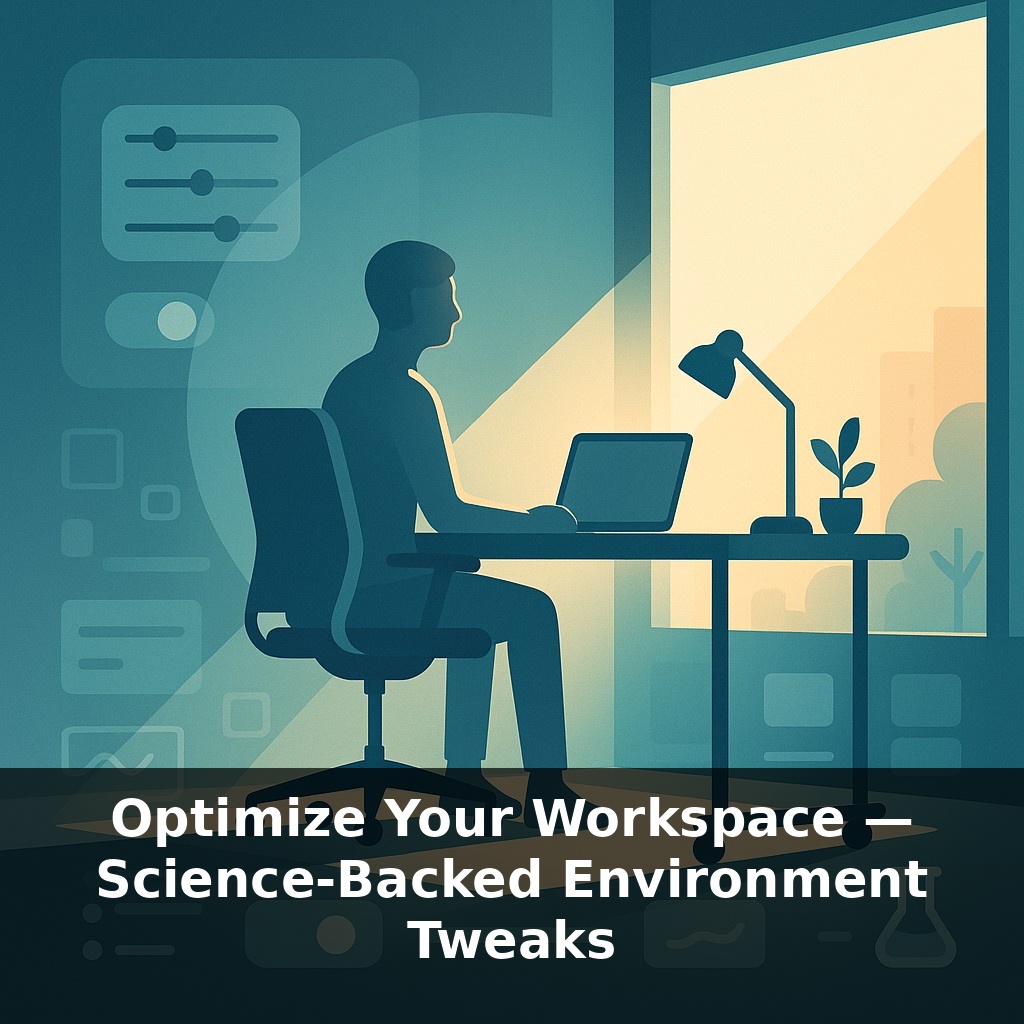
In one study, a simple desk move—closer to daylight—cut eyestrain complaints by more than three quarters. Same job, same computer, same person. Pause on that for a second: not more willpower, not better software—just a few feet of space changed how the brain performed.
That desk move from the last episode was just one lever in a much bigger control panel. Today, we’re going to treat your workspace like a live experiment, not a fixed piece of furniture. Environmental psychologists have spent years showing that small shifts in light, sound, and visual order can change how quickly you enter deep focus and how long you stay there—often within minutes.
This isn’t about buying an aesthetic setup; it’s about tuning “inputs” your brain quietly tracks all day: where your eyes land when you look up from the screen, what noises interrupt a thought, how warm your hands feel on the keyboard. Think of it as adjusting the studio for your best recording session: you’re the talent, your space is the soundstage. We’ll zoom in on practical, science-backed tweaks you can test this week to see which combination reliably moves you into your productive gear.
Most remote workers treat their home office like a fixed backdrop—once the desk is down, everything else just… stays. But the data says your “default” layout is probably costing you speed, accuracy, and energy every single day. Today we’ll zoom in on six levers you can actually control: light quality, noise, plants and natural cues, temperature, visual order, and clear boundaries between “work zone” and “life zone.” Think of it less like decorating and more like tuning an instrument: tiny adjustments in tension, height, or position can suddenly make the whole system resonate instead of fight you.
Here’s where we get specific. Instead of thinking in “vibes,” think in experiments you can actually feel in a single workday.
Start with time of day. Morning is when your brain wants bright, cooler light and clearer boundaries between “on” and “off.” If you can, aim your primary work block toward the part of your home that gets the strongest daylight, then deliberately *dim and warm* things after 7–8 p.m. If you work late, swap overhead glare for a desk lamp angled *away* from your eyes and onto the work surface. You’re not trying to see everything; you’re trying to make one area unquestionably “the stage” and let the rest fade into the background.
Next, sound. Instead of chasing silence, chase *predictability*. Sudden dog barks and hallway noises are what shred focus. A small fan, noise machine, or constant brown noise at low volume can stabilize the soundscape. If you share a home, create a simple “recording light”: headphones on and door slightly closed = do-not-disturb, even if you’re between meetings. This becomes a social boundary as much as an acoustic one.
For biophilic elements, skip the Instagram jungle. One or two robust plants in your peripheral vision are enough. Position them where your eyes naturally land when you look up from the screen—near the edge of a monitor or beside the window frame. If you can’t keep plants alive, use natural textures: a wooden desk surface, a stone coaster, or a fabric with visible weave can quietly nudge your brain toward “non-office” calm while you work.
Temperature is less about the thermostat number and more about *body comfort*. Cold fingers and toes pull attention away from the task. Try keeping a light layer you only wear for work and a small space heater you can switch on for your first deep-focus block. That consistent “work uniform plus temperature” pairing becomes a mental trigger: this is the mode where I move faster and make fewer mistakes.
Finally, on visual order and boundaries, don’t aim for minimalism; aim for *clarity*. One active notebook, one pen, current project materials in a single tray, everything else out of sight. When you close the laptop, that tray becomes the lid on your workday—move it to a shelf, and your brain gets a clean, unambiguous “we’re done here” signal.
Now take this further by treating each tweak like a “micro-upgrade” you can toggle on or off. For example, create two distinct setups: one for deep thinking, one for admin. In your deep-focus mode, you might pair a single lamp, closed-door, and a specific playlist; for admin mode, overhead light, door open, and lighter music. You’re teaching your brain to recognize which “scene” it just walked into.
You can also stack cues. A client of mine routes all demanding work to one exact chair-and-table combo, then handles calls from a different spot entirely. After a few weeks, she noticed her mind slipping into “decision mode” as soon as she sat in the first chair, even before opening her laptop.
Your tweak set doesn’t have to be fancy; it just has to be *consistent in clusters*. Think in packets: a certain mug plus sweater plus soundtrack equals one state; a different packet signals another. Over time, switching the packet becomes faster than trying to will yourself into focus from scratch.
Expect the next wave of tools to treat your workspace like a living “dashboard” that learns you over time. Instead of you nudging the lamp or heater, your setup will quietly adapt to patterns it sees: when you tackle complex work, when you slip, when you’re done. Think less “smart gadget,” more responsive climate system. The interesting question won’t be *can* we tune spaces to people, but *who* decides the settings—you, your boss, or the algorithm watching your workday?
Your challenge this week: run one workspace A/B test per day. Swap only a single variable—chair position, background sound, or where you park your notebook—and jot how long it takes to “click in.” Treat it like tuning an instrument: minor twists, then listen closely. By Friday, keep the settings that make deep work feel less like a push and more like a downhill run.