A typical remote worker touches email or chat every few minutes—yet many end their day unsure what they actually accomplished. In this episode, we’ll step into that gap between “constantly busy” and “meaningfully done,” and explore how your calendar can quietly pick a side.
Most people switch screens every 84 seconds. That’s not a personality flaw; it’s how modern work is wired. In the last episode, you designed a daily focus plan. Now we’ll stress‑test it against reality: meetings that slide, pings that can’t be ignored, and projects that all claim to be “top priority.”
This time, we’re treating your schedule less like a to‑do list and more like a lab experiment. Instead of asking, “Can I fit everything in?” we’ll ask, “What happens to my output when I shape my day around how my brain actually cycles through energy and attention?” Neuroscience suggests your mind runs in 60–90‑minute waves of peak focus and natural dip. When you learn to place your hardest work on the crest of those waves, and pad the rest with strategic slack, you stop fighting your biology and start collaborating with it.
Most people plan their day like packing a suitcase: they start stuffing tasks in until it barely zips, then feel guilty when it bursts open by 3 p.m. In this episode, we’re going to plan more like a surgeon booking an operating room: fixed slots, clear priorities, and built‑in turnover time so cases don’t collide. We’ll turn those 60–90‑minute waves you identified into concrete calendar blocks, then wrap them with realistic buffer and shallow‑work zones. The goal isn’t a perfect day; it’s a schedule that bends without snapping when interruptions and surprises inevitably show up.
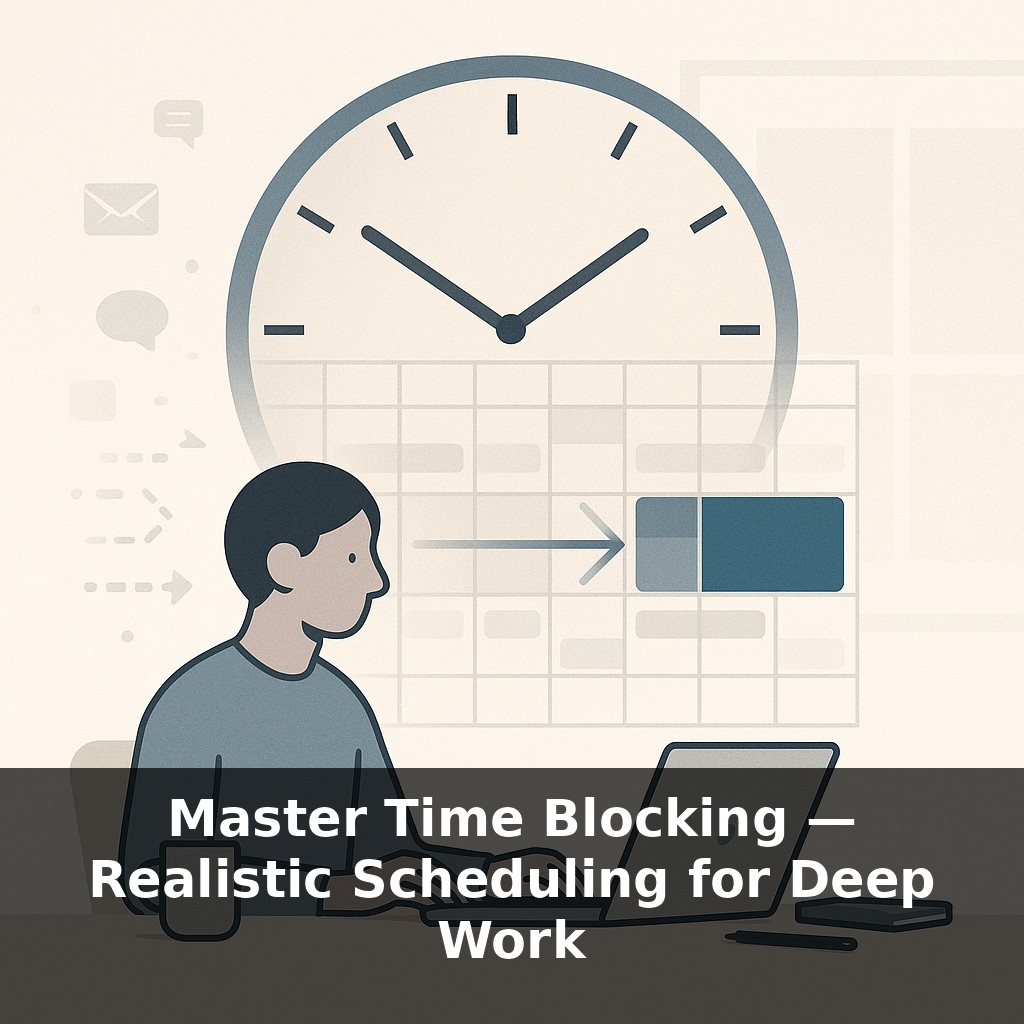
Most people hear “time blocking” and picture a rainbow calendar with zero white space. That’s decoration, not design. The version that actually boosts output looks almost boring: a few protected focus blocks, clear “catch‑all” zones, and deliberate slack that keeps everything from cascading when one thing runs long.
Start with the crest of your attention waves: pick just two to four 60–90‑minute windows per day where you’ll do cognitively heavy work. These aren’t generic “work” slots; each needs a single, named outcome: “draft section 2 of proposal,” “refactor payment module,” “outline Q2 hiring plan.” The specificity matters because it turns the block into a commitment, not a suggestion. Research on implementation intentions shows that “when‑then‑what” planning (“When it’s 9:00–10:30, then I work on X until Y is done”) increases follow‑through even in chaotic environments.
Now wrap those peaks. High performers rarely pre‑plan 100 % of their time: aim to hard‑block only 60–70 % of your workday. From that, reserve about 15 % as explicit buffer. Put it on your calendar as “spillover / problems.” That’s not wasted time; it’s insurance. Teams that treated buffer as a real, protected resource had fewer deadline overruns and less last‑minute heroics because slippage had somewhere to land.
Next, create containers for the work that usually leaks into your focus windows. Instead of reacting to every ping, add 2–3 “communications and micro‑tasks” blocks where you intentionally batch quick replies, approvals, and small admin steps. This doesn’t reduce volume, but it corrals context switching so your average time‑on‑task can climb closer to those research‑backed gains.
You’ll still be interrupted, but the goal shifts: from avoiding disruptions to making your system interruption‑tolerant. When a meeting appears on short notice, you don’t rewrite the whole day; you slide the affected block into your buffer or a nearby shallow‑work zone and downgrade its scope if needed.
Think of this like a cardiologist planning cardiac cath lab time: the critical cases get morning prime slots, routine scans fill the gaps, and turnover time is non‑negotiable. The structure isn’t rigid; it’s protective. It shields the work that actually moves the needle, while acknowledging the messy, reactive parts of your job instead of pretending they’ll somehow disappear.
A designer I coached color‑coded her calendar by “thinking mode” instead of urgency: blue for systems thinking, green for creative, gray for admin. Then she asked: “If I only get three blue blocks this week, what deserves them?” That question alone cut her weekly task list by a third—she started declining or delegating work that didn’t earn a prime slot.
Try mapping your own tasks into three buckets: heavy lift, medium lift, and light lift. A heavy‑lift task is one where stopping halfway creates more friction than finishing—debugging a gnarly bug, writing a positioning narrative, modeling scenarios. Those belong in your protected blocks. Medium‑lift tasks—like reviewing a doc or exploring an idea—fit when you have focus but don’t need full intensity. Light‑lift tasks soak up the edges: updating a tracker, renaming files, quick approvals.
Your challenge this week: end each day by picking tomorrow’s **one** heavy‑lift task and reserving your best block for it—before anything else gets a spot.
Soon, time blocking may feel less like manual planning and more like collaborating with a quiet chief of staff. As AI tools learn your real completion times and natural highs and lows, they’ll nudge deep‑work blocks into spots where you’re most likely to honor them. Think of it like a weather app for your attention: instead of only showing storms (meetings), it predicts “clear skies” for hard thinking and auto‑reschedules when the forecast changes. The win isn’t perfection; it’s fewer days lost to invisible drift.
When you treat blocks as experiments, missed ones stop feeling like failure and start looking like data. Over a month, you’ll see patterns: certain projects keep slipping, certain hours keep winning. Adjust like a gardener pruning and replanting—less about control, more about giving the right work enough light, space, and time to actually grow.
Start with this tiny habit: When you sit down to plan your day (or open your calendar), write a single 25-minute “deep work block” labeled with one very specific task, like “Outline intro for report” or “Clean up slide 3 only.” Then drag that block to a time when you’re usually least interrupted (for many people, that’s the first hour of work). When the block starts, close just one distracting tab or app—not all of them—and let yourself work until the timer goes off. If that feels doable, end by adding just one more deep work block for tomorrow in your calendar.