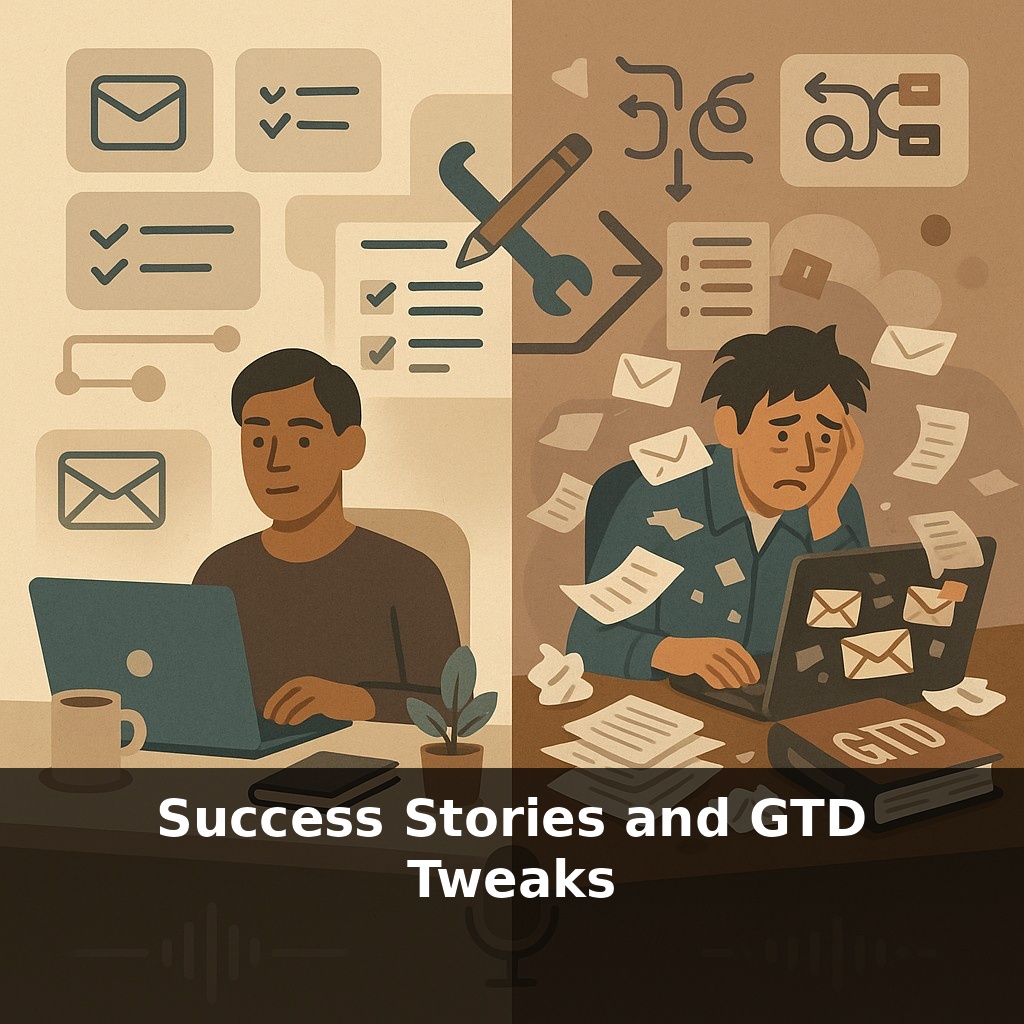
A productivity system that never gets used is worse than no system at all. One manager cuts her email backlog in half with GTD. Another burns out trying to follow the book by the letter. Same method, opposite outcomes. So what exactly are the successful ones doing differently?
More often than not, the people who “fail” with GTD didn’t pick the wrong method—they picked the wrong *version* of it. The standout performers quietly bend the rules. They skip lists that don’t earn their keep, merge steps that feel redundant, and ruthlessly prune anything that creates drag. That Deloitte team who cut their email backlog by 22 %? They didn’t adopt a 50-item ritual; they stripped the practice down to a lightweight pass they could run between meetings. Likewise, power users of apps like NirvanaHQ and OmniFocus routinely rename or drop standard lists until the whole setup feels like a well-tailored suit instead of a rented tux. In this episode, we’ll look at how to treat GTD as a living framework—one you tune to your tools, your role and your brain—so it quietly supports your career instead of constantly demanding maintenance.
Here’s the twist most people miss: the people getting the biggest lift from GTD aren’t “better disciplined”—they’re better *experimentalists*. They notice where their attention actually goes during a real Monday, and then bend the system around those pressure points. A consultant on the road all week doesn’t need the same setup as a staff engineer glued to architecture docs. One senior analyst I worked with basically turned her GTD into a set of “mission dashboards” for clients, while a creative lead rebuilt his around energy levels, not projects. Both kept the core moves, but rewired the surface so it matched the grain of their work.
“More than 60 % of our users run a customised version of GTD.” That’s from surveys by NirvanaHQ and OmniFocus—apps literally designed around the original method. Even the die-hard fans are hacking it.
If you look at enough of these success stories, three patterns show up over and over: they *shrink*, they *rename*, and they *automate*.
First, they shrink. High performers almost never keep every possible list, notebook, and ritual. A Deloitte team that cut its email backlog didn’t build an intricate tracking museum; they focused on one bottleneck: unanswered messages turning into silent liabilities. Their “review” became a fast triage pass through inboxes and key projects, not a weekly life audit. Other teams strip things even further: one startup sales lead runs everything off just three buckets—Now, This Week, Later—and a single 15‑minute Friday reset. Enough structure to feel in control, not so much that it needs its own project plan.
Then they rename. Names are cognitive shortcuts. “Someday/Maybe” sounds vague; “Parking Lot for Q3+” sounds like a deliberate choice. A design manager I coached replaced “Next Actions” with “Moves I Can Make Today” and split them into “5‑minute nudges” vs “deep work”. Same underlying logic, radically different emotional feel. Students often relabel projects around courses or exams; frontline teams group by shifts or locations instead of abstract categories. The language matches how they actually talk about work.
Finally, they automate the boring parts. Capture and basic sorting are where attention goes to die. The people who stick with the system offload as much of that grunt work as possible. A consultant dictates tasks into her phone between client meetings; rules file them to the right lists before she’s even back at her laptop. An engineering manager bounces every meeting invite into a “Prep/Decide/Follow‑up” board so decisions and next moves don’t vanish in calendar hell. Even very low‑tech setups can do this: one teacher snaps photos of whiteboards and tosses them into a single “Process Me” note at day’s end instead of trying to file as she goes.
Think of these moves less as “breaking” the method and more as lowering friction. The goal isn’t to be a perfect practitioner; it’s to make the path of least resistance also be the path where work reliably gets finished and stress actually drops.
A senior product manager I spoke with runs what she calls “micro-GTD sprints” during her day: ten minutes between calls where she only asks, “What did this meeting just commit me to?” She drops those into a single “Today’s Promises” list, then later redistributes them. It’s a small twist, but it stopped her from waking up at 3 a.m. worrying about what she forgot to do. A junior lawyer, drowning in case files, tried something different: she grouped all her work by “who’s waiting on me” instead of by matter. When she opened her system, she saw partners and clients, not folders. That tweak nudged her toward reputation-sensitive work first and helped her bill more consistently. One dev lead even merged personal and team flows into a shared board with just three columns: “On My Mind,” “In Motion,” and “Landed.” It became a living agenda for one‑on‑ones and stand‑ups, cutting status meetings in half because everyone could see the real state of play.
Success stories hint at where this is heading: careers shaped less by job titles and more by how you design your own workflow. As tools get smarter, your tweaks become reusable “filters” you can apply to any role or project, like loading a customised profile in a game. You might carry your personal setup from employer to employer, or sync it with team dashboards on demand, blurring the line between solo habits and shared operating norms across whole organisations.
Your workflow will probably never be “finished”—and that’s the point. As your role shifts, let your system evolve like a playlist you keep remixing: retire tracks that no longer fit, bump up what gets you moving, try new sequences. Your challenge this week: change one small element, then notice whether work feels a bit clearer, lighter, or faster.