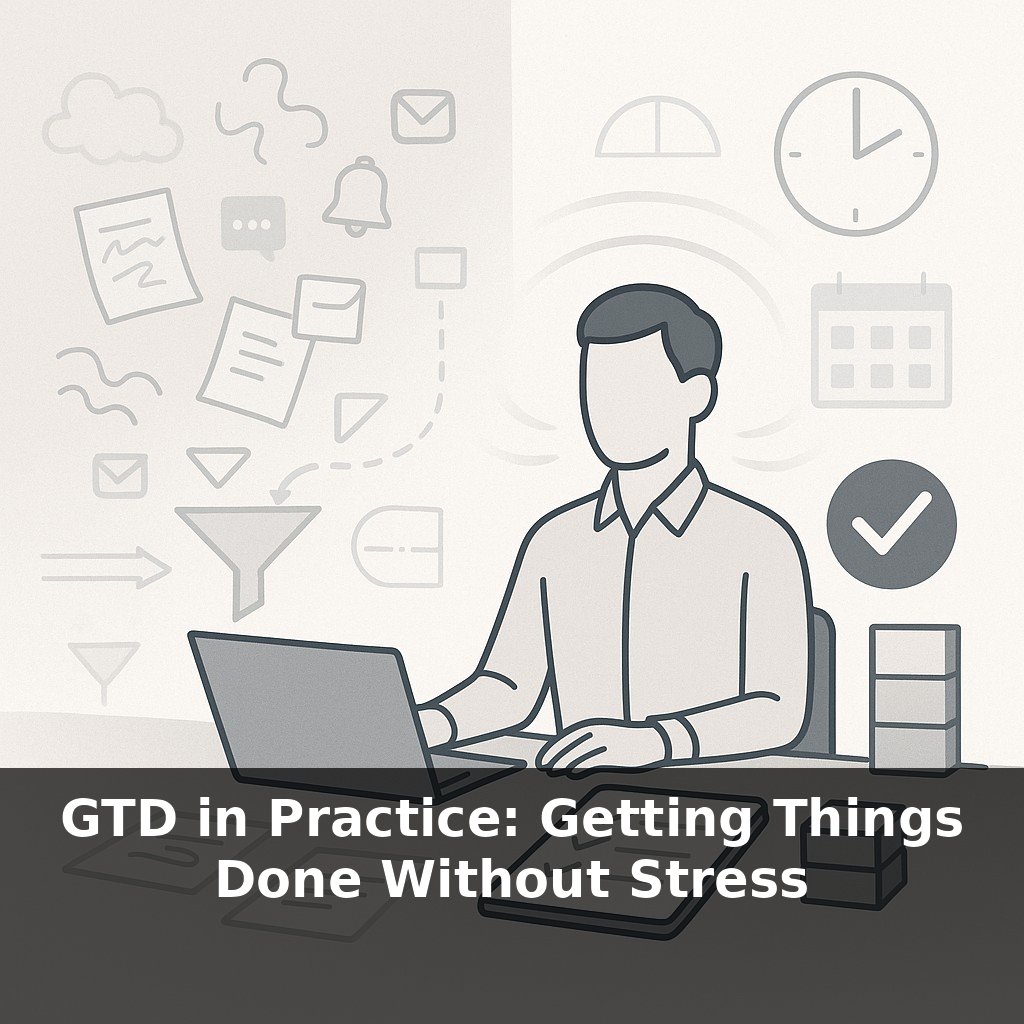
About half the people who try Getting Things Done quietly quit within a few months—yet many of them say the ideas are brilliant. In this episode, we’ll step into that gap and explore how the same system can either suffocate you… or finally feel like it fits.
Nir Eyal’s survey found 62% of people who tried GTD eventually walked away because it felt too rigid—yet most of them still believed the ideas were solid. That gap is where today’s episode lives. If you’ve ever opened someone’s “perfect” GTD setup and felt a mix of envy and dread, you’re not alone. The problem usually isn’t the method; it’s the mismatch between the method and your brain, job, or tools. In this episode, we’ll treat GTD less like a script and more like a set of building blocks. We’ll look at how people with very different roles—a product manager in a hyper‑meeting culture, a researcher in long-focus blocks, a manager buried in Slack—keep the core GTD moves but reshape everything else to fit. The goal isn’t a prettier system; it’s one you can actually live in on your busiest days.
Here’s where the research gets interesting: people who bend the framework to match their reality don’t just feel better—they measurably perform better. When capture happens in tools you already reach for, reviews run at the cadence your calendar can actually support, and lists are named in your own language, adherence and output jump. In practice, that might mean a sales lead running lightning‑fast voice captures between client calls, while an engineer keeps a quiet, visual board updated after each deep‑work block. We’ll zoom in on these kinds of adjustments so you can spot which levers are worth pulling in your own setup.
About 4±1 items—that’s the typical limit of working memory. Yet most default setups behave as if your brain were a 64‑gig storage device. This is where adapting the framework gets practical: the goal isn’t more discipline; it’s fewer things your brain has to juggle unaided.
Start with tools. Research shows people stick with workflows that piggyback on what they already use. A designer glued to Figma might keep a tiny “Inbox” frame on their main project file. A field sales rep may rely on voice notes in WhatsApp between visits. A researcher might have a low‑friction paper pad parked next to their lab notebook. Same underlying move, but the container matches the environment instead of fighting it.
Next, naming. Those classic “@Computer / @Phone / @Errands” labels came from a world with clear device boundaries. In a hybrid, app‑hopping job, it’s often more useful to name lists after *mental modes* or *energy levels*. For instance: - “Low‑brain admin” for form‑filling, approvals, minor replies - “Social energy tasks” for stakeholder calls, 1:1s, feedback - “Maker work” for anything that needs a 60–90‑minute focus block
Todoist’s data on custom labels isn’t magic; it’s simply that when your lists mirror how your day actually unfolds, choosing what to do next stops being a negotiation every time you look at them.
Then there’s cadence. The assumption that everyone should sit down for a formal Weekly Review on Friday afternoon is one of the biggest reasons people quietly drop the whole thing. Instead, match review loops to how often your world really changes. A product manager in a volatile roadmap environment might do a 10‑minute micro‑reset after the last meeting each day, plus a bigger reset mid‑week. A consultant on stable, long projects may do a more substantial review every other week and rely on quick, per‑project scan‑throughs before client sessions.
Underneath all of this is one question: “On my worst, most chaotic days, what *would* I still open?” That’s the bar. Your setup should feel like the minimum scaffolding that keeps you upright, not another demanding stakeholder on your calendar.
Think of a senior engineer who lives inside Jira all day. Instead of forcing a separate app, they add three custom boards: “10‑minute nudges,” “90‑minute builds,” and “Conversations to start.” Every stray thought becomes a quick card dropped into one of those lanes. When they finally surface from debugging, the next move is obvious because the work is already pre‑sorted by “mode,” not by project.
Now contrast that with a VP who spends the day in back‑to‑back meetings. Their notes live in OneNote or a paper notebook, so they draw a thick line at the bottom of each page and reserve that strip for “promises I just made.” Before shutting the laptop, they scan only those strips and move items into three buckets on a single page: “today,” “this week,” “later.” No tags, no colors—just enough structure to avoid dropped balls.
In both cases, the person didn’t start by asking, “What does GTD say?” but “Where does my attention actually live—and how can I quietly steer it instead of fight it?”
Stress‑tracking wearables, ambient displays, even focus scores in your calendar will soon nudge your setup to evolve in real time, like an investment portfolio that quietly rebalances as markets shift. Your “trusted lists” may reorder themselves based on sleep, location, or meeting load. The opportunity—and risk—is letting algorithms overfit your noisy days. The most resilient practice will be curating *which* signals you allow to reshape your system.
Treat your setup like a living prototype, not a finished product. When a list feels heavy, trim it; when a step feels slippery, add a tiny guardrail. Over a quarter, those tweaks become a custom fit—more like tailoring than overhaul. The experiment isn’t “Can I follow GTD?” but “What’s the lightest version that reliably has my back?”
To go deeper, here are 3 next steps: (1) Download the official GTD Workflow Map and the free sample chapters of *Getting Things Done* from David Allen’s site, and walk through your current inboxes (email, Slack, notes apps) specifically using the “Clarify” questions from the map to match the episode’s emphasis on tailoring your capture/clarify flow. (2) Test two different GTD list managers side by side for one week—set up a simple Projects + Next Actions structure in both Todoist and NirvanaHQ, then notice which one better fits your style of seeing contexts, due dates, and energy levels the way the episode described. (3) Grab a paper notebook or a Rocketbook and try the “hybrid GTD system” the hosts talked about: use paper just for daily capture and quick next actions, then once this evening migrate only what still matters into your digital tool and schedule a 15‑minute weekly review using the official GTD Weekly Review Checklist PDF.