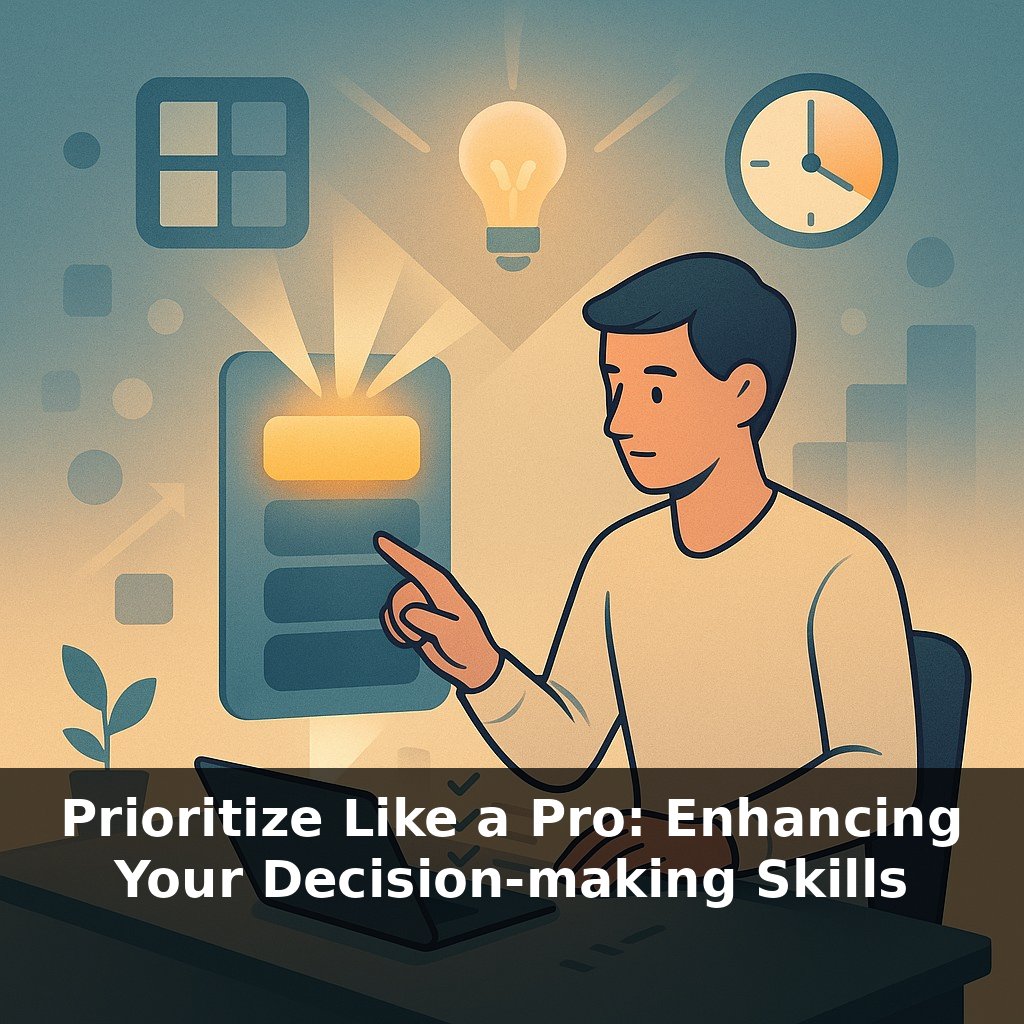
You can only keep about four things in your head at once, yet your calendar holds dozens. As you open your laptop, three pings hit: a “quick” favor, a slipping deadline, and a vague “strategy” chat. Which do you touch first—and how often is that choice anything but random?
You already know your brain can’t juggle everything and that not all tasks are created equal. The real shift happens when prioritization stops being a “planning meeting” and starts living inside your day—quietly steering dozens of tiny choices without draining your willpower. That means shrinking the gap between “what matters most” and “what’s on your screen right now.”
Think of small, visible cues that nudge you: a three-item “today” lane on your task board, a 10-minute mid-morning reset, a simple score out of 10 for impact before you say yes. These aren’t heavy systems; they’re more like signposts at each fork in the road.
We’ll explore how teams use OKRs, visual boards, and strict work‑in‑progress limits to keep attention aligned with value—and how you can borrow the same mechanics for a single desk, a busy inbox, or a remote calendar.
So rather than one big plan, you’re building a rhythm: tiny course‑corrections that keep you pointed at what matters. The trick is letting your tools do more of the steering. That might mean treating your calendar like a city map—certain streets reserved for “deep work,” others for quick errands—so you don’t squeeze everything down the same alley. Or setting a recurring 5‑minute checkpoint after your noisiest meeting of the day to clear the mental “dust” before you dive back in. We’ll turn these small structural tweaks into a repeatable loop you can run without thinking.
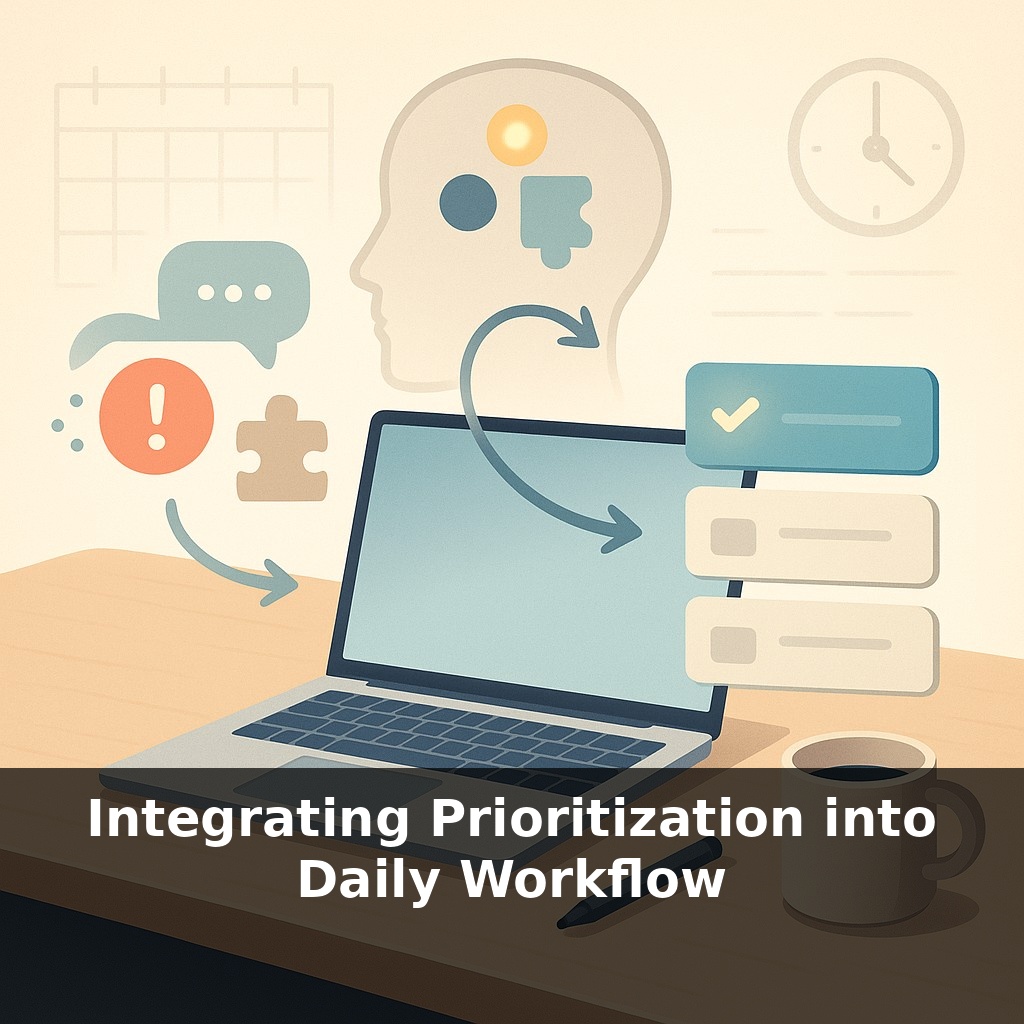
Think of this next layer as upgrading from “I know what matters” to “my day is architected around what matters.” That shift happens when you wire prioritization into three places you already touch constantly: your task list, your calendar, and your communication.
Start with the list. Most people dump everything into one running backlog and then scroll in mild despair. Instead, create three explicit lanes: “Now,” “Next,” and “Not Yet.” “Now” can only hold what fits in your realistic working memory—four items or fewer. “Next” is the parking lot for contenders. “Not Yet” is where you safely park good ideas so they stop shouting for attention. You’re not cutting work; you’re sequencing it on purpose.
Then, upgrade your calendar from a meeting log to a priority map. Instead of sprinkling important work “wherever there’s space,” give your top outcomes recurring, named blocks. Label by outcome, not activity: “Ship client proposal,” “Draft chapter outline,” “Debug payments flow.” That way, when a new request appears, the conflict is visible: it’s not replacing “generic free time,” it’s bumping a specific result. Saying yes or no becomes less emotional and more like managing scarce shelf space.
Next, treat communication channels as gates, not highways. For one week, try aligning your checking habits with your priorities: open chat after you’ve moved one “Now” task to “Done,” scan email during defined windows, and keep notifications off when you’re inside a calendar block labeled with a critical outcome. You’re creating a simple rule: external noise doesn’t get first rights to your attention.
Here’s where you can borrow from high-performing teams: add a tiny, objective score when new work shows up. Before you commit, rate it quickly on a 1–5 scale for impact and 1–5 for urgency. Anything below a combined 5 probably belongs in “Not Yet” unless your context is truly unusual. Constraints like this don’t suffocate creativity; they channel it toward the work that actually moves the needle.
Your systems don’t need to be pretty. A sticky note triage on your laptop, terse calendar labels, a minimal scoring scribble in the margin—they just need to be consistent enough that, over time, they start silently steering what you touch first, second, and not at all.
A product manager at a fast‑growing startup starts each morning by marking just three items on her board with a small dot—her personal “landing order” for the day. A surprise executive ping or customer fire can still appear, but it now has to displace something visibly marked as first in line. Over a quarter, she notices fewer half‑finished specs and a tighter feedback loop with engineering, simply because everyone can see what she’ll actually clear next.
A freelance designer does a 15‑minute Friday review, scanning her week’s “done” items against her signed contracts. She highlights anything delivered that wasn’t tied to revenue or a strategic bet. Those highlights become candidates for delegation, automation, or a higher price. The list quietly reshapes her intake conversations: she begins saying, “Here are two ways we can scope this,” instead of “Sure, I’ll fit it in.”
Your own workflow might benefit from a similar audit. Track which recurring tasks consistently slip, then ask whether they deserve a protected slot, a simpler version, or retirement.
As tools start surfacing “top tasks” automatically, your role shifts from picker to editor. The risk isn’t just biased queues; it’s atrophied judgment. Treat these systems like a smart junior analyst: useful drafts, not final calls. Over time, your patterns will train them—so your lazy days matter as much as your focused ones. Think of each small tweak you make, like renaming a block or snoozing a nudge, as brushstrokes in a self‑portrait of how you choose to work.
Treat these habits as drafts, not doctrine. You’re not carving rules in stone; you’re sketching in pencil and erasing often. Notice which tiny tweaks—renaming a block, shrinking a list, delaying a ping—quietly change your day’s “gravity.” Over weeks, patterns emerge, like footprints on a trail, showing you where your real work actually happens.
To go deeper, here are 3 next steps: 1) Set up a simple, Kanban-style “Today / This Week / Backlog” board in Trello or Notion, and populate it using the Eisenhower Matrix categories from the episode (urgent-important, non-urgent-important, etc.) so your priorities are visually baked into your daily workflow. 2) Install a focus + task tool combo (for example, Sunsama for daily planning paired with the “Session” Pomodoro timer app) and, for the next three work sessions, schedule only your top 1–3 “important but not urgent” tasks into time blocks before you touch email or Slack. 3) Read or skim chapters 1–4 of “Make Time” by Jake Knapp & John Zeratsky tonight, then tomorrow morning pick one “Highlight” (their term for a daily focal priority) and plug it directly into your calendar as a non-negotiable appointment, just like they described in the show.