A keyboardist in the 80s had just one synth and a few presets. Today, a beginner with a laptop can access more sounds than a stadium act back then. So here’s the puzzle: if we have near‑infinite options now, why do so many tracks still sound exactly the same?
The twist is that “more sounds” hasn’t automatically meant “more *understanding*.” That’s where sound design comes in—not as a mysterious dark art, but as a set of practical moves you can learn and reuse. Think of it as stepping behind the curtain: instead of scrolling through options until one “kinda fits,” you’ll know how to bend any raw tone into something that actually serves your track.
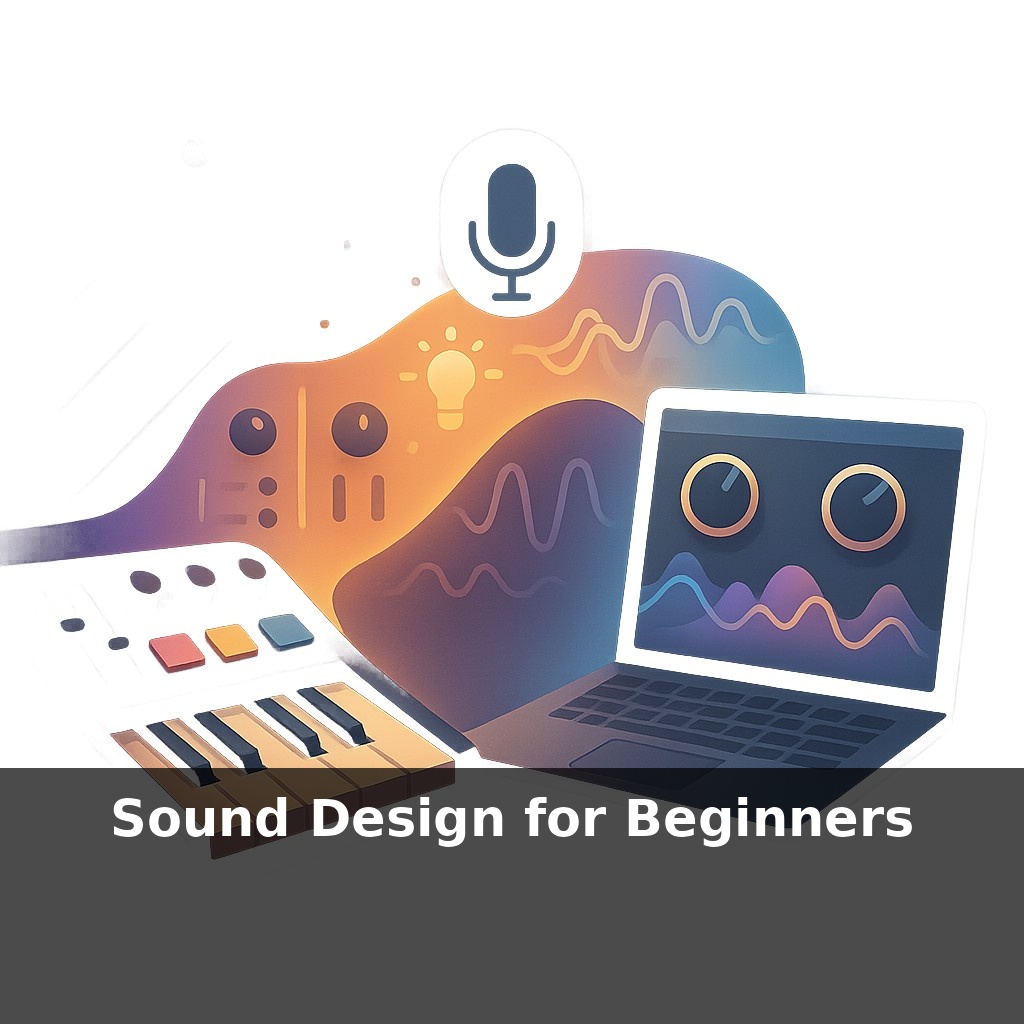
You don’t need a wall of gear for this. Modern software instruments already give you everything required to sculpt character: a few basic waveform choices, a filter or two, some envelopes, and simple modulation. Add a handful of well-chosen effects, and you’re closer to professional results than it might seem.
In this episode, we’ll strip sound design down to its essentials and focus on the 20% of tools that deliver most of the impact in real-world productions.
Open any modern DAW and you’re surrounded by virtual instruments, sample packs, and racks of plugins—yet most producers lean on the same few go‑to sounds. Meanwhile, platforms like Splice now serve millions of creators chasing something “different,” which tells you there’s real hunger for unique tones, not just more options. The opportunity for beginners is huge: with today’s tools, you can sketch a gritty bass, a glassy pad, or a punchy lead in minutes if you know what to tweak. Think of each new patch you build as laying another brick in your personal “sound library,” a structure you’ll keep expanding as your taste sharpens.
The Yamaha DX7 moved around 160,000 units in just a few years—not because everyone suddenly became theory experts, but because it packed a few powerful ideas into a box that rewarded curiosity. Today’s software instruments do the same thing, just with far more depth hiding under the hood.
A useful way to explore that depth is to think in “families” of sound rather than individual patches. Broadly, you’re dealing with three core approaches most beginner‑friendly instruments offer: subtractive, FM, and wavetable. Each one nudges you toward different musical roles.
Subtractive tools are your workhorse for punchy, front‑and‑center parts: basses that sit under the whole track, leads that cut through, plucks that outline chords. A single bright tone tamed and shaped can cover most of those jobs. The fun begins when you *layer* a couple of these voices—maybe one focused on low‑end weight, another on mid‑range presence—and then treat the stack as one instrument.
FM options lean into movement and harmonic complexity. They’re brilliant for metallic keys, digital bells, glassy pads, and anything that needs to feel slightly alien without drowning in effects. Because these tones can get harsh fast, how you *tame* them becomes part of the design: gentle high‑cutting, careful velocity response, maybe a touch of saturation instead of raw volume boosts.
Wavetable engines shine when you want evolving textures: pads that shift over a bar, basses that “snarl” as they open up, risers that never quite repeat the same way. Sweeping through tables slowly can give you the sense of an acoustic instrument changing articulation over time—more like a sax player leaning into a note than a static loop.
Here’s where processing turns raw synthesis into something personal. A simple low‑pass rolling off 24 dB per octave can flip a harsh stab into a warm, rounded tone. Short delays can create width without obvious echoes; longer ones become rhythmic partners. Reverb size and tone color often matter more than “how much,” especially for keeping the mix clear.
Crucially, you don’t have to build everything from scratch. Tweaking a preset until it fits your track is closer to refactoring someone else’s code than “cheating”: you’re reading the decisions they made, then bending them to your own goals.
Load up a basic software instrument and mute everything in your track except a simple MIDI loop. Now, instead of hunting for a “perfect” patch, treat it like debugging a tiny app: change **one** parameter at a time and listen for side‑effects. Nudge a modulation depth, swap a wavetable, shorten a decay. Your ear starts to notice cause and effect the way a developer spots which line of code broke the build.
This is also where you stop relying on luck. When a sound in a favorite track grabs you—maybe a growling bass or a glassy chord stab—don’t just admire it, reverse‑engineer it. Ask: is this mostly about harmonic content, or about movement? Is the character coming from the instrument, or from later processing? A/B your attempts with the reference, then exaggerate your moves until you overshoot; dial back from there.
One well‑understood patch you can rebuild from memory is worth more than a folder of nameless downloads. Over time, you’re not just collecting sounds—you’re accumulating reusable *recipes* you can adapt in seconds.
Universal Audio’s soft‑synth sales jumping 47% in a year isn’t just a finance headline; it’s a hint that “sound designer” is quietly becoming a normal creative job, not a niche obsession. As spatial formats spread, a single patch may need variants for headphones, clubs, and immersive rooms—like designing one logo that works on billboards and watch faces. AI tools will propose options, but your judgment about what serves the song, the scene, or the player will be the real career moat.
As platforms like Splice pass 5 million creators, your sounds become your calling card—more like a custom font than a random download. Treat each patch as a tiny world: give it its own weather, gravity, and landmarks. Over time, your projects stop feeling like collages of borrowed pieces and start behaving like ecosystems only you could have grown.
Here’s your challenge this week: Pick a 30–60 second clip from a silent video (or mute a YouTube clip) and completely rebuild its sound world from scratch using only free tools like Audacity or your DAW and everyday household objects as Foley (keys, paper, cups, doors, etc.). Create three layers: 1) a continuous ambience (room tone, outside noise, or a loop you make), 2) precise Foley synced to each visible action, and 3) at least two designed effects using EQ, reverb, or distortion (for example, a “whoosh” for a camera move or a sci‑fi door from a pitched‑down fridge hum). When you’re done, export it and watch the video with your sound only—no original audio—then tweak at least three moments where timing or loudness feels off.