Your favorite track on Spotify might not be louder than yours—it’s just finished better. Most beginner producers stop at “good enough,” then wonder why their release sounds flat next to commercial playlists. In this episode, we’ll fix that final stretch between rough mix and real release.
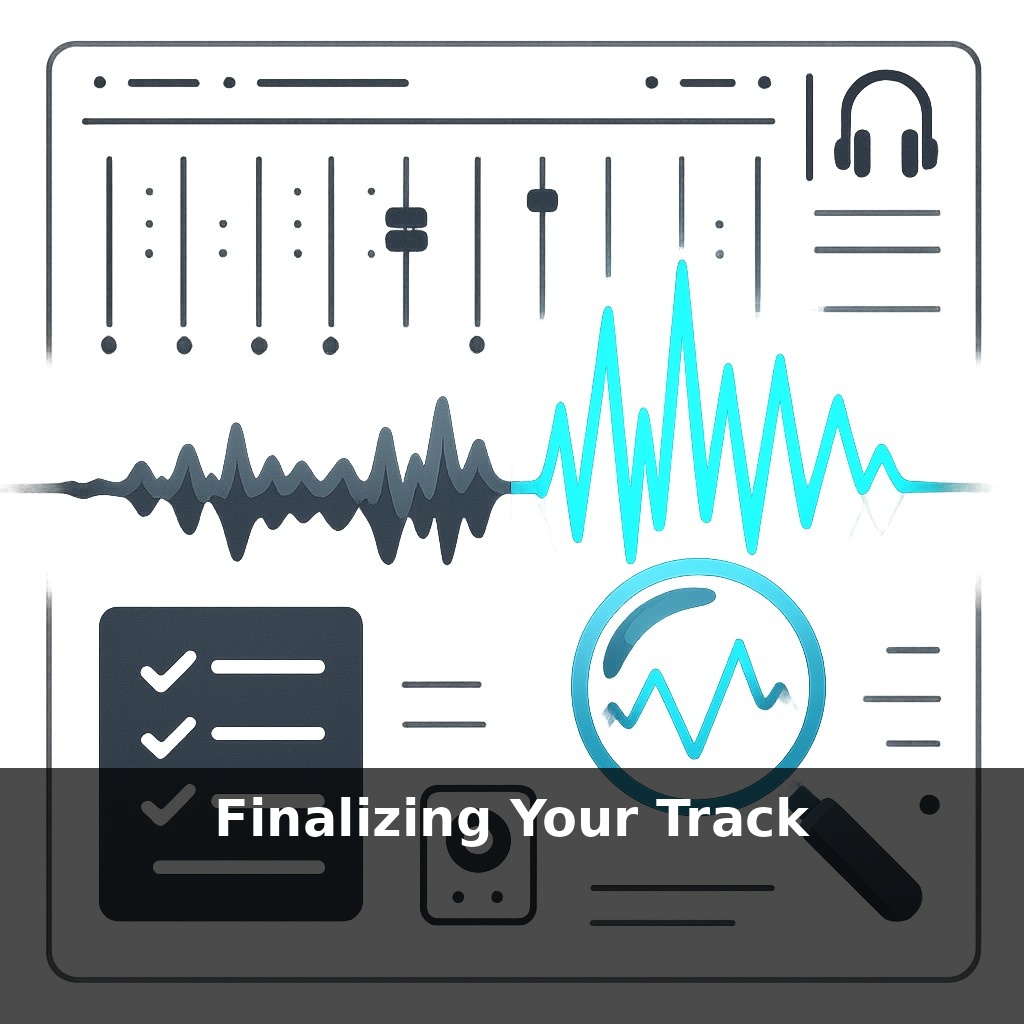
Most producers treat the end of a project like a finish line; professionals treat it like a quality‑control lab. This “finalizing” stage sits after your last creative tweak but before anyone touches mastering. Here, you stop thinking like the artist and start thinking like the listener, stress‑testing your track in the real world. That means checking how your kick‑bass balance holds up on a subway ride, whether your risers vanish on a phone speaker, and if your loudest snare hit still has 3–6 dB of headroom. You’ll critically listen in at least three playback environments, tighten stereo width so the drop doesn’t collapse in mono, clean clicks and noise that appear only at –30 dB, and set export levels so your integrated loudness stays sensible (typically –18 to –14 LUFS) without crushing transients. By the end, your stereo file will be robust, predictable, and ready for any mastering chain.
Finalizing isn’t about adding more plugins; it’s about making fewer, smarter moves. At this point, your job is to hunt for weak links that only appear once the track is “done.” That might mean catching hi‑hats that spike to –1 dBFS while the rest of the mix peaks around –6, noticing that a resonant synth at 3.5 kHz still feels harsh at low volume, or realizing your breakdown ambience masks the vocal tail below –24 dB. You’ll also log exact issues with timestamps (like “1:28–1:36 clap too wide”) and commit to concrete thresholds, such as “no peaks above –3 dBFS” and “no section feels louder than the main drop.”
Peak numbers don’t lie, and this stage is where you make them work for you instead of against you. Start by parking a true-peak meter on your master and playing the *entire* track. Your working target: loudest moment peaking around –6 dBFS, with nothing ever touching 0 dBFS and true peaks staying below –3 dBTP. If your drop already sits at –1 dBFS, turn the *master fader down*, don’t push into limiters. You want clean space, not fake loudness.
Next, zoom in on frequency build‑ups that only reveal themselves once you stop tweaking creatively. Sweep a narrow EQ band and solo ranges: 40–80 Hz for sub mud, 200–400 Hz for boxiness, 2–5 kHz for harshness, 8–12 kHz for brittle “air.” When you find a repeat offender—say a pad that spikes 4 dB at 3 kHz in the pre‑chorus—fix it on the *source* channel with a small, focused cut (–1.5 to –3 dB) instead of slapping a huge EQ curve on the master.
Then, lock in your dynamics. Use a LUFS meter to compare sections: if your breakdown is only 1 dB quieter than your drop (e.g., –15 vs –14 LUFS short‑term), automation is your friend. Pull supporting elements down 2–4 dB so the drop actually feels like a lift. Likewise, if one snare flam at 2:07 triggers 3 dB more gain reduction than the rest, trim that hit’s clip gain by –2 dB instead of forcing a compressor to work overtime.
Stereo details come next. Use a correlation meter and a simple mono button. If your supersaw lead at 1:32 nearly vanishes in mono, check for over‑wide chorus or Haas delays (10–30 ms offsets). Reduce the wet amount or narrow the stereo width to 60–75% until that hook still feels solid when collapsed.
Finally, clean the edges. Scrub headphones at low volume for clicks, pops, and abrupt edits—especially around 0:29, 1:01, and every transition. Crossfade regions by 5–20 ms, fade automation tails by 6–12 dB, and make sure there’s at least 500 ms of silence before the first sound and 2–4 seconds after the last reverb tail. These tiny numbers add up to one thing: a mix file your future self—or a mastering engineer—can trust.
Think of your DAW session like a well‑organized codebase before deployment: the logic (mix) works, but sloppy structure slows everything down. In practical terms, that means session hygiene and decision‑making that directly affect how confidently you can let go of the track.
Rename channels so a stranger could navigate them: “KICK_MAIN,” “BASS_GROWL,” “FX_RISER_02,” not “Audio_14.” Color‑code groups (all drums blue, synths green, vocals yellow) and route them to clear buses like “DRUM BUS” and “MUSIC BUS.” Flatten heavy VST chains you’re sure about to audio—printing a reverb throw from bar 65 to 73, for instance—so the project opens quickly and behaves the same on any machine.
Then, print a test pre‑master at 24‑bit, peaking around –6 dBFS, and *don’t touch the mix* for 24 hours. The next day, compare that file at matched volume against two or three reference tracks in your genre. Note time‑stamped issues like “0:47 lead feels buried vs reference” or “2:15–2:22 low‑end feels thinner,” then fix only those items—no new sound design, no new layers.
AI mastering will only get pickier. Services already react differently if peaks sit at –1 dBFS vs –6 dBFS; future tools may analyze transients, crest factor, and phase with similar scrutiny. A snare that smears over 40 ms or a bass with +6 dB at 50 Hz could trigger “safety” processing that dulls your punch. As immersive formats spread, expect delivery specs like “LFE under –10 dBFS” or “front image >70% correlation,” rewarding producers who already tame problems before export.
Your last step now is consistency: write a short checklist and stick to it every time. For example: check peaks below –6 dBFS, verify short‑term LUFS differences of 3–6 dB between verse and drop, confirm mono compatibility at 80–100 Hz, and log 3–5 timestamped notes per version. Repeat this on 5 tracks and your “standard” becomes pro-level.
Here’s your challenge this week: take one unfinished track and spend 90 minutes moving it from “idea” to “final bounce.” First, lock in your arrangement by committing to a clear intro, verse/chorus (or main section) structure, and an ending—no more dragging clips around after that. Next, spend the rest of the time doing only mix-finishing moves from the episode: balance levels, set a single reference track and match overall loudness/energy, check your low-end on small speakers, and print a final WAV/MP3. When the timer ends, you’re done—no revisiting, no tweaking tomorrow.