Right now, as you listen, there’s a good chance most of your workday is not “real work” at all. It’s shuffling: forwarding files, renaming docs, copying meeting details. The paradox is this: the tasks that feel too small to fix are quietly stealing hours of your week.
Most people assume automation is for programmers or giant companies with robots on factory floors. But in 2026, a single remote marketer, PM, or ops lead can quietly hand off 4–8 tiny jobs to software before lunch—without writing a line of code. Think: every new client email gets its attachment filed in the right Drive folder, a line added to your CRM, and a task created for next steps… all while you’re in a meeting or on a walk.
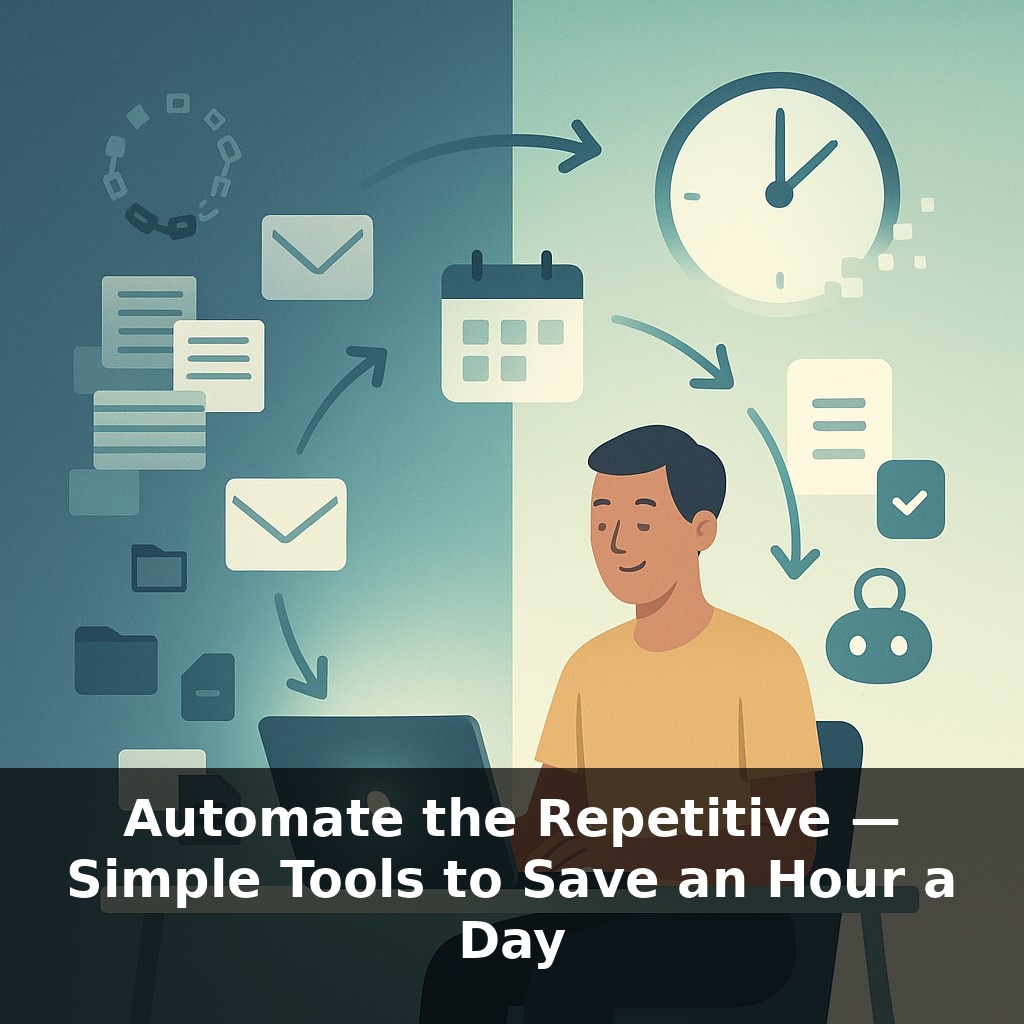
Here’s the twist: these aren’t big, dramatic systems overhauls. They’re almost embarrassingly small tweaks—“when this, then that” rules connecting the tools you already live in: Gmail, Slack, Notion, Zoom, Sheets. Yet when they run all day in the background, case studies show they reliably free up 45–75 minutes, every workday.
For remote teams spread across time zones, these invisible helpers also smooth handoffs so work keeps moving while you’re offline.
Here’s the context most people miss: the “work about work” problem is big enough that Asana’s research suggests it eats 59% of a typical knowledge worker’s day. That’s not poor discipline—that’s a system issue. Tools multiply faster than our habits can keep up, so you bounce from Slack to Gmail to Notion like changing TV channels, hoping something important appears. The opportunity isn’t to “work harder” inside that chaos, but to quietly wire your apps together so routine steps happen without you, even while you’re deep in focus or fully offline.
Here’s where things get interesting: you don’t need a 50‑step monster workflow to reclaim serious time. The leverage comes from spotting “micro-loops” you repeat dozens of times a week and chaining just two or three steps together.
Think in categories rather than tools. Most people have the same five friction zones:
1) Intake Anything that “arrives”: emails, form fills, DMs, calendar events, meeting recordings. These are natural starting triggers. Example: new lead form submitted, new Zoom recording available, new message in a “support” Slack channel.
2) Sorting You currently do this with your eyes and mouse: “Oh, this is a lead,” “this is an invoice,” “this is a bug report.” Simple filters replicate that logic. Subject contains “invoice,” form answer equals “enterprise,” event includes “Intro Call.” You’re encoding rules you already follow mentally.
3) Storing Once sorted, where does it live? Cloud folders, spreadsheets, a lightweight CRM, a Notion database. One powerful pattern: “one source of truth per object.” One master sheet for leads, one table for content ideas, one board for customer issues. Automations just keep these up to date.
4) Notifying The right person needs to know without everyone being spammed. Use targeted notifications, not blasts: post to a specific Slack channel, tag the owner in a task, send a DM only when a threshold is crossed (e.g., “5+ P1 bugs created today”).
5) Closing the loop This is where many people stop, leaving half the benefit on the table. A loop is closed when you don’t have to ask, “What’s next?” Example: when a proposal is signed, status changes to “Won,” a kickoff meeting is scheduled, and an internal checklist appears in your project tool. Now the outcome is baked in, not reliant on memory.
Notice none of this requires new software; it’s about connecting what you already use into clean, repeatable circuits.
For remote teams, these circuits quietly replace “Did you see this?” pings. A bug raised in London becomes a ticket in Jira, posts to #bugs, and lands in a prioritization view before anyone in New York wakes up. Work moves while people sleep, without more meetings or chasing.
A practical way to spot candidates is to watch for tiny actions you batch “for later” because they annoy you in the moment. For instance, a freelance designer who kept missing client feedback dug into her calendar history and Slack DMs. She found the pattern: every booked review call led to three follow‑ups—share the link, log the decision, update her kanban. Now, new calendar events containing “Review” auto‑create a task with the Zoom link attached and a due date set to the meeting time. She still runs the conversation—but no longer burns 10 minutes per client on bookkeeping.
In a small SaaS team, a support lead noticed mornings vanished into triage. She connected their form tool, inbox, and issue tracker so any message tagged “billing” landed straight in a shared queue with customer info attached. Her team still replies manually, but they start from a sorted, prioritized list instead of a chaotic inbox. It’s less heroic firefighting, more like a well‑tuned weather radar quietly surfacing the storms that actually matter.
Soon your tools won’t just follow your rules—they’ll propose their own. As systems watch how you move info, they’ll surface “draft” workflows the way music apps suggest playlists. Accept, tweak, or decline, and the system keeps learning. Like a good editor tightening your prose, it will quietly remove friction you’ve stopped noticing. And because these setups will travel with you, changing jobs may feel less like starting over and more like unpacking a familiar suitcase.
Your challenge this week: pick one annoying digital chore and retire it. Start with a single trigger you do daily—like saving files or logging call notes—and explore how your tools can link up for you. As you experiment, notice which patterns emerge next, like constellations you hadn’t seen in a sky you look at every day.